If you have a laptop, desktop, phone, console, or monitor you no longer use, you may be looking for electronics recycling in Panama. Before treating it as waste, ask a more useful question: can the equipment still be reused, repaired, or used for technical learning?
Crezendo receives inquiries about technology donations and evaluates each case before coordinating. This guide helps you prepare the necessary information, protect your data, and distinguish donation, repair, and responsible recycling.
Should you donate or recycle your electronics?
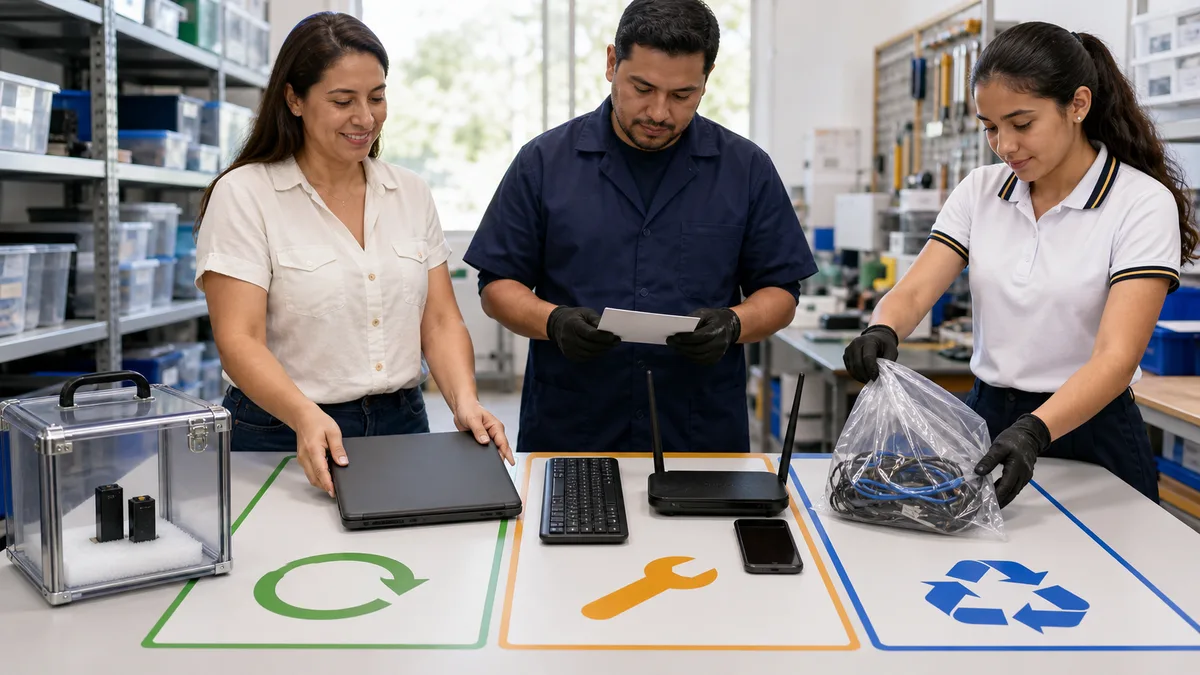
Donation and recycling are not synonyms:
- Reuse means that the equipment or one of its components can continue serving a purpose.
- Repair or refurbishment seeks to restore a function through diagnosis, cleaning, updating, or replacement of parts.
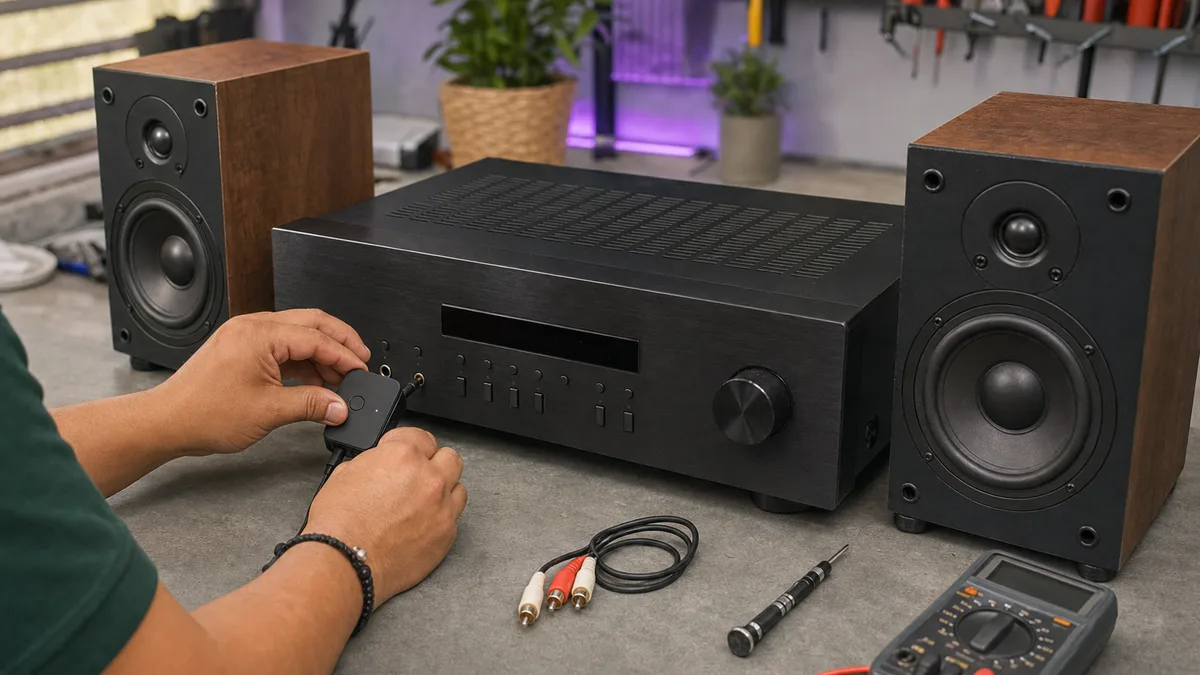
- Technical practice can use real hardware for diagnostics and repair training when its condition and safety allow.
- Recycling processes materials from equipment that no longer has a reasonable reuse path.
The Motovolo and Crezendo portfolio includes rehabilitating computers with outdated technology to support foundations and NGOs. An older computer should therefore not be discarded only because of its age. Its condition, components, and possible use should be evaluated first.
To understand why this decision matters, read about the environmental impact of electronic waste.
Which electronics can you ask Crezendo about?
Crezendo's donation page presents these categories:
- Laptops and tablets.
- Desktop computers.
- Phones and smartphones.
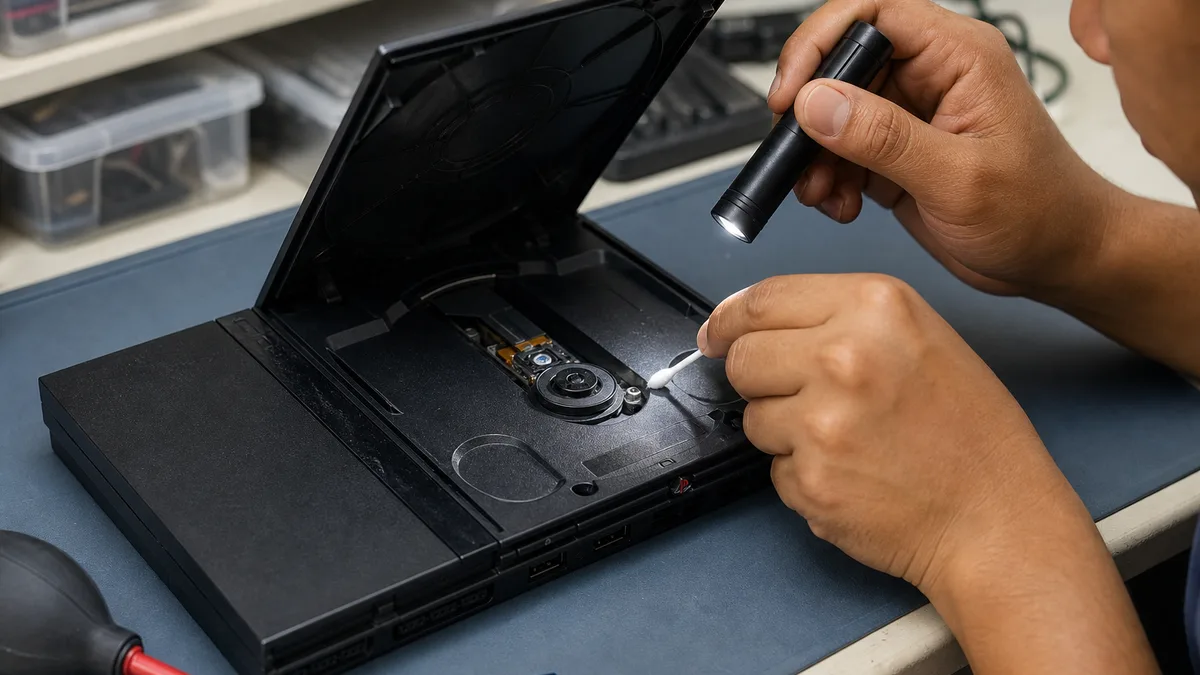
- Video game consoles.
- Monitors and peripherals.
- Cables, chargers, and accessories.
- Computer components.
This does not mean that every item is accepted automatically. Before moving anything, share the inventory, condition, and photographs through the donation page. Crezendo can confirm whether the equipment fits its capabilities and how to continue.
For a broader business case, read the guide to donating used office equipment.
What condition may still be useful?
Equipment does not need to be new to deserve an evaluation. It may have potential value when it:
- Works but is slow or uses older software.
- Powers on but needs diagnosis or maintenance.
- Has a localized fault involving the keyboard, storage, memory, or power supply.
- Is incomplete but retains identifiable components.
- Is business hardware that may support infrastructure practice.
Describe the condition precisely. Do not say only that it is "damaged": state whether it powers on, what problem you observed, how long it has been stored, and which accessories are included.
If you see a deformed battery, heat, liquid, burn marks, severe corrosion, or sharp parts, do not improvise a shipment. Report the condition before moving the equipment and wait for instructions appropriate to the case.
How to prepare devices before donating
Organized preparation reduces uncertainty and prevents useful accessories from being lost:
- Create an inventory. Record the brand, model, quantity, and serial number when available.
- Document the condition. State whether it powers on, which components are missing, and which faults you know.
- Take photographs. Include an overall view, ports, model label, and visible damage.
- Gather accessories. Identify compatible chargers, adapters, docks, controllers, cables, and parts.
- Remove personal items. Check cases, trays, optical drives, and bag pockets.
- Protect your information. Back up what matters, unlink accounts, and erase data before handing over the device.
- Ask before transporting. Use the donation page to confirm the next step and coordination conditions.
Do not post serial numbers, credentials, or photographs of private information on social media. Share them only through the channel Crezendo confirms for evaluating the donation.
How to back up and remove personal data
The equipment owner retains the initial responsibility for its information. Before donating:
- Copy documents, photographs, and files you want to keep.
- Sign out and unlink Apple, Google, Microsoft, and other platform accounts.
- Turn off activation-lock or location features when applicable.
- Remove SIM cards, memory cards, and external media.
- Follow the manufacturer's official instructions to reset or erase the device.
- For business equipment, consult the technology owner and retain the asset-disposition record.
A reset should not be presented as a universal guarantee that information is unrecoverable. Results depend on the device, encryption, storage type, and procedure. If the equipment contains confidential or regulated information, obtain help from a qualified professional before handing it over.
Crezendo can discuss the equipment's condition, but this guide does not promise certified data destruction or replace a corporate security policy.
What may happen after evaluation?
Evaluation distinguishes possible paths without promising an identical outcome for every device:
- Direct use, when it works and matches a need.
- Refurbishment, when a reasonable upgrade or repair can extend its useful life.
- Technical practice, when the hardware is appropriate for diagnostics or learning.
- Component reuse, when some parts retain value.
- Decline or responsible recycling, when the equipment does not fit available capabilities or its condition prevents useful application.
The specific path is confirmed after the equipment and its condition are understood. Donating does not automatically mean recycling, and asking does not guarantee acceptance.
Business equipment: servers, networking, and components
Servers, switches, routers, racks, UPS units, storage devices, and other business components may have potential value for labs, infrastructure, technical practice, or refurbishment. They also require more information than a personal device.
Prepare:
- Manufacturer, model, and quantity.
- Power-on condition and known faults.
- Basic configuration, when it can be shared without exposing sensitive information.
- Approximate dimensions and weight.
- Inventory of drives and other storage media.
- Photographs of ports, labels, and damage.
- Internal removal or disposition requirements.
For these assets, agree on inventory, storage media, responsible contacts, and logistics before moving them. Do not remove servers or delete assets from a business inventory without the appropriate internal authorization.
Graphics cards and other internal components
An old graphics card should not be classified as waste merely because of its age. Record the brand, model, whether it worked when removed, and any symptoms; if it was not tested, describe it as untested rather than assuming it is broken. If you see corrosion, moisture, a burnt smell, melted connectors, or a cracked board, do not power it “just to see whether it still works.”
If you need to remove it from a computer, shut the system down, unplug it, let components cool, and follow the case or manufacturer's instructions. Hold the card by its edges and metal bracket, avoid touching the PCIe connector or circuitry, and do not remove the heatsink as part of donation preparation. For storage or transport, use an anti-static bag inside a rigid box with cushioning that does not press on fans or the board. If you do not have anti-static packaging, mention that when asking instead of improvising with conductive materials.
A GPU by itself is not the usual place where documents or personal accounts remain after a computer is powered off; if you are also handing over hard drives or SSDs, treat those media separately. This evaluation logic removes the need for a separate URL for every component type and lets GPU, RAM, boards, and accessories be described within the same inventory.
Small personal devices also deserve evaluation
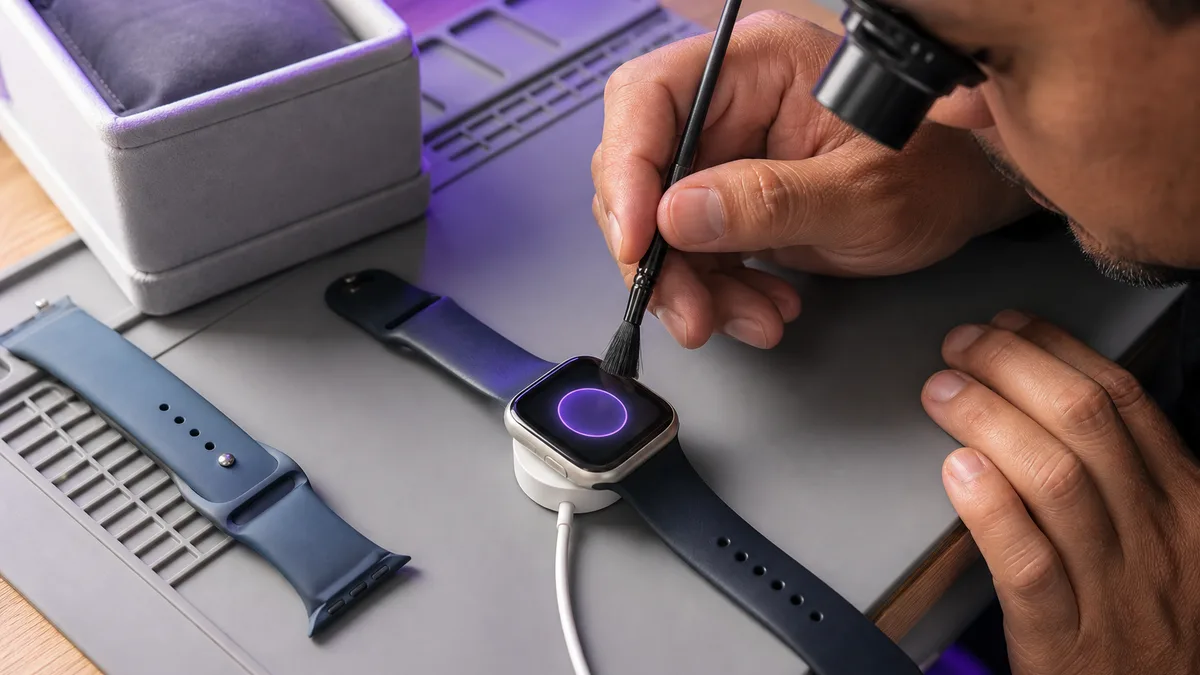
A smartwatch, phone, controller, keyboard, or accessory may seem less important than a computer, but it can contain data, batteries, or useful components. See what to do with an old smartwatch to apply the same sequence: back up, unlink, evaluate, and decide.
Group accessories by device and label each set. An identified compatible charger or adapter can simplify evaluation and avoid unnecessary purchases.
When electronics recycling is the appropriate alternative
Recycling should be considered when a responsible evaluation concludes that equipment cannot be reused, repaired, harvested for components, or used safely for learning.
In that situation:
- Check the current rules and instructions that apply in Panama.
- Find an authorized handler for the type of waste.
- Do not mix batteries or hazardous components with household waste.
- Request treatment evidence when your organization requires traceability.
- Retain an asset-removal record for business equipment.
Crezendo should not be represented as a certified recycler unless that capacity is expressly confirmed for the case. Its primary role in this path is to evaluate the potential for donation and educational reuse.
Business donations and documentation
If the equipment belongs to a company or institution, prepare ownership information, removal authorization, inventory, and documentation needs before coordinating. Tax consequences depend on the donor's circumstances and current rules; they should not be assumed.
Read about equipment donations and possible tax implications and validate any tax decision with a qualified professional.
How to start your donation with Crezendo
The process starts with information, not an unexpected shipment:
- Visit Donate to Crezendo.
- Describe the equipment, quantities, and condition.
- Attach or prepare useful photographs.
- State whether the equipment belongs to an individual, company, or institution.
- Mention special conditions, battery damage, or sensitive data.
- Wait for confirmation of scope and coordination.
This step lets Crezendo confirm what it can evaluate and prevents unnecessary transportation.
Frequently asked questions about donating and recycling electronics in Panama
Where can I donate used electronics in Panama?
You can begin an inquiry through Crezendo's donation page. Share the equipment type, quantity, condition, and photographs so Crezendo can confirm whether it fits and how to coordinate.
Can I ask about a laptop that does not work?
Yes. A fault does not automatically eliminate potential value. Describe whether it powers on, what fails, which pieces are missing, and whether the charger is included. An inquiry does not guarantee acceptance.
Can Crezendo evaluate servers and networking equipment?
You can ask about them. Their size, storage, and configuration require an inventory and prior review. Do not transport them without confirmation.
Should I include chargers and cables?
List them in the inventory and label which device each one belongs to. Do not add unknown or damaged cables without describing them.
How do I remove my files and accounts?
Back up your data, sign out, unlink the equipment, and follow the manufacturer's official instructions. For business, sensitive, or regulated data, consult a professional before donating.
What is the difference among reuse, repair, and recycling?
Reuse keeps equipment or a component in service; repair attempts to restore a function; recycling processes materials after no reasonable use path remains.
What if I do not know whether the device can be repaired?
Do not discard it based on intuition. Send the equipment information to Crezendo and wait for the initial evaluation.
Does Crezendo automatically accept every electronic device?
That should not be assumed. Category, condition, safety, and available capacity are reviewed before coordination.
When should equipment be recycled?
When no reasonable and safe path remains for reuse, repair, learning, or component recovery. An authorized channel for that waste is then appropriate.
What is the next step?
Gather the inventory and visit Donate equipment to Crezendo. A clear description helps you receive a useful response from the first contact.