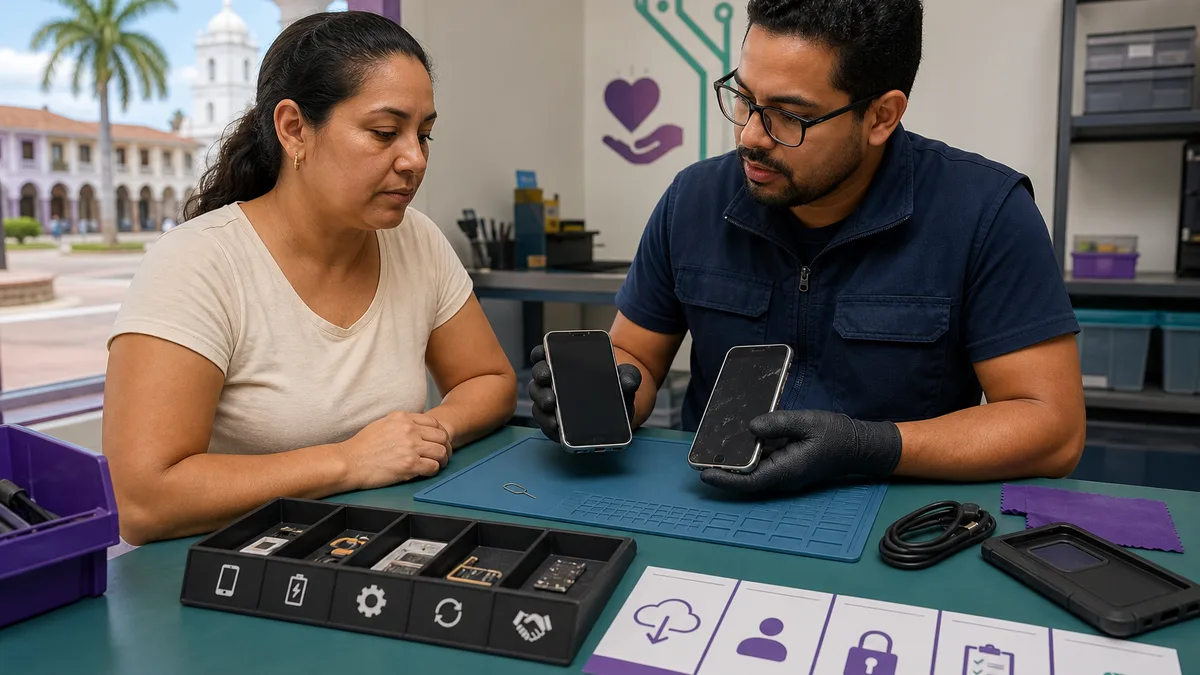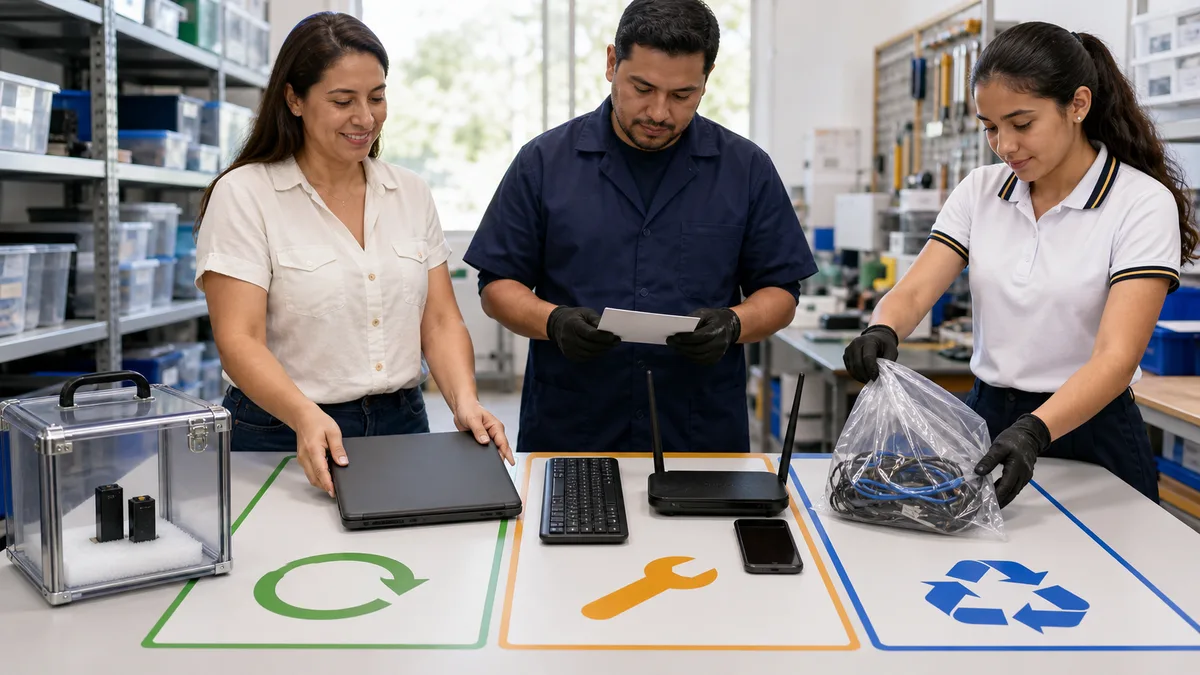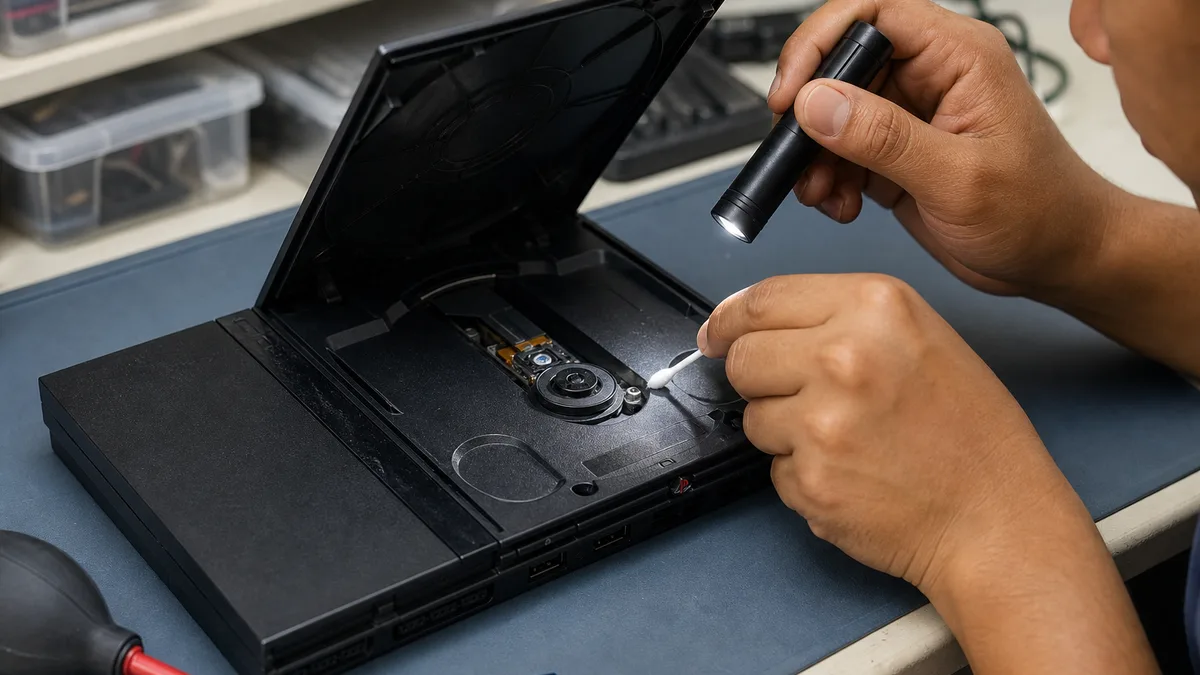
If your PS2 Slim powers on but does not recognize discs, you do not need to open it to collect useful information. Perform only external, reversible checks, write down exactly what happens, and stop if you notice scraping, an unusual smell, excessive heat, liquid, or a damaged cable. You can then choose between a technical assessment, keeping it, or asking Crezendo about donating it.
A console that does not read discs is not automatically beyond use, but the symptom does not identify a failed part by itself. The disc, compatibility, lid closure, mechanism, and optical system are possible categories. This guide helps separate observations; it is not a diagnosis and cannot guarantee a repair.
Quick answer: what to do first
- Turn off and unplug the console before checking a cable, case, or disc.
- Do not use a cracked, warped, adhesive-repaired disc or one with a loose label.
- Record the model and symptom without posting the full serial number publicly.
- Test no more than a few original, compatible discs that are known to work, one at a time with the console closed.
- Do not open the PS2 or bypass lid sensors. Do not adjust the laser or energize an open console.
- If you do not want to invest in an assessment, keep the console and accessories together and ask Crezendo before discarding them.
If the disc scrapes, you hear repeated clicking, the console was dropped, liquid entered it, it smells burnt, or it becomes unusually hot, skip the remaining checks. Unplug it and describe that condition when you ask about donation.
Why a PS2 Slim may stop reading discs
“Not reading discs” can describe different situations:
- the screen stays in the browser and the game never appears;
- a disc-read error is displayed;
- one disc works and another does not;
- the console tries to read, stops, and tries again;
- the disc does not appear to spin;
- you hear scraping, tapping, or vibration;
- only one disc type or region fails.
Those differences matter, but an observation is not a diagnosis. For example, when one disc fails and others work, inspect that medium first; when several known-good compatible discs fail, the console merits assessment. Neither result proves that “the laser is dead” or tells you which replacement to buy.
The PS2 Slim family contains different hardware revisions. With the console off, find the SCPH-xxxxx model code on its external label. The model helps locate the correct documentation and parts; you do not need the individual serial number to ask for guidance, and you should avoid exposing it in public photos.
Safe checks before opening or discarding the console
1. Inspect the exterior while unplugged
Make sure the case closes without force and look for loose objects, liquid residue, insects, visible corrosion, or blocked vents. Inspect the cable and the power supply or power connection appropriate to your model. Do not connect the console if you see melted plastic, an exposed conductor, a loose plug, or an improvised repair.
Remove only surface dust with a soft, dry cloth. Do not insert compressed air, liquids, cotton swabs, or tools through openings. Internal cleaning requires disassembly and is outside this household check.
2. Inspect the disc, not the laser
Hold the disc by its edges. Do not use one that is cracked, bent, separating, or repaired; rotation can damage the medium and the console. For fingerprints or dust, PlayStation's current official disc-issue guidance recommends a lint-free cloth designed for optical discs. That page is for PS5 and is cited here only for general disc care, not as a PS2 repair procedure.
Wipe gently from the center toward the edge. Avoid circular scrubbing, abrasives, polish, alcohol, or solvents that the manufacturer has not specified. Set a heavily scratched disc aside rather than using it as your only test.
3. Test on a stable surface
Connect the console normally, without improvised extensions or removed parts. Place it horizontally on a stable surface. Insert one compatible disc, close the lid completely, and observe the screen. Do not press the lid to “make contact” or put objects into its sensors.
Turn off the console and wait for the disc to stop before changing it. Never touch a spinning disc. If you hear scraping or impacts, turn it off and unplug it immediately.
4. Compare more than one known-good disc
Use another original, compatible disc in good condition that has worked before. Comparing two or more known discs is more informative than repeatedly trying the same one. Record the name or medium type, but stop testing if the mechanism makes abnormal sounds.
Media compatibility is not universal. Region, format, condition, and how a disc was produced can affect playback. Do not use copies, console modifications, or protection-bypass methods as diagnostic tools. They move away from the purpose of the check and introduce variables that make the result harder to interpret.
How to record the symptom without guessing the cause
| What you observe | What it tells you | Prudent next step |
|---|---|---|
| One disc fails; others work | That specific medium needs attention | Set it aside; do not open the console |
| Several compatible, known-good discs fail | The reading system or mechanism may need assessment | Stop repeating tests and request an evaluation |
| The disc does not appear to spin | A detection, actuation, or mechanism issue is possible | Do not bypass the lid or move parts by hand |
| Scraping, clicking, or vibration occurs | Continuing may damage the disc or mechanism | Turn off, unplug, and do not repeat the test |
| Reading is intermittent | Record the discs and conditions involved | Do not assume cleaning will solve it |
| It does not power on, or there is unusual heat or odor | This is no longer only a reading test | Do not reconnect it; report the condition |
Keep facts separate from hypotheses in your note. “It powers on, shows the browser, and neither of two compatible discs appeared” is useful. “The laser is burnt out” is not useful unless someone has properly measured and diagnosed the system.
Home repairs to avoid
A PS2 Slim contains an optical system and electrical components. Do not use any of these as a quick test:
- opening the case while it is connected;
- looking directly into the optical emitter or activating it with the lid open;
- bypassing lid switches or closure sensors;
- turning laser potentiometers “until it reads”;
- forcing the carriage, spindle, or disc retainer;
- applying oils, grease, contact cleaner, or solvents without a model-specific procedure;
- buying a module merely because a video shows the same symptom;
- allowing a child to handle an open console or small parts.
The official guide preserved for the SCPH-90000 family illustrates why the model and manufacturer precautions matter. If you choose repair, locate documentation for your revision and a person who can diagnose it with the power removed and appropriate controls. This article does not recommend a universal part or adjustment.
What to include when donating a PS2 Slim to Crezendo
Crezendo's current donation page lists consoles among devices that can be proposed and explains that damaged equipment may support learning. That does not guarantee that a specific PS2 can be repaired or that the donor will take part in a course. Communicate its condition and coordinate first.
Prepare a short note with:
- the
SCPH-xxxxxmodel code; - whether it powers on and displays an image;
- the exact message shown on screen;
- how many compatible discs you tested and what happened;
- any noise, drop, moisture, odor, or excessive heat;
- the power supply or power cable, video cable, and available controllers;
- previous repairs, if known.
Keep each disc in its case and keep cables dry without winding them tightly. Controllers, memory cards, and games are optional: state what you want to include. If a memory card contains saves you want to keep, remove it before handing over the equipment. Do not post the complete serial number publicly; provide it only if Crezendo requests it during coordination.
You can also review what to do with console games you no longer use, how to donate old discs and PC games in Panama, and the guide to donating consoles and controllers. Keeping compatible accessories together can make assessment easier, but do not buy parts or cables merely for donation.
What value a non-working console may retain
Even when it never reads another disc, a complete console may help document a model, support responsible inspection practice, or demonstrate relationships among the power system, controls, connections, mechanism, and optical assembly. Some components may be useful for comparison or parts. These are possibilities that depend on assessment—not promises of repair, reuse, or impact.
Educational potential does not justify accepting unsafe equipment without warning. Report liquid, pests, fire exposure, an unrelated battery installed inside, exposed wiring, or loose parts. Crezendo needs that information to decide how it should be handled and whether the donation is appropriate.
When recycling becomes the last alternative
First ask whether the console has repair, reuse, or educational value. If Crezendo confirms that it cannot use it, look for a current, authorized electronics-waste option in your community. Do not mix the console with regular household trash or leave it at an unconfirmed collection point.
The US EPA explains electronics donation and recycling and notes that both must be handled correctly. In Panama, MiAmbiente has documented separate collection of electronic equipment and the importance of proper waste management. These references support responsible disposition; they do not guarantee that a particular facility currently accepts a PS2 and do not replace local confirmation.
Frequently asked questions
Can Crezendo use a PS2 Slim that reads no discs?
You can ask. The donation page includes consoles and damaged equipment, but the use of a particular device depends on its model, condition, risks, and accessories. Describe everything before transporting it.
Should I clean the lens before donation?
No. This guide recommends cleaning only the exterior of a disc. Accessing the lens requires opening or manipulating the optical system. Leave the console closed and explain which external checks you completed.
Should I include cables, controllers, and discs?
If you already have them and want to include them, separate and describe them. They can help assess the set, but you may ask about donation even when an accessory is missing. Do not include cracked or warped discs.
Does powering on mean the fault is minor?
No. Powering on confirms only part of the behavior. It does not identify the optical system, mechanism, or cost of repair.
What should I do if the disc does not spin or makes noise?
Turn off, unplug, and do not repeat the test. Do not press the lid, bypass sensors, or move the mechanism. Describe the noise in words; you do not need to energize the console again to record a video.
Can I donate only the console?
You can ask. Clearly state what is missing. Coordinating first prevents unnecessary trips and lets Crezendo confirm the next step.
Ask about donation before discarding it
Open the donation page, select the contact route, and describe the model, symptom, and accessories. Wait for the applicable confirmation before sending or delivering the console. You do not need to open it or produce a diagnosis for the information to be useful.