When a company in Panama is replacing computers, monitors, printers, IP phones, peripherals, or accessories, the first question should not simply be “where can we drop these off?” Before moving anything, determine which assets are leaving inventory, what data they contain, their actual condition, and whether reuse or donation is a reasonable route.
This URL has a very clear search signal. During the reviewed 90-day window it received 180 impressions for “where to donate office equipment” at an average position of 1. That strongly supports keeping this page as the specific business guide—but not the old promises about tax deductions, pickup, documentation, or guaranteed destination.
Quick answer: start with an inventory
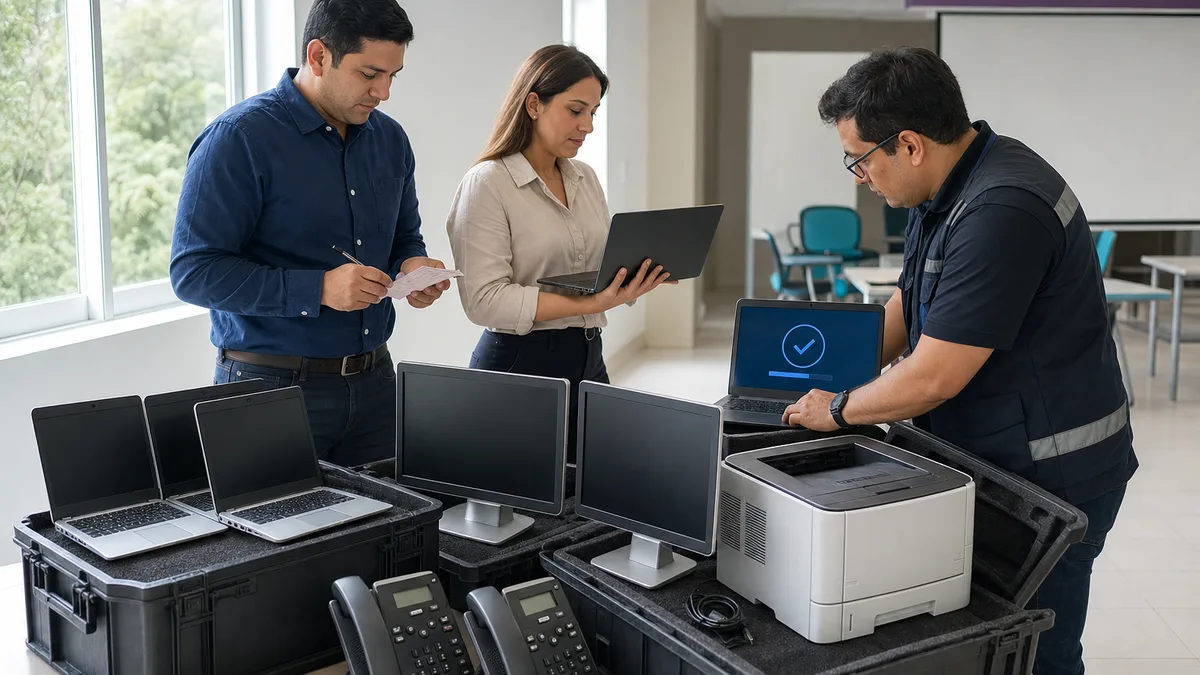
Before contacting a recipient organization, prepare a list containing:
- equipment type;
- brand and model;
- quantity;
- serial number or internal asset ID when relevant;
- known condition;
- included accessories;
- disks, flash storage, memory cards, or other storage media;
- visible damage;
- physical location;
- access, removal, or transport restrictions.
With that information, the receiving organization can give a useful answer without unnecessary movement of equipment.
1. Decide whether the asset should be reused, sold, donated, or treated as waste
There is no single correct outcome for every device.
- Internal reuse: assign it to another employee, location, or function.
- Sale or transfer: when it retains commercial value or a suitable recipient exists.
- Donation: when the company wants to transfer it and an organization confirms it can evaluate or use it.
- Recycling or specialized management: when there is no reasonable reuse path, the condition is unsafe, or the material requires a specific disposal route.
Donation is not automatically better than reuse, sale, or recycling. The decision depends on condition, value, data, internal policy, recipient needs, and applicable obligations.
2. Do not remove an asset from inventory without internal authorization
The physical removal of company property should match the administrative record. Before coordinating delivery, identify:
- who owns the asset;
- who authorizes disposal or transfer;
- whether an asset tag exists;
- whether Finance, IT, Security, Procurement, or Legal must participate;
- which internal record documents the transfer;
- whether leases, warranties, or return obligations still apply.
An informal donation arranged by someone who merely had the equipment in storage can create unnecessary problems.
3. Protect company data before transfer
Computers, phones, tablets, multifunction printers, servers, and some network devices may retain information.
Before transfer:
- identify every storage medium;
- back up information that must be retained;
- unlink accounts and services;
- follow the organization's approved sanitization procedure for that device;
- record what was done and who verified it when sensitive information is involved;
- retain or destroy storage media when internal policy requires it.
Formatting or reinstalling an operating system should not be presented as a universal guarantee of secure erasure. The right method depends on the storage type, encryption, sensitivity, and applicable policy.
Crezendo's guide on removing data before donating equipment covers this topic in more detail.
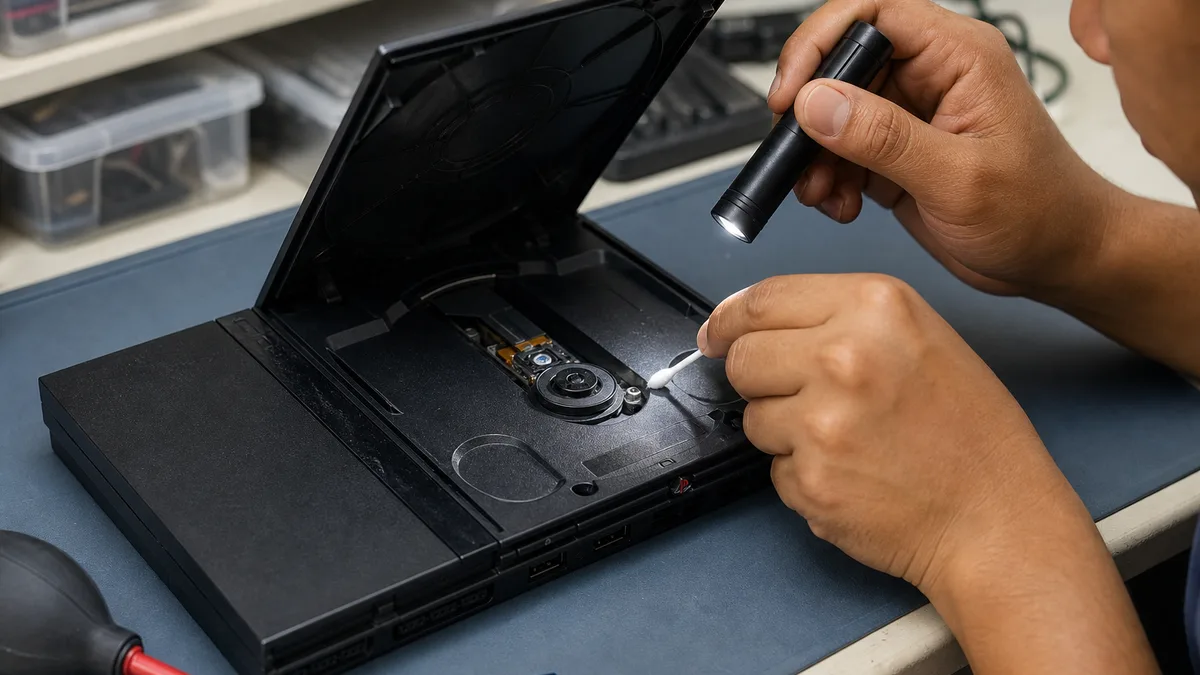
4. Describe condition without trying to make everything “perfect”
A useful assessment describes what is actually known:
- powers on / does not power on;
- boots / does not boot;
- intact / broken screen;
- normal / swollen battery;
- specific printer error;
- known port, keyboard, or power-supply fault;
- liquid, corrosion, or heat damage;
- missing parts;
- approximate last date of use.
Do not keep powering a device with a burnt smell, swollen battery, moisture, broken glass, or exposed conductors simply to prove that it works. Photograph and report the condition instead.
5. Which categories a company can ask Crezendo about
Crezendo's public donation page includes inquiries involving categories such as:
- laptops and tablets;
- desktop computers;
- phones;
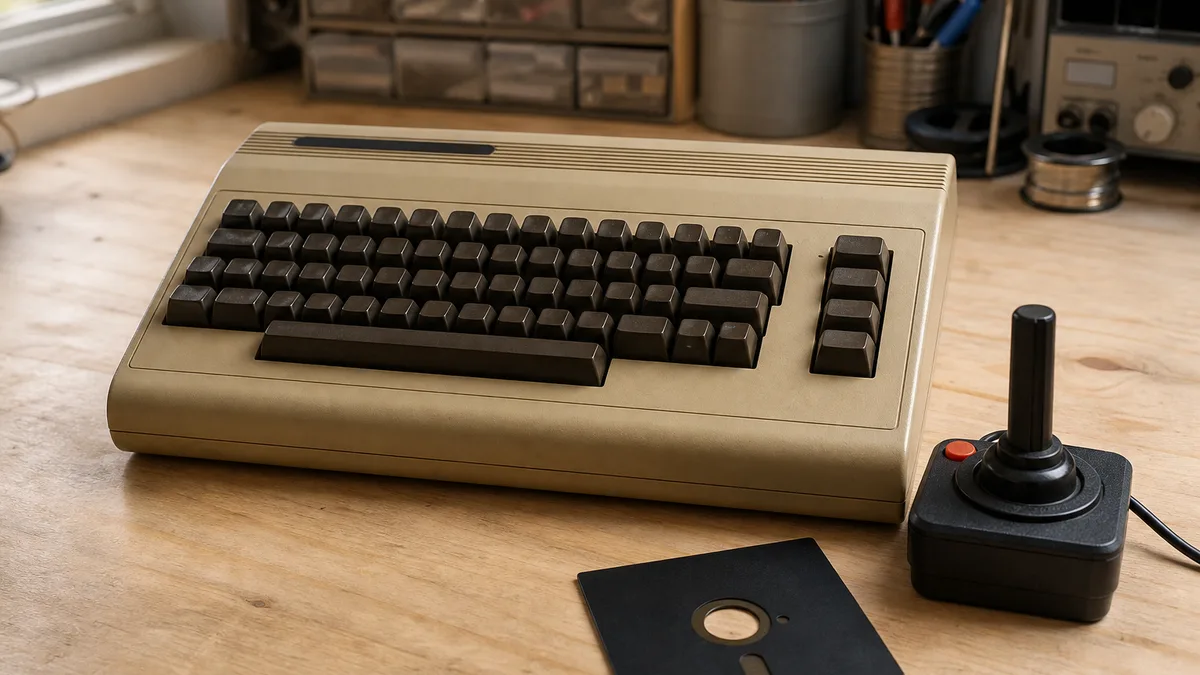
- game consoles;
- monitors and peripherals;
- cables, chargers, and accessories;
- computer components.
Business hardware such as servers, switches, routers, UPS units, and related equipment can also be discussed, but size, storage, configuration, and logistics make prior evaluation essential.
A listed category is not automatic acceptance. Crezendo confirms case by case whether it can receive the asset and how to proceed.
Ask Crezendo about a business technology donation
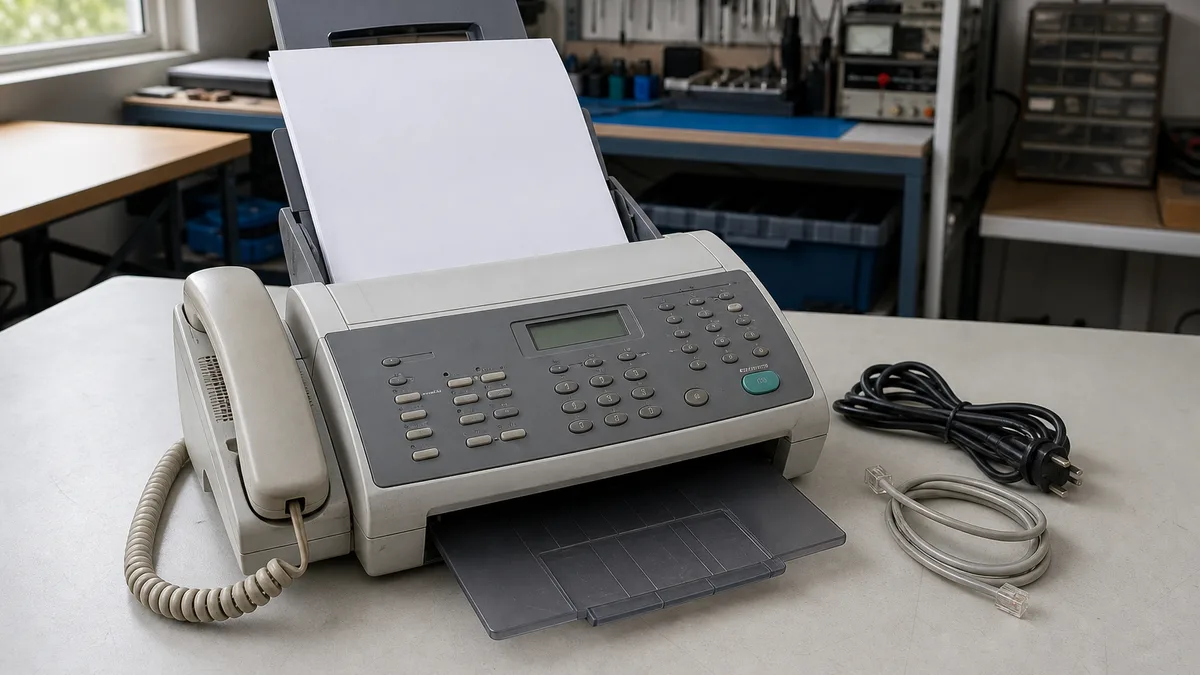
6. Printers and office equipment that are not obvious computers
A printer, IP phone, scanner, point-of-sale device, or similar appliance may contain network settings, address books, job history, memory, or internal storage depending on the model.
Before transfer:
- consult the manufacturer's manual;
- reset settings only when you know the correct procedure;
- remove configured credentials or accounts;
- document consumables and accessories;
- do not assume a recipient can use equipment that depends on closed licenses, contracts, or services.
7. Group cables and peripherals with context
An unidentified cable can be difficult to reuse. Label the device it belonged to, connector type, voltage/current for power supplies, visible condition, and quantity.
Do not dump unknown adapters into a box and leave identification entirely to the recipient. A clear photo of the label and connectors can save significant time.
The general guide to electronics donation and responsible recycling in Panama covers peripherals, cables, and components that do not need separate pages for every model.
8. Packaging and logistics come after evaluation
Do not assume home or office pickup, a permanent drop-off point, or free transportation. Send the inventory first and wait for confirmation.
If delivery is agreed:
- protect screens and fragile devices;
- do not stack heavy items on displays;
- keep identified accessories together;
- handle damaged batteries or hazardous conditions according to appropriate instructions;
- prepare building access, parking, elevators, or permits for a business site.
For large batches, dimensions, weight, number of boxes, access restrictions, and schedule may completely change the logistics.
9. Documentation, taxes, and CSR should not be assumed
A business transfer may require internal records, receipts, or audit evidence. That does not mean every donation automatically creates a tax deduction, CSR benefit, or document with a particular tax effect.
Consequences depend on the donor, recipient, asset type, valuation, documentation, and current rules. If the company expects specific tax treatment, confirm it with a qualified accountant or tax professional before making the decision.
Crezendo also has a guide on equipment donations and possible tax implications, but final tax treatment belongs to a qualified professional.
10. Avoid cannibalizing a query that already works
Search Console shows this page is strongly associated with “where to donate office equipment.” Other pages on the site have occasionally appeared for the same query, including the general donation page.
The right response is not to publish more “where to donate X from an office” articles. This URL should concentrate the business-office intent, while the general electronics guide covers personal devices and broad categories.
Future micro-pages about IP phones, point-of-sale hardware, peripherals, or accessories with no independent search demand should be evaluated against these pillars before remaining active.
Frequently asked questions
Does Crezendo pick up equipment from my office?
Do not assume so. Send the inventory, location, quantity, and condition first. Logistics are confirmed case by case.
Can I donate equipment that does not work?
You can ask about it. Describe the fault and any hazardous condition. An inquiry does not guarantee acceptance.
Should we remove hard drives?
That depends on company policy and data sensitivity. IT or Security should decide whether media should be sanitized, retained, or destroyed.
Is every business donation tax-deductible?
Do not assume that. Ask a qualified tax professional to review the specific transaction and documentation.
What should I do with a very large batch?
Prepare a reusable inventory—such as a spreadsheet—with quantities, models, condition, storage media, approximate dimensions, and representative photos. That allows the batch to be assessed before transportation is planned.
Start without moving a single box
The best first action is to prepare the inventory, resolve internal asset disposal, and protect the data. Then send the information through Crezendo's donation page and wait for a specific confirmation of what can be evaluated and how to coordinate it.