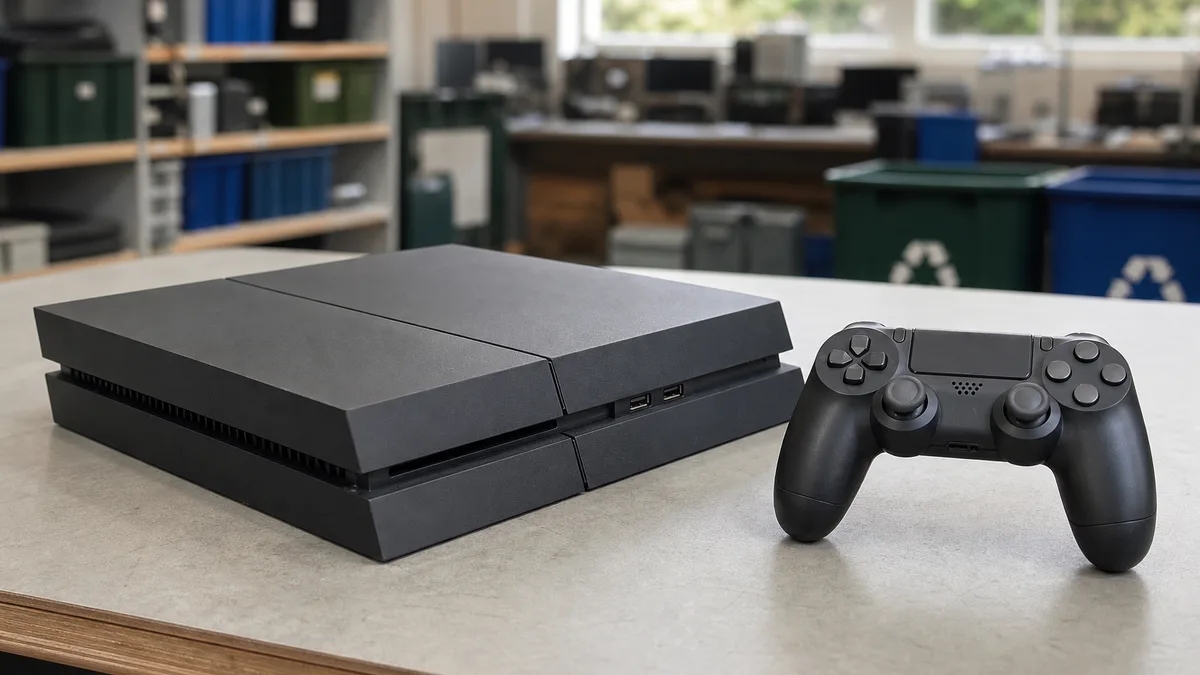
An old PS4 does not have one universally correct destination. If it works and someone still wants to use it, you can keep it, sell it, or ask about donating it. If it has a fault, describe the problem before deciding whether repair makes sense. If it is dangerously damaged and no reasonable reuse route remains, it should be handled as electronic waste rather than household trash.
Before handing the console to anyone else, protect your account and data. A PS4 can contain users, saved games, captures, videos, settings, and app sessions. PlayStation's official guidance recommends backing up what you need and restoring the console before transferring or disposing of it.
Quick answer based on the PS4's condition
Start with this classification:
| Condition | First option to evaluate | What to do beforehand |
|---|---|---|
| Works well and is complete | Keep, sell, or donate | Back up, deactivate, initialize, and test accessories |
| Works but lacks a controller or cable | Donate or sell with an exact description | Inventory what is present; do not promise a complete set |
| Starts but has disc, video, network, or storage faults | Technical evaluation or a donation inquiry | Record the error without opening the power supply |
| Does not start | Ask whether it can be evaluated | Do not claim that its data was erased |
| Has liquid damage, burnt odor, exposed wiring, or abnormal heat | Keep disconnected and seek guidance | Do not power it again; disclose the risk before transport |
| Unrecoverable with no reuse route | Responsible electronics-waste handling | Verify what an authorized handler accepts |
Age alone does not decide the outcome. The use it can still provide, its condition, safety, and whether it can be transferred properly are more useful than a generic lifespan number. See how to evaluate the useful life of technology for additional criteria.
Can your old PS4 still have a second life?
A working console can continue serving for compatible games, media playback, or another person's use. Before replacing it, identify the actual limitation: does it shut down, overheat, make unusual noise, lack space, or simply sit unused? An organizational or storage issue is not the same as an electrical fault.
Perform a simple exterior review:
- identify whether it is a PS4, PS4 Slim, or PS4 Pro and photograph the label;
- record the serial number and retain it as proof of ownership;
- inspect the case, ports, buttons, and power cord;
- confirm whether a controller, USB cable, HDMI cable, and other accessories are present;
- check for a disc inside and remove external USB storage;
- record error messages and known behavior.
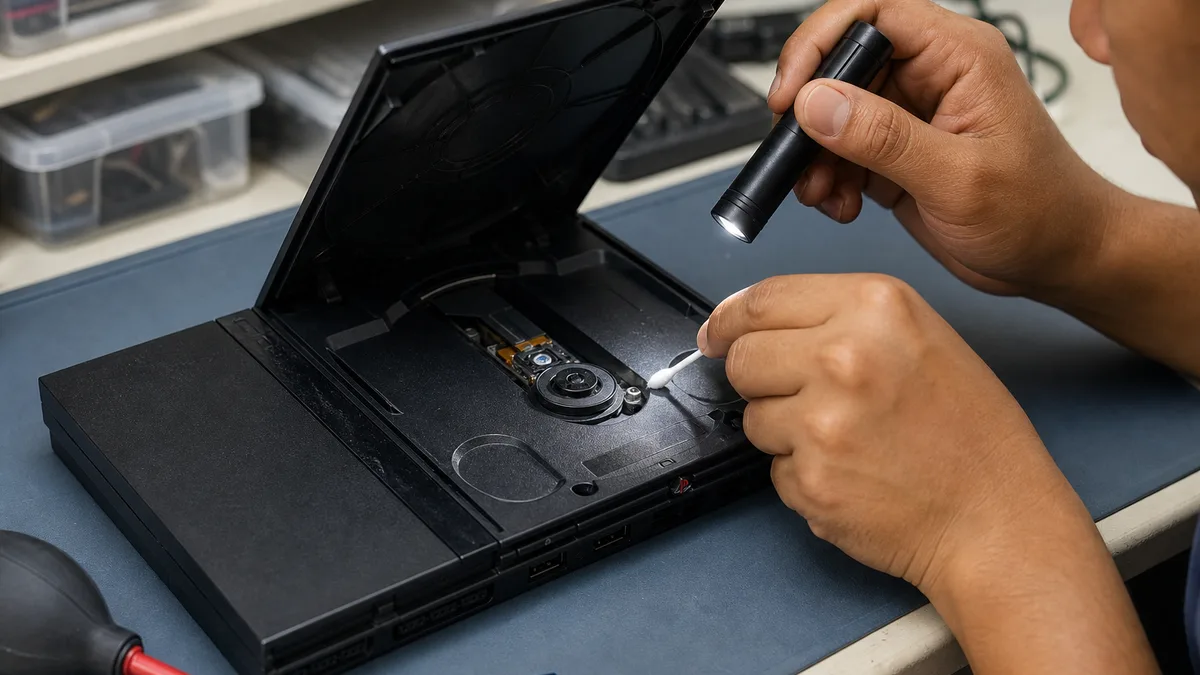
You do not need to disassemble it. Opening a connected console or working inside the power supply creates risk and can worsen a repairable unit. If the cord is damaged, liquid entered the case, there is severe corrosion, a burnt smell, or unusual heat, keep it off and disclose the issue.
Donating a PS4 to Crezendo
Donation is an option when you would rather have the console considered for a possible second life than sell it. Visit Donate Technology to Crezendo and share the model, photographs, general location, condition, and accessories. State clearly if it has a fault or you could not erase its data.
Crezendo must confirm whether the unit fits its current scope and agree on logistics. Do not assume automatic acceptance, pickup, repair, a particular program, a certificate, or a final destination. Asking first avoids unnecessary travel and lets a working, incomplete, or damaged console be treated appropriately.
The blog also has a focused guide on where to donate a used PS4 in Panama. This page answers the broader decision; that one goes deeper into preparing a donation inquiry.
When should you sell, repair, or keep using it?
Keep using it
Keeping the console makes sense if it works, you still enjoy its library, and it meets your current needs. Do not buy a repair or accessory impulsively; first identify the problem you are trying to solve.
Sell it
Selling may be reasonable when the console works and you prefer to recover some value. Do not set a price from an old number or a single listing. Compare units of the same model, storage, condition, and included accessories at the time of sale. Describe defects, prior repairs, and missing parts, and do not use photographs that conceal damage.
For a person-to-person sale, protect your physical and account security. Use a channel that preserves the conversation, agree on a limited test that does not expose your account, never share verification codes, and verify payment independently. Digital purchases remain tied to the account and should not be advertised as transferable property included with the console.
Repair it
A technical evaluation may help when the fault is clear and the console would have a purpose afterward. Ask for a diagnosis and scope before authorizing work. Compare the full cost with the usefulness you would gain, not an assumed resale promise. Do not declare a unit “unrepairable” solely because it does not start, but do not spend without knowing whether the issue is electrical, thermal, or storage-related.
How to back up and erase a PS4 before handoff
The order matters because initialization deletes information. Follow PlayStation's official guide to transfer or dispose of a console and use only the steps relevant to you:
- Record the serial number. Keep it somewhere safe with your transfer records.
- Remove discs and USB devices. Eject any game or movie, unplug external storage, and inspect the ports.
- Sync trophies. Do this before erasing if you want to preserve the record associated with your account.
- Back up saves, captures, and settings you need. PlayStation documents the process in its PS4 backup and restore guide. It requires compatible USB storage with enough space.
- Deactivate the primary PS4. Go to
Settings > Account Management > Activate as Your Primary PS4and choose Deactivate. The official primary PS4 activation guide also describes the remote option when you no longer have access. - Perform a full initialization. Go to
Settings > Initialization > Initialize PS4 > Full. Do not mistake a settings-only reset for full data removal. - Let the process finish. Do not interrupt power during initialization.
- Check the opening screen. The console should start as a device ready for initial setup, without your users displayed.
Full initialization cannot be undone. Verify the backup before starting. If the PS4 does not power on or cannot finish the process, you cannot assure someone that its drive is clear; disclose that fact before selling, donating, or sending it for service.
Accessories, controllers, and games
Create a separate inventory. A DualShock 4 controller, USB and HDMI cables, camera, charging dock, headset, game discs, and cases can help complete the set, but describe each item's condition. Clean only exterior surfaces with everything powered off, and do not soak ports.
Do not pack a controller with a swollen battery, deformed case, abnormal heat, or leakage in a closed box with the console. Isolate it from use and ask how it should be handled safely. Never puncture or compress a battery.
Physical discs that belong to you can be transferred when honestly included. Digital purchases, subscriptions, cloud saves, and account benefits do not become the recipient's property merely because you hand over the hardware. If you have more consoles or peripherals, see the guide to donate used consoles, games, and controllers.
Recycling is the last resort
Consider electronics-waste handling after a reasonable evaluation shows that the console cannot be reused safely, or when its deterioration prevents a normal handoff. Do not place a PS4, controller, or damaged battery in household trash, and do not abandon the equipment on the street.
Ask the relevant authority or an authorized electronics-waste handler in Panama whether it accepts consoles, controllers, and batteries and how each item must be prepared. Collection points do not necessarily accept the same categories. Keep hazardous components separate and disclose damage.
Frequently asked questions
Can I donate a PS4 that does not turn on?
You can ask, but do not assume acceptance. Send the model, photographs, symptoms, and accessories, and explain that storage could not be erased.
Can I donate a PS4 without a controller or cables?
Ask with an exact inventory. An incomplete unit may still have value, but the decision depends on its condition and Crezendo's current scope.
Should I manually delete my user before initialization?
First preserve what you need, sync trophies, deactivate the primary console, and then use Initialize PS4 > Full as PlayStation directs. The goal is not merely to hide the profile but to restore the console before transfer.
Should I repair it before donating?
Not necessarily. Describe the fault and ask before spending money. There is no guarantee that a repair will be economical or that the console will be accepted afterward.
What if a disc is stuck?
Do not force the slot or open the power supply. Use the official procedure for that model or qualified technical help, and disclose that the disc remains inside if it cannot be removed.
Final checklist
- I identified the model and serial number.
- I removed discs, USB devices, and accessories I want to keep.
- I backed up needed games, captures, and settings.
- I synced trophies and deactivated the primary PS4.
- I ran full initialization and verified a clean start.
- I inventoried controllers, cables, games, and faults.
- I disclosed electrical risks or data I could not erase.
- I confirmed acceptance and logistics before moving the console.
If your PS4 may have a second life and you prefer to donate it, send Crezendo the equipment details to request an evaluation. The final decision should rest on its actual condition, protected data, and confirmed coordination.