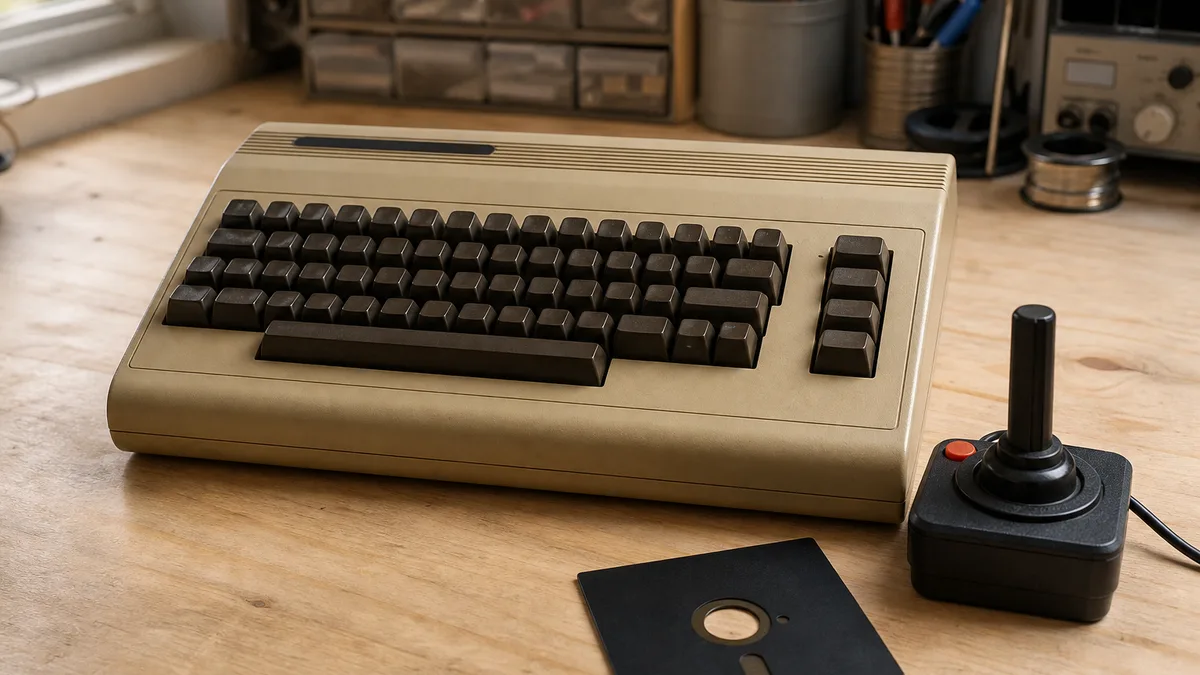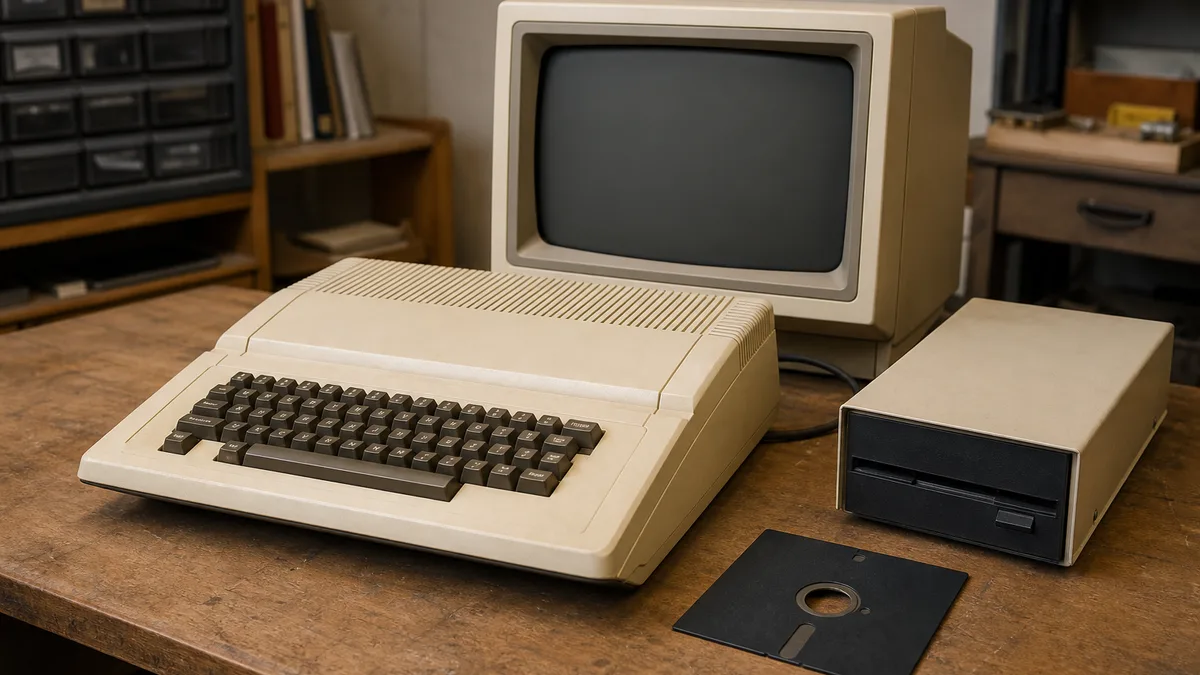
An Apple II can be a computer, a group of peripherals, a software collection, and a personal archive at the same time. If you have one in Panama, preparing it carefully before offering it for donation helps preserve its context and avoid two mistakes: powering deteriorated equipment without a suitable assessment and handing over storage media that still contains private information.
Crezendo can receive a description of your equipment and assess whether a reuse or preservation path may exist. That inquiry does not guarantee acceptance, pickup, restoration, exhibition, or educational use. Condition, components, logistics, and current capacity must be confirmed before anything is transported.
Why the group deserves treatment as a technical collection
The Smithsonian documents that the Apple II family began with a model introduced to the public in 1977. Its collection record describes a MOS 6502-based computer, storage originally provided through cassette and later an external floppy drive, and expansion slots that could accept cards from different manufacturers.
That context explains why an incomplete unit may still be useful for studying industrial design, interfaces, expansion, software, or documentation. It does not mean every Apple II is rare, valuable, or safe to operate. Its usefulness can only be determined after identifying the model and assessing its condition.
If you also have other machines from the period, see the guide to donating old Apple hardware and software. Keeping each group identified prevents components from being mixed in ways that are difficult to reconstruct later.
Make an inventory before moving or cleaning anything
Start with observation and photographs. You do not need to open the enclosure or test power to prepare an inquiry.
Record, where visible:
- model printed on the enclosure and serial number;
- main unit and keyboard;
- monitor, noting whether it is a CRT;
- floppy or cassette drives;
- cards, interfaces, or expansions visible without disassembly;
- power supply, transformers, and cables, without assuming compatibility;
- printer, joystick, modem, or other peripherals;
- manuals, receipts, boxes, and previous-owner notes;
- floppy disks, cassettes, and other media, separated by owner or origin;
- apparent damage, loose pieces, unusual odor, corrosion, moisture, or pest evidence.
Photograph the front, rear, labels, and each accessory. Do not publish full serial numbers or personal information in public listings. A legible image and simple list are usually enough for a private inquiry.
The National Park Service's collection practices emphasize documentation, inventory, handling, packing, storage, and environment. They do not turn an owner into a professional conservator, but they support a useful principle: document before intervening, because aggressive cleaning or mixing components can destroy information.
Avoid tests that can cause damage
A matching plug does not prove that a power supply, monitor, or peripheral is correct. Decades of storage may affect cables, connectors, capacitors, insulation, and other components. A CRT monitor and a power supply may retain hazardous voltages even when unplugged.
For safety:
- Do not power equipment with moisture, corrosion, cracked cables, loose parts, a burnt odor, or an unknown history.
- Do not open power supplies or CRT monitors.
- Do not connect or disconnect cards and peripherals while the computer is powered.
- Do not use liquids, sprays, abrasives, or high-pressure air on the equipment.
- Do not place important disks in a drive of unknown condition.
- Do not discard adapters or cards merely because you cannot identify them.
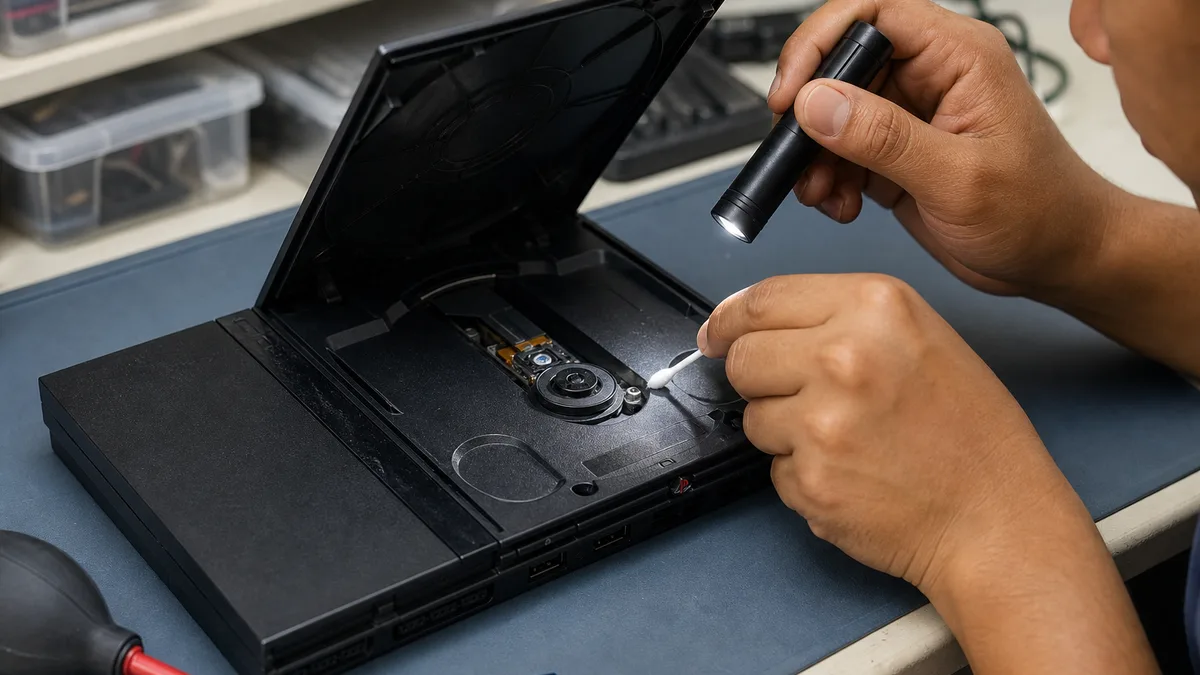
Removing loose surface dust with a soft, dry brush may seem harmless, but stopping and taking photographs is often preferable when there is attached dirt, mold, oxidation, or brittle plastic. Describe the condition and let the assessment determine the next step.
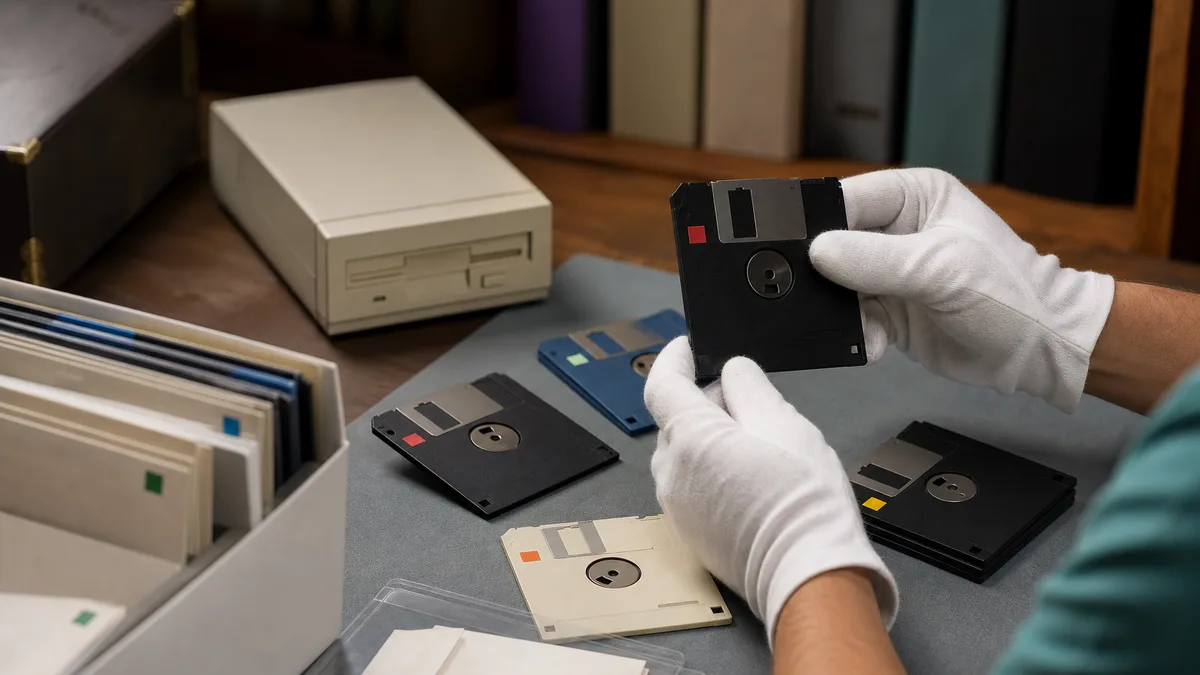
Protect floppy disks, drives, and other media
Associated media may contain documents, databases, correspondence, licensed software, or third-party information. Moving files to a trash folder or formatting a disk is not necessarily equivalent to verifiable sanitization.
The current NIST SP 800-88 Rev. 2 defines sanitization according to information sensitivity and the effort required to make access infeasible. It also avoids prescribing one universal recipe for every media type. This is especially relevant to old media: a technique suitable for a modern drive may be unavailable, ineffective, or destructive to the historical value of a floppy disk.
Before offering the collection, make an explicit decision for each medium:
- Exclude it: keep any medium that may contain sensitive data.
- Inventory it without handing it over yet: photograph its label, not its contents, and ask whether it adds context.
- Authorize a limited assessment: agree in writing on what may be inspected and for which purpose.
- Preserve a copy: only when you have the right to the files and suitable tools; do not force a fragile drive.
- Sanitize or destroy it: for highly sensitive information, consult a specialist and document the selected method; this may irreversibly remove the medium's historical usefulness.
Do not send passwords, keys, banking data, or medical information with photographs. Do not assume Crezendo provides data recovery, forensic imaging, or certified erasure either: any handling of data must be agreed explicitly before delivery. For more detail, see the guide to donating old floppy disks while protecting their contents.
Pack the collection without dismantling it
If delivery is confirmed after the inquiry, prepare each piece so that it is not damaged and does not lose its relationship to the others.
- Label bags or boxes with one collection identifier, not personal data.
- Coil cables loosely and keep them from pressing against brittle plastic.
- Protect keys, knobs, and connectors from direct pressure.
- Keep floppy disks upright, in their sleeves, away from moisture, heat, and magnets.
- Do not put adhesive tape directly on enclosures, original labels, or manuals.
- Keep the monitor stable and apart from parts that could strike the glass.
- Place any already-loose screws or pieces in an identified bag; do not disassemble more components.
- Do not leave the equipment in a hot vehicle or exposed to rain.
Exact packing depends on the model, condition, and method of transport. Confirm logistics before buying materials or moving a heavy CRT.
Information to provide for an assessment
A clear inquiry supports a useful answer without inventing the equipment's destination. Include:
- model and number of units;
- general area in Panama, without posting a private address;
- photographs of the group, labels, and damage;
- list of peripherals, documentation, and software;
- whether it operates, only if you know from recent use; do not test it merely to complete the form;
- presence of floppy disks or media that may contain private information;
- moisture, corrosion, pests, leaked batteries, odor, or broken pieces;
- size, weight, or access constraints that could affect later coordination.
Crezendo can then indicate whether more information is needed and whether evaluating the offer makes sense. Do not transport the equipment until you receive confirmation about acceptance and delivery.
Possible paths, without promising an outcome
After assessing condition, completeness, safety, and available capacity, a group might serve as a visual reference, documentation material, an unpowered demonstration, a technical study object, or a candidate for specialist intervention. It might also be unsuitable for acceptance.
It should not be claimed in advance that the computer will be restored, used by students, exhibited, or preserved indefinitely. The object's history, the state of its media, and the donor's consent are part of the decision.
If no responsible reuse path exists, electronic components require appropriate disposition. The EPA recommends removing personal information and using suitable channels for electronic equipment; it also notes that some batteries require separate handling. The guide to responsible electronics reuse and recycling in Panama helps prepare that alternative. Always confirm current requirements and acceptance directly with the selected handler.
Frequently asked questions
Can I inquire if the Apple II does not turn on?
Yes. You can describe it and send photographs. Failure to power on does not prove that every component lacks interest, but it does not guarantee repair or acceptance either. Do not attempt to power equipment that is damaged or has an unknown history.
Should I include the monitor, drives, cables, and manuals?
Include them in the inventory. Keeping the collection documented may provide context, but acceptance of each component is confirmed during assessment. Do not connect power supplies or cables when compatibility is unclear.
What should I do with personal floppy disks?
Separate them and do not include them by default. Decide whether to keep them, exclude them, request a limited assessment, or use a sanitization process appropriate to the sensitivity of their data. Deleting files or formatting is not a universal guarantee.
Does Crezendo pick up equipment anywhere in Panama?
Pickup and geographic coverage are not promised. First send the general area, photographs, and dimensions. Only a direct response can confirm acceptance, method, location, and date.
Will I receive a certificate, valuation, or tax receipt?
This article does not promise certificates, valuations, receipts, or tax deductions. If you require a particular document, ask before transferring the equipment and do not assume tax consequences.
Ask before transporting the equipment
If you have an Apple II or a related collection, prepare the inventory and photographs, separate media that contains data, and use the Crezendo donation page to begin the inquiry. Wait for explicit confirmation of acceptance and logistics. This protects the equipment, your privacy, and everyone's time.