An MSX computer may come with hardware, manuals, cartridges, tapes, or floppy disks that have remained together for decades. Before powering it or splitting it into parts, document the set and decide what to do with its data. A hurried test with the wrong power supply can create damage that was not there; handing over unreviewed media can expose personal files.
This guide explains how to prepare and offer an MSX in Panama. An inquiry does not imply acceptance, appraisal, repair, pickup, or a specific destination. The goal is to give a potential recipient enough information to evaluate the equipment without turning historical or technical interest into a promise.
MSX is not a single model
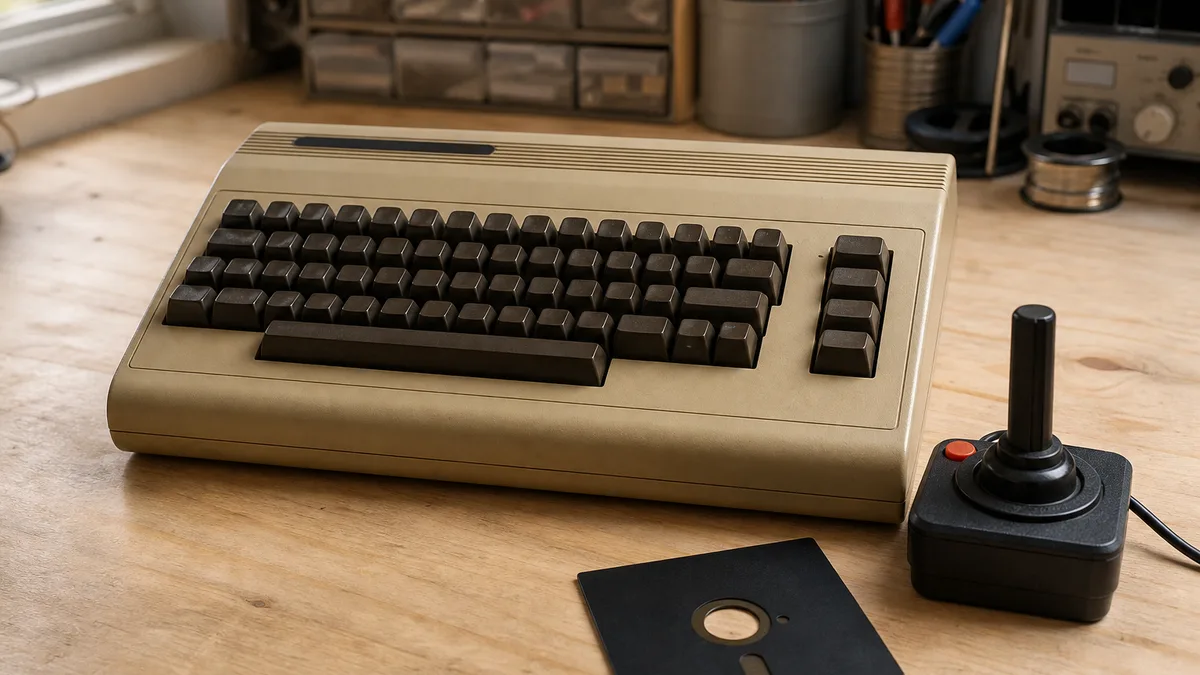
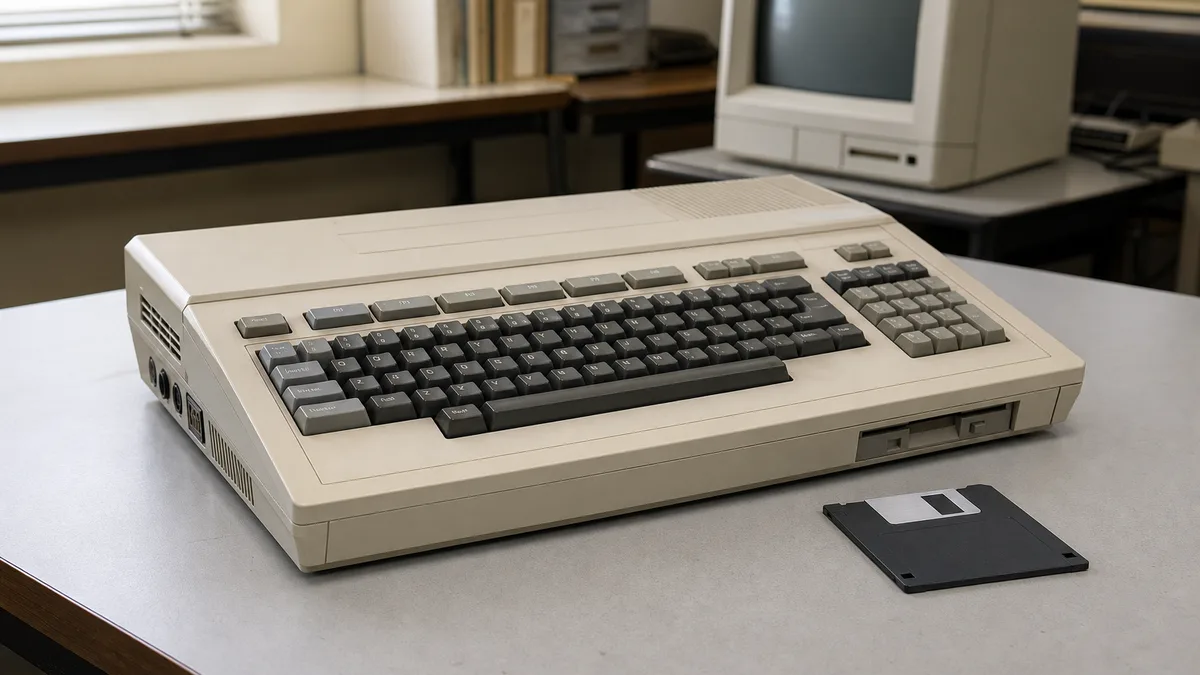
MSX was a standards-based family of home computers, not one machine made by one company. MSX Resource Center describes Z80-based systems produced by different manufacturers from 1983 onward, with BASIC and an architecture compatible in several respects. That history explains why two machines bearing the MSX logo can differ in power, region, video, storage, keyboard, and expansions.
The most useful first detail is not “this is an old computer,” but what its label says. Photograph, without publishing personal data:
- exact manufacturer and model;
- visible MSX, MSX2, MSX2+, or other variant markings;
- stated country or region;
- input voltage, frequency, and power consumption;
- power arrangement: internal, original external supply, or third-party adapter;
- ports, slots, and built-in drives;
- enclosure, keyboard, and cable condition;
- accessories and media found with the machine.
Keep the serial number in your private inventory. A partially obscured label photo is usually enough for an initial inquiry; there is no need to publish it on social media.
Keep the set together while identifying it
A box containing the computer, its power supply, cables, manuals, and labeled software carries more context than mixed loose parts. Do not connect an adapter merely because the plug fits: current type, voltage, current or power capacity, polarity, and connector must agree. A physically similar video cable does not guarantee the same signal either.
Inventory the set in groups:
Main unit. Model, keyboard, covers, screws, slots, ports, and visible modifications.
Power. Original or third-party supply, readable label, plug, cable, external fuse if present, and insulation defects.
Display and video. Monitor, television, modulator, RGB, composite, or other cable, without assuming compatibility until the model documentation is checked. A CRT is heavy and needs separate preparation; see the guide to offering a retro CRT monitor.
Storage and software. Cartridges, floppy disks, cassettes, external drives, interfaces, and documentation. Keep each item in its sleeve with its label.
Controllers and expansions. Joysticks, mice, printers, interfaces, memory modules, and other accessories. For loose pieces, the guide to retro controllers and accessories helps describe them without claiming compatibility.
Do not scrub old labels or discard an item because you cannot identify it. Photographs of both sides, without disassembly, usually contribute more than an improvised test.
When not to power it on
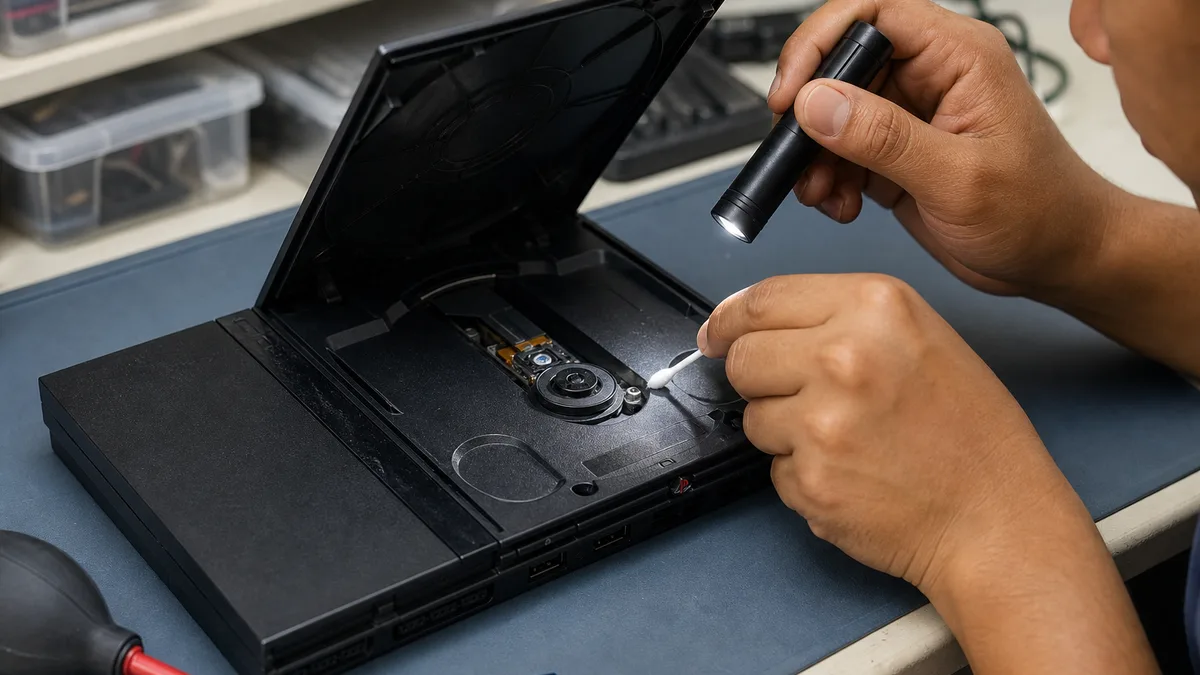
After years in storage, “seeing whether it turns on” is not a neutral step. Stop if you see moisture, corrosion, insect residue, soot, a burned smell, melted plastic, cracked cable insulation, a loose plug, or evidence that the power supply was opened. Do not energize a machine just removed from a cold or humid location; let it stabilize in a dry environment without direct heat.
Do not open a power supply or CRT monitor. Dangerous voltages may remain even after disconnection. Do not bridge fuses, splice cables, treat travel transformers as automatic substitutes for a correct supply, or reverse polarity “to test.” If you lack appropriate documentation and skills, record the machine as “untested.” That is more accurate than declaring it broken or risking it.
When a set has an identified supply in sound condition, a technical evaluation can verify its parameters before deciding whether to apply power. Describe only the observed result: “power indicator lights,” “video output appears,” “keyboard responds,” and “floppy drive not tested” are separate findings. A visible screen does not prove the whole system is healthy.
Classify condition without overdiagnosing
A simple condition scale supports a clear conversation without promising repair:
- Untested: no power was applied because accessories are missing, compatibility is uncertain, or preservation was preferred.
- Visible damage: cracks, corrosion, degraded cables, loose parts, or contamination are present.
- Limited power-on test: a controlled test was made and only concrete symptoms were recorded.
- Functional in a basic test: it completed defined actions, with test date, supply, and display noted.
- Incomplete set: power, video, keyboard, storage, or another necessary part is missing.
Avoid terms such as “perfect,” “restored,” or “only needs a fuse” without sufficient evaluation. An intermittent failure may not appear during a short test. Do not remove chips, keys, or connectors for spares before learning whether keeping the system intact makes more sense.
Uncertain condition does not prevent an inquiry, but it changes the information to provide. Clear damage photographs and an honest list reduce unnecessary transport.
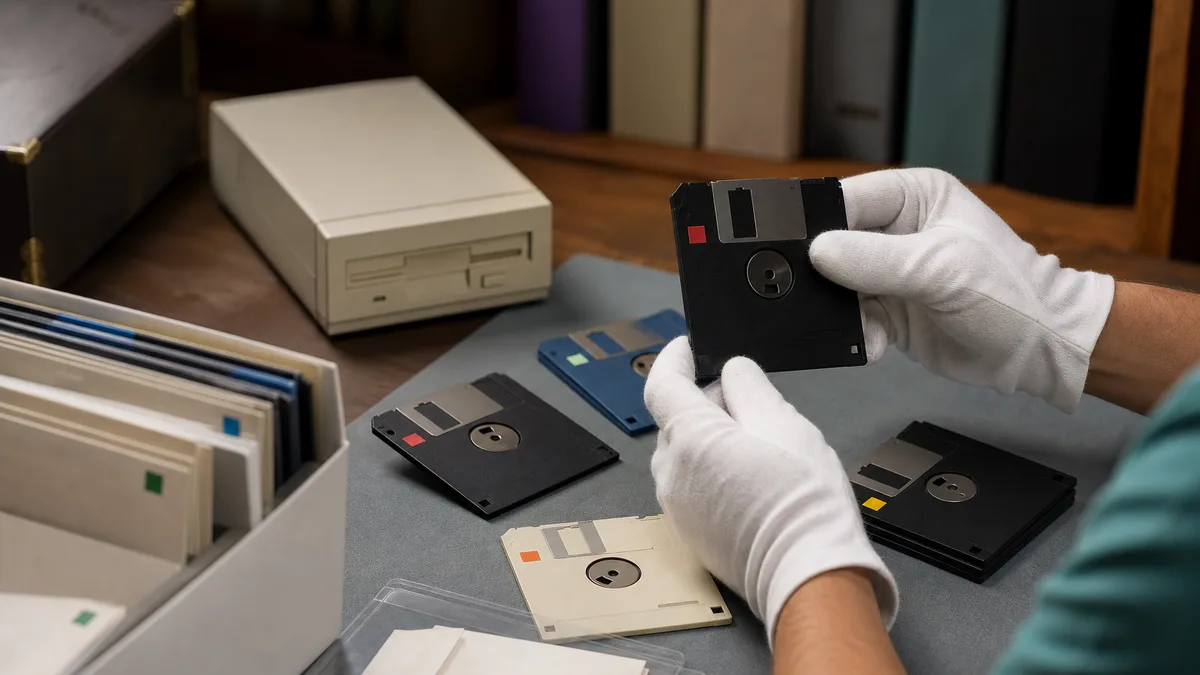
Protect floppy disks, tapes, and other media
Old media may contain programs, personal work, documents, or copies with no surviving context. Treat it separately from the hardware: preserving or accepting a computer does not mean that a recipient should receive all of its data.
The Library of Congress explains that content left on external media faces physical damage and obsolescence, and that a verified copy to managed storage reduces the need to handle the original again. Its floppy-disk work also describes producing flux and disk images when the format is uncertain.
This does not mean inserting every disk into an unknown drive. If the content has personal or historical value, preserve order, photograph labels, and consult someone with suitable tools. Repeated reading of fragile media may add wear. Do not place new labels over original ones or write to an old disk merely to test a drive.
For magnetic media, the Library of Congress recommends a clean, cool, relatively dry, stable environment, away from heat, intense light, moisture, and strong magnetic fields. Keep sleeves, avoid touching exposed surfaces, and do not apply alcohol, household cleaner, or high-pressure air to the media.
Resolve privacy and permission before handoff
List which media may have held personal data. If a copy must be kept, perform an authorized extraction and verify the files before changing the original. When you encounter another person's documents, credentials, or institutional information, consult the legitimate owner; finding a computer does not grant permission to distribute its data.
NIST SP 800-88 Revision 2 frames sanitization according to sensitivity, media type, and validation. There is no single recipe that makes every floppy disk, hard drive, or cartridge with memory safe to transfer. When the proper method cannot be completed or validated, retaining or removing the medium may be safer than handing it over.
Privacy is not the only restriction. Finding old software on a tape, disk, or cartridge does not automatically authorize publication, duplication, or internet distribution. Preserve provenance documentation and distinguish four acts: owning the physical item, making a preservation copy, running the software, and redistributing it. Each may have different permissions.
Do not erase a collection indiscriminately before determining whether it contains your own material worth preserving; do not hand it over intact for nostalgic reasons if it may disclose data. Documentation first makes an informed decision possible.
Possible uses, without guaranteeing a destination
A complete MSX may be relevant for documenting a home-computing platform, observing memory constraints, studying interfaces, preserving software, or experimenting with retro programming. A nonworking machine might support diagnostics or component documentation. These are technical possibilities, not Crezendo commitments or proof that a current course, laboratory, or recipient exists.
An evaluation may conclude that the set should remain intact, that media should be removed, that only certain accessories are useful, or that it should not be received. Space, duplicates, electrical safety, condition, software rights, and real preservation capacity can all affect the decision. A donor's sentimental value or perception of rarity does not obligate an organization to accept an object.
If you also own other platforms, inventory each family separately. The Atari 800XL guide and the general guide to retro consoles and systems provide context without mixing power supplies, cables, or media.
How to make a useful inquiry in Panama
Before traveling, prepare a short message with:
- manufacturer, model, and marked variant;
- general photos and a power-label photo;
- a list of the supply, cables, manuals, cartridges, disks, and controllers;
- known provenance and authorization to dispose of the set;
- physical condition and tests actually performed;
- presence of personal data or media still awaiting review;
- approximate location and number of boxes, without publishing a home address.
You may ask Crezendo about a possible donation. Wait for confirmation before moving the equipment. Submitting the form does not guarantee acceptance, diagnosis, repair, erasure, restoration, pickup, certification, appraisal, educational use, or final destination.
If the inquiry does not proceed, retain the system while seeking an option suited to its condition. The EPA recommends resolving personal data, removing batteries where applicable, and checking local options before recycling electronics. That general advice does not identify a recipient in Panama by itself. A CRT, a damaged power supply, and media containing data need different routes; they should not enter household trash merely for convenience.
Final checklist before releasing the set
- The model, power requirements, and accessories are identified as far as possible.
- No hazardous component was opened or tested through improvisation.
- Condition is described with dated observations, not assumed diagnoses.
- Related computer, supply, cables, and documentation remain labeled.
- Floppy disks, tapes, and other media are protected and separated by privacy risk.
- Files that must be retained have a verified copy.
- Receiving the carrier is not presented as permission to redistribute software.
- The potential destination responded before transport.
- Acceptance, use, and logistics limitations are understood.
- If reuse is not confirmed, disposition is chosen by component type and risk.
Preparing an MSX well does not require making it run at any cost. Identifying it, preserving relationships, protecting media, and communicating uncertainty can be far more valuable than a rushed power-on test. The evaluator can then decide from better evidence while the donor retains control over safety, privacy, and expectations.