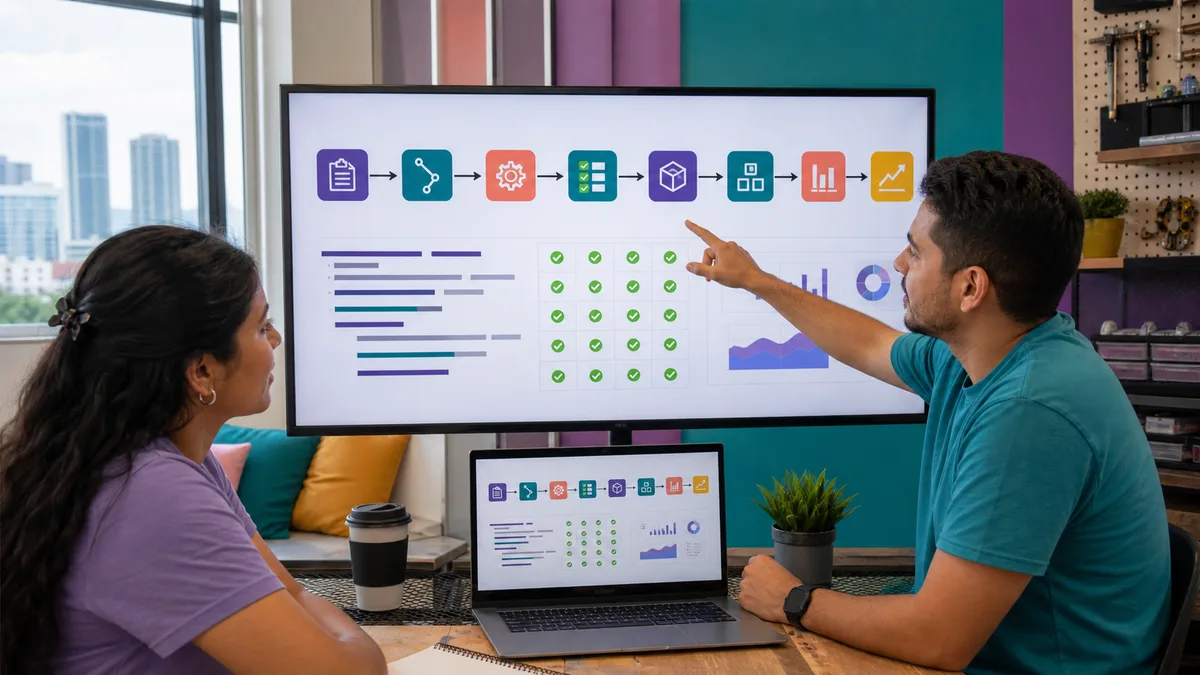
DevOps is not a magic job title, one product, or a synonym for Docker or Kubernetes. It is a way to reduce friction between the people who build, operate, and improve software through small changes, automation, feedback, and shared responsibility for outcomes.
This URL received 11 impressions during the reviewed window, including specific searches for “devops en panama.” The signal is still modest, but the intent is distinct from a general programming guide, so the page should survive and become a practical path rather than remain a superficial introduction.
What problem is DevOps trying to solve?
A fragile delivery process often shows symptoms such as:
- “it works on my machine”;
- manual deployments that depend on one person;
- tests that run too late;
- configuration that exists only in someone's memory;
- changes too large to review confidently;
- failures discovered by customers before monitoring detects them;
- difficulty reverting a version;
- development and operations optimizing different goals.
DevOps does not automatically eliminate these problems. It provides practices that make them visible, reduce their frequency, and help teams learn from them.
1. Start with version control
Before thinking about a CI/CD platform, code, scripts, and relevant configuration should have reproducible history.
With Git, practice:
- small, explainable commits;
- branches when the workflow needs them;
- change review;
- tags or versions for releases;
- documented configuration files;
.gitignorerules that keep secrets and local artifacts out of the repository.
Never use the repository as storage for passwords, tokens, or private keys.
2. Let a machine verify the change
Continuous integration begins by automating checks whenever code changes.
A basic pipeline can run:
- dependency installation;
- linting or static analysis;
- unit tests;
- build or packaging;
- a minimal check of the generated artifact.
GitHub Actions, for example, can automate CI/CD workflows inside a repository. The official GitHub Actions documentation explains events, jobs, and steps.
The specific tool matters less than the essential property: the check should be repeatable without relying on someone remembering a manual checklist.
3. A reproducible build is more useful than “it worked once”
If two people start from the same commit, they should be able to obtain an equivalent result using known instructions.
That means controlling:
- dependency versions;
- runtime version;
- required environment variables;
- external files or secrets;
- build steps;
- produced artifacts.
Containers can help, but they are not mandatory for learning DevOps. A small application with a reproducible build script is already enough to practice the concept.
4. Separate configuration from secrets
A setting such as LOG_LEVEL=info does not carry the same risk as an API key.
Document which variables exist, but manage secrets through appropriate platform or environment mechanisms. At minimum:
- do not commit them to Git;
- limit who can read them;
- use different credentials per environment when appropriate;
- rotate credentials that have been exposed;
- grant only the permissions required.
Automation that uses one permanent administrator token may make deployment faster while creating unnecessary risk.
5. Automate deployment after you understand it
Before automating a sequence, you should be able to explain what it does.
A first flow might be:
commit → tests → build → artifact → staging → verification → production
Also define:
- who can promote to production;
- which condition blocks a release;
- how health is checked after deployment;
- how to return to a known version;
- what happens when a data migration is difficult to reverse.
Automating an ambiguous procedure only makes mistakes happen faster.
6. Observability: a finished pipeline does not mean a healthy service
A green pipeline proves that its checks passed. It does not prove users are receiving a healthy service.
After deployment, observe signals such as:
- errors;
- latency;
- availability;
- resource use;
- delayed queues or jobs;
- relevant business events;
- structured logs sufficient to investigate failures.
The DORA program maintains a catalog of software-delivery capabilities that includes technical and organizational practices around continuous integration, continuous delivery, observability, and process improvement.
7. Rollback and recovery are part of the design
Do not wait for an incident to discover how to return to a working state.
For a practice application, document:
- the last known stable version;
- how to return to it;
- what happens to the database and files;
- which signal confirms recovery worked;
- which information you will preserve for later analysis.
Sometimes the right strategy is not a literal rollback but a forward fix. The important part is that the team considered the scenario before needing it.
8. Small changes make review and recovery easier
A release containing fifty unrelated changes makes it difficult to identify what caused a failure.
When possible:
- reduce change size;
- integrate frequently;
- use flags or equivalent mechanisms when a feature needs to be separated from deployment;
- avoid long-lived divergent branches without a reason;
- automate relevant tests close to the change.
The goal is not to deploy frequently for prestige. It is to reduce risk and obtain useful feedback sooner.
9. What should you measure?
Metrics should help the team understand the system, not punish individuals.
You can observe:
- deployment frequency;
- time from a change until it reaches the target environment;
- proportion of changes that require correction or cause incidents;
- recovery time;
- pipeline duration;
- flaky tests;
- repeated manual work;
- recurring incidents.
One number does not define maturity. Interpret trends alongside quality, reliability, and product goals.
10. DevOps does not require starting with Kubernetes
A smaller stack is often better for learning.
First become comfortable with:
- Git;
- automated tests;
- a CI pipeline;
- reproducible builds;
- configuration and secrets;
- deployment to staging;
- a health check;
- logs;
- rollback or recovery.
Then evaluate containers, orchestration, infrastructure as code, or more complex platforms when they solve a real problem.
A practical beginner lab
Take a small application and complete this path:
- put it in Git;
- add at least one automated test;
- create a workflow that runs the test on each change;
- produce a reproducible artifact or build;
- deploy it to a test environment;
- add a health check;
- record relevant errors and events;
- force a controlled failure;
- recover the stable version;
- document which steps still depend on manual work.
That exercise teaches more than memorizing a list of “DevOps tools.”
DevOps, SRE, and Platform Engineering
These terms overlap, but they are not identical.
- DevOps describes principles and practices that improve collaboration and software delivery/operations flow.
- SRE applies software engineering to reliability and operational problems using its own practices and objectives.
- Platform Engineering often builds internal capabilities and platforms that let other teams deliver software with less friction.
An organization can use ideas from all three without renaming every role in its org chart.
Training and Crezendo
Crezendo maintains training areas related to programming and technical skills, but this page does not announce a permanent DevOps, Kubernetes, or specific CI/CD-platform course.
Review the current workshops or ask about a specific objective. For an organizational request, describe how you build, test, and deploy today; that information is more useful than requesting “a DevOps workshop” with no context.