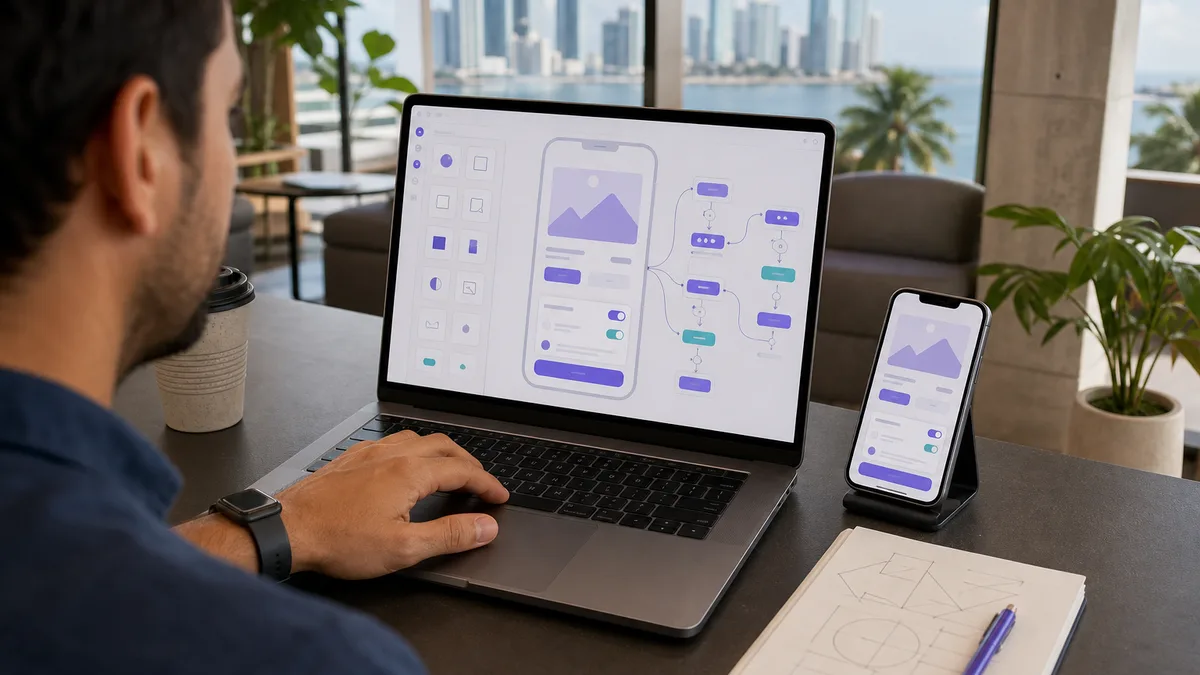
No-code and low-code tools can build interfaces, workflows, and automations with less hand-written programming. That can accelerate a prototype or internal application, but it does not remove architecture, security, data modeling, testing, or maintenance.
This guide also absorbs the former separate page on no-code chatbots. A chatbot is simply one of many products that can be built with these platforms.
No-code does not mean “no engineering”
Even with visual components, you still need to decide:
- what data exists and how it relates;
- who can read or modify each record;
- how users authenticate;
- which business rules must hold;
- which external services participate;
- what happens when an integration fails;
- how data is backed up, exported, and migrated;
- how the application is tested before release.
A visually simple application can still handle sensitive information or critical processes. The absence of hand-written code does not automatically reduce that risk.
When it can be a good fit
No-code or low-code can work well for:
- prototypes and proofs of concept;
- forms and internal workflows;
- directories and catalogs;
- small operational applications;
- dashboards over existing data;
- automation between tools;
- simple portals with controlled permissions.
The value is faster implementation when the platform actually covers the requirements.
When to stop and evaluate another architecture
Reconsider the platform when you need:
- highly specific authorization rules;
- high volume or predictable performance;
- latency-sensitive real-time processing;
- fine-grained infrastructure control;
- regulatory or data-residency requirements the provider cannot meet;
- logic that depends on too many workarounds;
- testing and versioning the platform cannot manage rigorously enough;
- a future migration that would be practically impossible.
The issue is not that no-code is “less professional.” The issue appears when the system grows beyond the limits you originally selected.
Design the data model first
Before building screens, write down the main entities. A booking system, for example, might have:
- Customer;
- Service;
- Booking;
- Status;
- Payment or payment reference when relevant;
- Internal User.
Define identifiers, relationships, and required fields. Avoid storing the same fact in five places and then trying to synchronize it through automation.
Authentication and permissions
Minimum questions include:
- who can create an account?;
- are there administrators?;
- can one user see another user's records?;
- how is access revoked?;
- is MFA available?;
- what happens when an email changes or an account is recovered?;
- are logs sufficient to investigate a change?
Do not rely on a “hidden page” as authorization. Security must exist at the layer controlling the data.
Integrations and APIs
Zapier, Make, n8n, and platform-specific connectors can simplify integrations, but every integration adds a failure point.
Document:
- input event;
- data sent;
- credentials used;
- expected response;
- retries;
- idempotency;
- error handling;
- alerts;
- workflow owner.
Do not hide an error by simply continuing with incomplete data.
No-code chatbots
A chatbot may be a menu flow, an interface to a knowledge base, or a system using generative AI. Those are different architectures.
Before release, define:
- which questions it may answer;
- when it must transfer to a person;
- which data it may request;
- what information it must never invent;
- how consent is recorded when needed;
- how one user's conversation is kept from another user;
- what happens when the AI or messaging provider fails.
Do not advertise a bot as “24/7 support” unless the workflow, provider, and operational support genuinely justify that claim.
Tools: compare capabilities, not rankings
Bubble, Glide, Webflow, Airtable, AppSheet, Power Apps, and other platforms address different needs. Plans, prices, limits, and features change frequently.
Before choosing, compare current documentation for:
- supported application types;
- database capabilities and limits;
- authentication;
- permissions;
- APIs and webhooks;
- data export;
- domains and deployment;
- logs and observability;
- backups;
- cost as users or volume increase.
There is no single “best no-code tool” for every project.
Avoid lock-in without an exit
Ask from the beginning:
- Can I export all data in a usable format?
- Can I reproduce the business rules outside the platform?
- Which parts are proprietary and cannot be exported?
- What happens if pricing changes or a feature disappears?
- Who maintains enough documentation to migrate later?
You do not always need complete independence, but you should understand the cost of leaving.
A reasonable first-project process
- Write down the problem and who has it.
- Define the workflow before choosing a platform.
- Design data and permissions.
- Build a prototype using fictitious data.
- Test errors and edge cases, not only the happy path.
- Run a limited test with real users.
- Measure whether the process improved.
- Document maintenance, backups, and exit strategy.
Does Crezendo offer no-code training?
Do not assume so from this article. Use Contact, describe the application or process you want to build, and ask what training or support is currently available.
Frequently asked questions
Does no-code replace learning programming?
Not necessarily. It can deliver complete projects and also serve as a prototyping stage. Programming provides additional control when the project needs it.
Is a no-code application secure?
It can be, but security depends on configuration, permissions, provider, data, integrations, and operations. The tool does not guarantee a secure architecture by itself.
Can a no-code application scale?
It depends on the platform and workload. Define usage metrics and test behavior before assuming future capacity.
Should I choose based on price?
Price matters, but so do migration, security, availability, limits, support, and operating cost. A cheap prototype can be expensive to replace if it becomes a critical system.