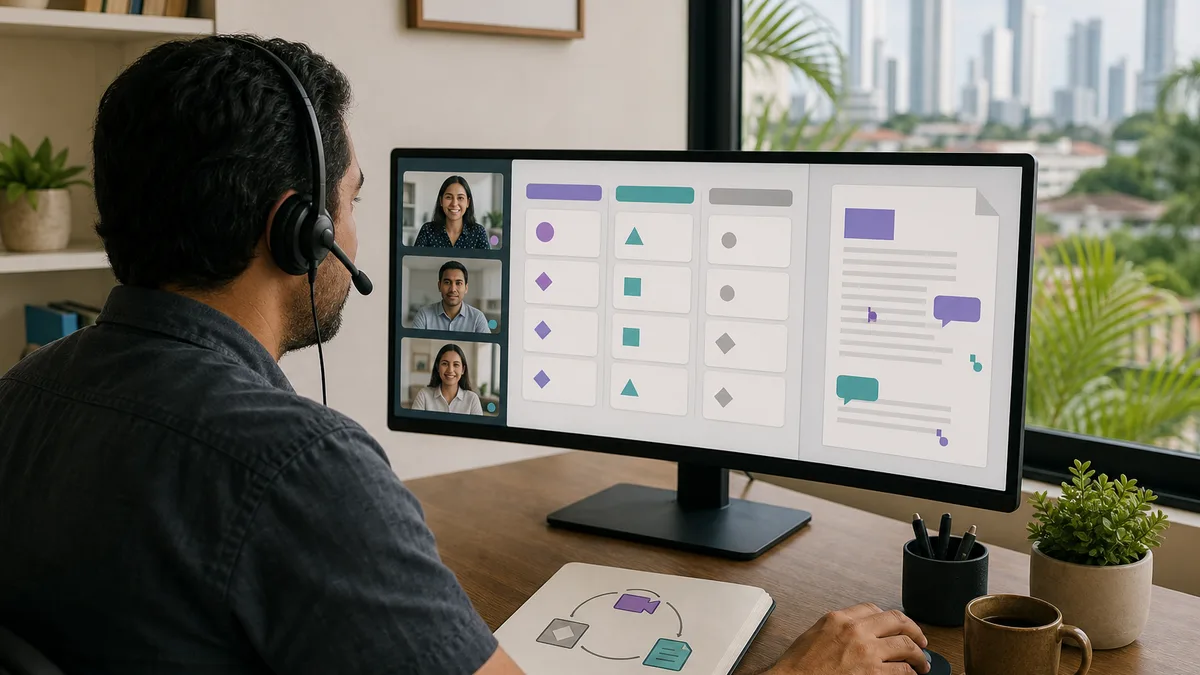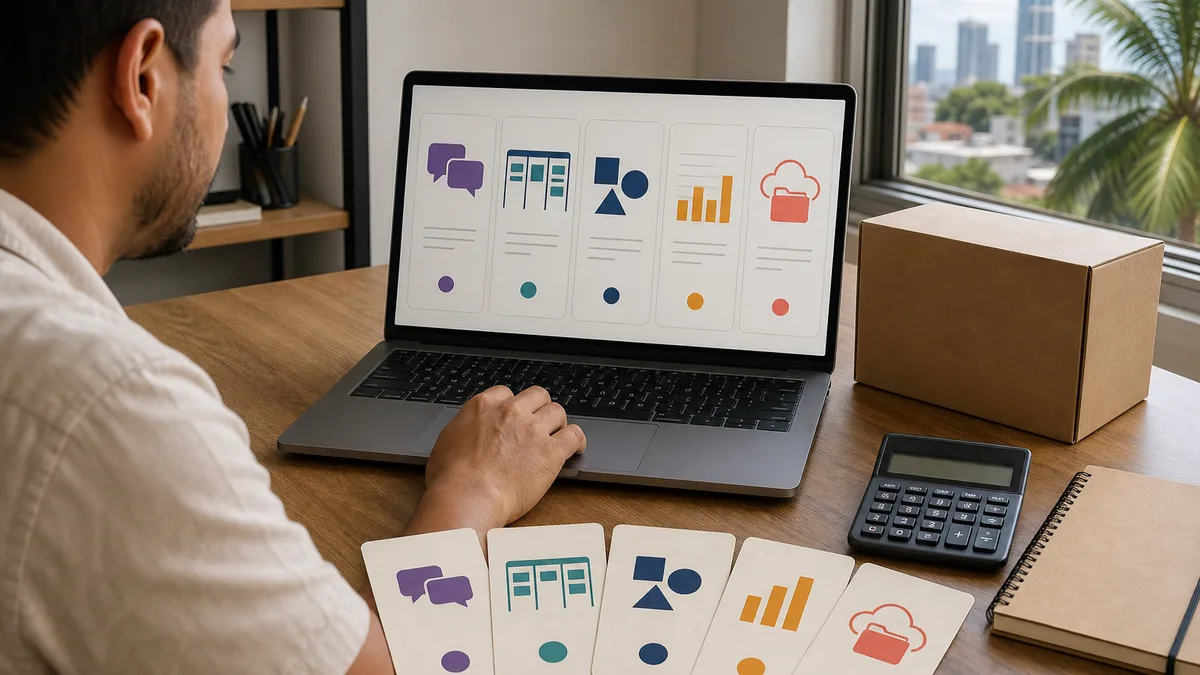
A company does not become more productive by accumulating applications. The goal is for information to reach the right person, tasks to have owners, decisions to remain findable, and people to concentrate without turning every interruption into a meeting.
This guide also absorbs the former pages about general productivity tools, time management, and deep work. Those topics belong to the same problem: design how the team works before choosing software.
Start with the bottleneck
Before looking for an application, identify what is failing:
- important messages disappear;
- nobody knows who owns a task;
- there are too many meetings;
- files exist in multiple competing versions;
- people interrupt focused work to answer everything immediately;
- processes depend on copying data between systems;
- there is no clear source of truth for projects or documents.
A tool is useful only when it reduces one of those problems without creating a larger one.
Communication: synchronous and asynchronous
Not every message requires an immediate response. Define which channel fits each situation:
- urgent: an incident requiring action now;
- operational: a message that can be answered during a work window;
- decision: information that must remain documented;
- reference: knowledge that should be searchable later.
Slack, Microsoft Teams, Google Chat, and other platforms can handle team messaging; email, documents, and ticketing systems solve other kinds of communication. The brand matters less than the shared rule for where each type of information belongs.
Tasks and projects
Trello, Asana, ClickUp, Jira, Notion, and many other tools can represent work. Before choosing one, decide whether you need:
- owners and due dates;
- dependencies;
- custom statuses;
- permissions;
- change history;
- reporting;
- automation;
- integration with email, calendars, or repositories;
- data export if you later migrate.
Do not adopt a complex system merely because it offers more features. A simple board with clear ownership can outperform a sophisticated platform nobody maintains.
Documents and files
Google Drive, Microsoft 365, Dropbox, and other platforms can support collaborative files, but you still need conventions:
- who owns each document;
- where the current version lives;
- how folders and files are named;
- who may share externally;
- which data must not be stored there;
- how long information is retained;
- how something deleted by mistake is recovered.
Real-time collaboration does not replace information governance.
Focus and “deep work”
Focused work does not require a special application. Start with organizational practices:
- reserve meeting-free blocks for tasks requiring sustained thought;
- disable notifications that do not represent real urgency;
- batch email and chat responses into reasonable windows;
- define which people or incidents may legitimately interrupt;
- end the block by recording the next step so work is easier to resume.
There is no universal focus duration. Some tasks need twenty minutes; others need several hours. Measure what works for the task and the person.
Time management without filling every minute
Planning does not mean occupying the entire calendar. A useful system distinguishes:
- fixed-time commitments;
- tasks that must be completed;
- movable work;
- concentration time;
- capacity for normal surprises.
If every hour is allocated, one delay can destroy the day's plan. Preserve some capacity for expected variability.
Automation comes after the process is stable
Zapier, Make, n8n, Power Automate, and other platforms can connect services. Automate only after understanding the manual flow.
Before enabling an automation, ask:
- what triggers it?;
- how are duplicate records prevented?;
- what happens when an API fails?;
- where is the error recorded?;
- who gets alerted?;
- can the operation be retried without causing damage?;
- what data is sent to third parties?;
- how is the workflow disabled or migrated?
Automating a confused process only makes it fail faster.
“Free” does not mean zero cost
Free plans, limits, and pricing change. Do not design a critical process because a platform currently provides a particular amount of users, storage, or automation at no charge.
Also evaluate:
- setup and training time;
- dependence on one person;
- cost as usage grows;
- privacy and data location;
- support;
- export and migration;
- compatibility with the team's devices and browsers.
Always check the provider's current terms before adoption.
How to test a tool without committing to it
Run a small pilot:
- define one concrete problem;
- choose a limited team or process;
- record a baseline metric, such as response time, overdue tasks, or meetings per week;
- test for a reasonable period;
- document problems and extra work created;
- decide whether to keep, change, or remove it.
Do not measure success by the number of accounts created. Measure the problem you intended to solve.
A minimum system for a small team
You do not need fifteen applications. As a starting point, identify only:
- a communication channel;
- a place for tasks;
- a source for documents;
- a calendar;
- a mechanism for durable knowledge;
- a way to report incidents or requests when relevant.
It is perfectly valid for one platform to cover several functions when the team understands it and the data remains recoverable.
Security and permissions
Before loading company information:
- enable MFA where available;
- use individual accounts rather than shared credentials;
- apply least privilege;
- remove access when a person leaves;
- review third-party integrations;
- avoid putting secrets or sensitive data in unapproved tools;
- maintain recovery mechanisms appropriate to the risk.
Productivity that weakens security or traceability is not a real improvement.
Does Crezendo implement these tools?
Do not assume so from this article. If a company needs training or support, it can use Contact, explain the process it wants to improve, and ask what service is currently available.
Frequently asked questions
What is the best productivity tool?
There is no universal answer. It depends on the problem, team size, permissions, integrations, budget, and maintenance capacity.
How many applications should a team use?
The minimum needed to cover the workflow without unnecessary duplication. More applications also mean more accounts, integrations, and places to search.
Does time blocking work for everyone?
It is a technique, not a requirement. It can protect focus time, but it must adapt to customer-facing work, incidents, support, and other legitimate interruptions.
Should I choose a tool because of its free plan?
Not as the primary criterion for an important process. Limits can change. Evaluate fit, data, export, security, and switching cost first.