Protecting personal data does not depend on one application. It is a combination of secure accounts, updated devices, careful sharing decisions, and processes that limit who can access what.
This guide also absorbs the former page about professional ethics in data handling. Security, privacy, and ethics are not identical, but they interact: an action may be technically possible while still being unnecessary, disproportionate, or contrary to the trust of the person whose data you manage.
Start with your main accounts
Prioritize email, banking, storage, social networks, and accounts that can recover other accounts.
- use a different password for every important service;
- use a reliable password manager if it helps you maintain unique credentials;
- enable multifactor authentication when available;
- store recovery codes separately and securely;
- review active sessions and linked devices;
- remove old recovery methods you no longer control.
Do not reuse one “strong” password across ten sites. A breach of one service can turn it into a key for the others.
MFA: better than password alone
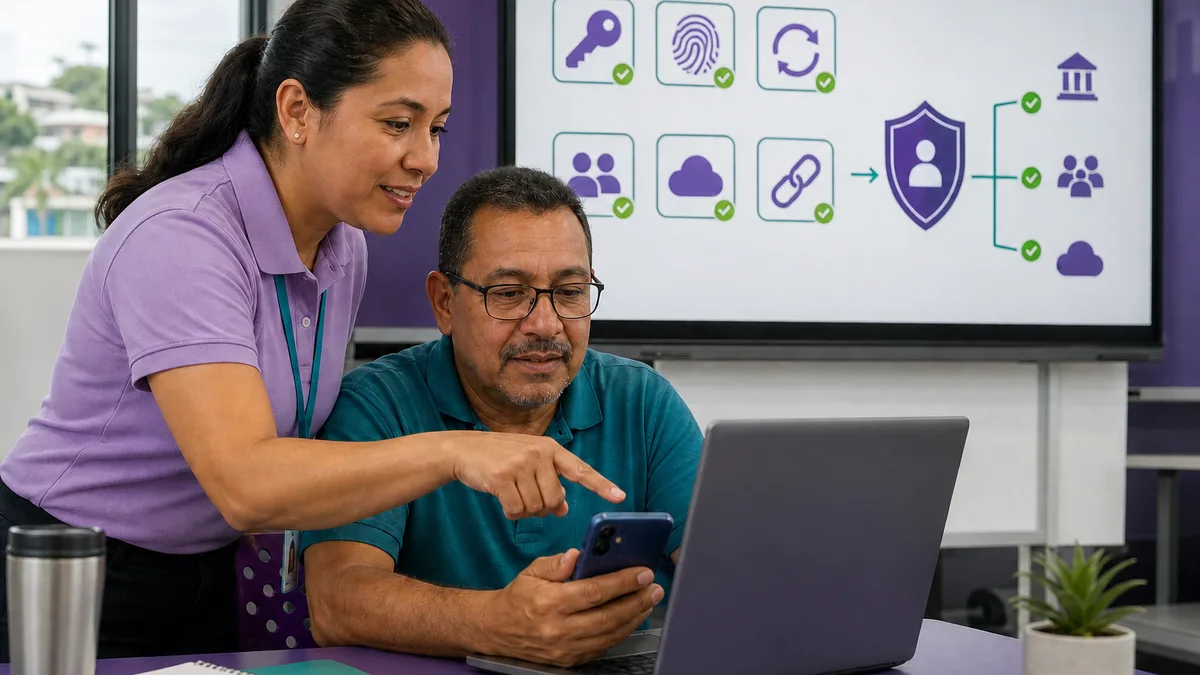
Multifactor authentication adds another condition for access. Available methods vary by service: authenticator apps, security keys, passkeys, push notifications, SMS, and others.
They do not all provide the same phishing resistance, but an appropriate second factor is generally preferable to password-only access. Maintain a recovery plan so you do not lock yourself out.
Phishing and unexpected messages
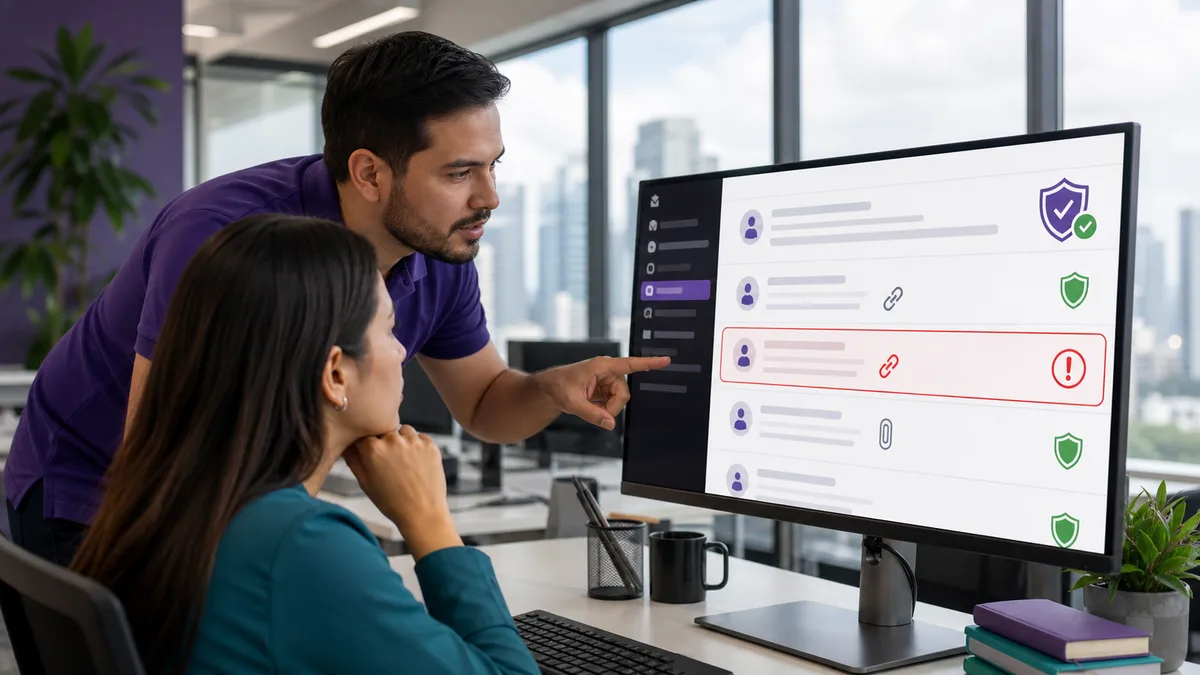
Do not judge a message only by appearance. Before opening a link or providing information:
- verify who is requesting the action;
- access the service through a route you already know when possible;
- be skeptical of artificial urgency;
- never share MFA codes;
- verify payment or banking-change requests through an independent channel;
- report suspicious messages quickly in a workplace.
An email can copy logos, names, and signatures. Visual identity does not prove authenticity.
Keep devices and applications under control
- install security updates for operating systems and applications;
- use screen locking;
- encrypt devices where the platform supports it and the risk justifies it;
- avoid software from questionable sources;
- review camera, microphone, location, contact, and file permissions;
- remove applications you no longer need;
- maintain backups of important information.
If a device no longer receives critical security updates, evaluate whether it remains appropriate for sensitive information.
Share less data
Data minimization reduces potential harm. Before requesting or providing information, ask:
- Is it actually necessary?
- What will it be used for?
- Who will have access?
- How long will it be retained?
- How is it deleted when no longer needed?
- Could the process work with less sensitive information?
Do not collect identity documents, birth dates, or complete addresses “just in case” when the process does not need them.
Privacy on social networks and public exposure
Review what someone can discover without authenticating:
- date of birth;
- phone and email;
- habitual location;
- family and relationships;
- photographs of credentials or documents;
- travel in real time;
- answers that could help with account-recovery questions.
You do not need to disappear from the internet. The goal is to make deliberate decisions about what has a reason to be public.
Data at work
An organization needs clearer rules than an individual user:
- information classification;
- least privilege;
- individual accounts;
- access provisioning, changes, and removal;
- logging of relevant actions;
- approved channels for file sharing;
- retention and deletion;
- backup and recovery;
- incident procedures.
Avoid sending customer databases through personal accounts or informal messaging merely because it is faster.
Professional ethics in data handling
Following a technical instruction does not exhaust professional responsibility. Before accessing, combining, or reusing information, consider:
- purpose: is the data being used for the reason that justified collection?;
- necessity: do you need access to the entire dataset?;
- proportionality: does the benefit justify the exposure?;
- transparency: would the person reasonably expect this use?;
- bias: could the data or analysis systematically disadvantage a group?;
- accountability: can you explain who made the decision and with what evidence?;
- correction: can incorrect data be corrected?;
- retention: is information being kept simply because nobody defined when to delete it?
Law and ethics are related but not identical. When regulatory, contractual, or professional obligations are involved, review the applicable rules and obtain qualified advice.
AI and cloud services
Before pasting information into an AI tool, storage service, or SaaS platform:
- review which account type you are using;
- identify which data will leave the organization;
- remove unnecessary identifiers;
- verify permissions and integrations;
- understand retention and data use under current terms;
- never send authentication secrets.
A tool appropriate for public information may be inappropriate for case files, payroll, health records, or other sensitive data.
What to do after a possible exposure
If you suspect an account or data was compromised:
- avoid deleting useful evidence impulsively;
- change affected credentials from a trusted device when appropriate;
- revoke exposed sessions or tokens;
- notify the responsible internal person for workplace data;
- identify which information may have been exposed;
- document dates and actions;
- evaluate notification obligations applicable to the case;
- correct the cause rather than only the symptom.
Do not hide an incident merely to avoid an uncomfortable conversation; delaying response can expand the damage.
Before donating or selling a device
Signing out or manually deleting files may be insufficient. Follow the procedure for the specific device and storage type. The guide on erasing data before donating covers that scenario separately.
A practical exercise
Review ten important accounts for:
- unique password;
- MFA;
- recovery email and phone;
- active sessions;
- connected applications;
- public information;
- last security review.
Then create a short priority list. Sustainable security comes from correcting real risks, not trying to change one hundred things in one afternoon.
Does Crezendo offer privacy or security training?
Do not assume so from this article. Use Contact, describe whether the need is personal, business, cybersecurity, or ethical data handling, and ask what training is currently available.
Frequently asked questions
Does changing passwords frequently improve security?
Changing a compromised or weak password does. Rotating it mechanically without reason may add little if you still reuse passwords or do not enable MFA. Prioritize unique credentials and response to compromise.
Is a password manager safe?
It can reduce password reuse and memorization problems, but you must protect the master account, MFA, and recovery. Evaluate the product and your risk model.
Can I store customer data in any cloud service?
No. You should evaluate purpose, permissions, sensitivity, provider conditions, and obligations applicable to your organization.
Are security and privacy the same thing?
No. Security protects systems and information against unauthorized access or change; privacy also addresses which data is collected, why, how it is used, and who receives it.