Email security involves two different risks: a person being deceived by a message and an account or domain being misused. Protecting email therefore requires both user verification habits and technical controls for accounts and sending domains.
This URL received 14 impressions during the reviewed 90-day window, mainly for searches equivalent to “cybersecurity in email.” That intent is specific enough to keep it separate from the broader cybersecurity-starting guide.
1. Do not decide whether an email is safe from appearance alone
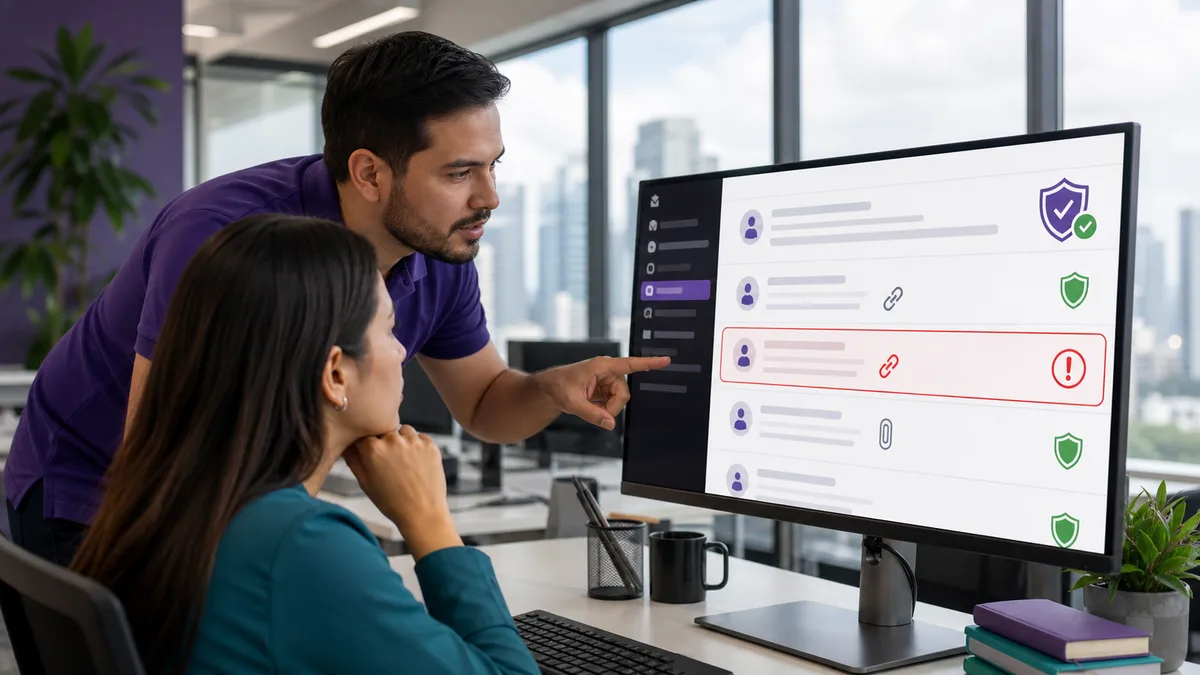
A message can copy real logos, colors, signatures, and names. Before acting, check the context:
- Were you expecting the message?
- Does the request make sense for your relationship with the sender?
- Does it create unusual urgency?
- Does it request credentials, MFA codes, banking information, or a change of payment account?
- Does the sender domain actually match the organization?
- Does the link lead to the domain you expect?
- Was the attachment expected and relevant to the work you are doing?
An address that looks similar to the legitimate one is not necessarily legitimate. company-support.example and company.example are different domains even if they look related.
2. Verify sensitive requests through a second channel
When an email asks for a bank-account change, gift cards, a money transfer, a password, or sensitive information, confirm the request through a channel that does not come from the suspicious message itself.
For example:
- open the contact information you already had saved;
- call a known phone number;
- type the known portal address into the browser yourself;
- ask the responsible person internally.
Do not “verify” a suspicious email using the phone number or link contained in that same email.
3. Use MFA, while recognizing that MFA methods do not resist phishing equally
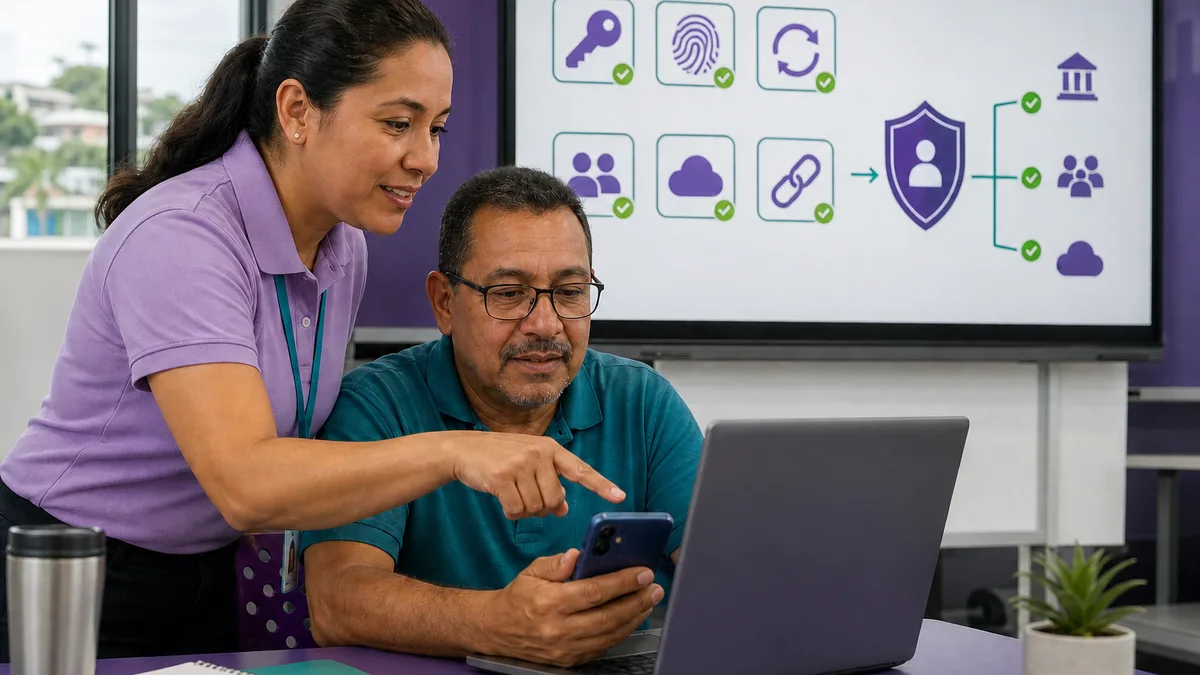
Multifactor authentication adds a barrier when a password is stolen. CISA recommends requiring MFA wherever possible and using the strongest option available, highlighting phishing-resistant methods when the service supports them.
For an organization, prioritize:
- administrative accounts;
- email;
- file storage;
- remote access;
- accounts that handle sensitive data.
See CISA's current guidance at Require Multifactor Authentication.
MFA does not make a message legitimate. A fake page may still try to trick a user into approving a request or disclosing a code.
4. Use different passwords and a password manager when appropriate
Password reuse means a breach at one service can affect completely unrelated accounts.
A more sustainable practice is:
- one password per service;
- a trusted password manager when appropriate;
- MFA on important accounts;
- updated recovery information;
- removal of old accounts that no longer need to exist.
Organizations also need to decide who can recover an account when an employee leaves.
5. Review sessions, forwarding rules, and connected applications
An attacker who gains mailbox access may try to retain access even after a password change.
If compromise is suspected, review:
- active sessions or devices;
- automatic forwarding rules;
- filters that hide messages;
- recovery addresses;
- connected OAuth applications or integrations;
- registered MFA methods;
- mailbox delegates;
- recent configuration changes.
The exact options depend on the email provider.
6. If you already clicked or submitted credentials, switch goals: respond to the incident
Do not spend time debating whether the message “looked convincing.” Act according to what may have been exposed.
If you only opened the email
Opening a message does not automatically mean the account is compromised. Avoid interacting with links, files, or requests that have not been verified.
If you submitted a username and password
From a trusted device:
- change the password;
- review active sessions;
- enable or renew MFA;
- review forwarding rules and connected applications;
- confirm recovery information has not been changed;
- notify IT or security if it is an organizational account.
If you approved a transfer or disclosed financial information
Contact the relevant institution immediately through its official channels. The incident is no longer only an IT problem.
If you executed a suspicious attachment or program
Treat the device as potentially affected too. Isolate and assess it under your organization's incident-response process instead of limiting the response to an email-password change.
7. SPF, DKIM, and DMARC protect the sending domain; they do not replace user education
Organizations that send email from their own domain should configure domain authentication correctly.
SPF
Declares which systems are authorized to send mail for the domain.
DKIM
Adds a cryptographic signature that allows the receiving system to verify the signing domain and whether signed portions of the message were altered in transit.
DMARC
Adds alignment rules and a policy for messages that fail the relevant checks, while also enabling reports that help domain owners observe who is sending on their behalf.
Google currently requires at least SPF or DKIM for all senders to personal Gmail accounts, and SPF + DKIM + DMARC for bulk senders sending more than 5,000 messages per day. Google also recommends configuring all three where possible. See the current Gmail sender guidelines.
These controls help address domain spoofing, but they cannot prevent an attacker from registering a different look-alike domain or compromising a legitimate account.
8. Reporting should be easier than ignoring the problem
Employees should not have to discover on their own whom to notify.
Define:
- where suspicious email should be reported;
- which information should be preserved;
- what to do if someone already clicked;
- who handles a payment-account or transfer issue;
- who reviews sessions, rules, and logs;
- how the rest of the team is informed when an active campaign is detected.
The purpose of early reporting is containment and learning, not finding someone to blame.
9. How to practice with a team
A useful exercise can use simulated messages and ask participants to explain why they would or would not act.
Include cases such as:
- an unexpected attachment from a known supplier;
- an urgent payment-account change;
- a legitimate message containing a legitimate link;
- a domain that is almost identical to the real one;
- a request for an MFA code;
- a message from a colleague whose account has been compromised.
Training should not reduce phishing detection to “bad grammar means phishing.” Real attacks may be written perfectly.
10. Minimum checklist for a small organization
- MFA enabled on important accounts.
- Separate administrative accounts where appropriate.
- Unique passwords and controlled recovery.
- SPF/DKIM/DMARC reviewed for owned domains.
- Inventory of accounts and owners.
- Joiner/leaver process for personnel.
- Clear channel for reporting suspicious messages.
- Review of forwarding, delegates, and connected apps after an incident.
- Backups and response plan for devices affected by malware.
- Periodic exercises based on realistic situations.
Training and Crezendo
Crezendo maintains a basic cybersecurity training offer for organizations, but this page should not be interpreted as a guarantee of a specific cohort, syllabus, or date. Review the current basic cybersecurity workshop or ask about a specific need.
Training can improve people's ability to recognize and report incidents; it cannot guarantee that an organization will never experience phishing or account compromise.