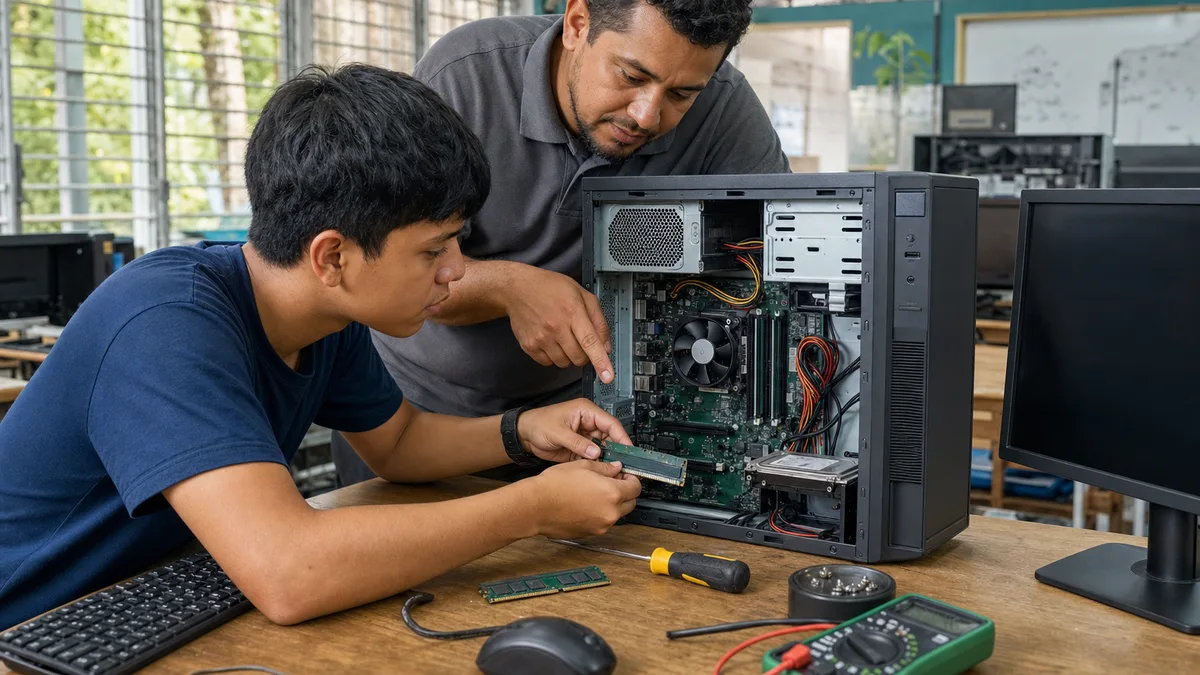
A desktop computer you no longer use can have several reasonable destinations: internal reuse, resale, evaluated donation, parts recovery, or specialized electronics recycling. The best option depends on its condition, the components it still contains, and—most importantly—the data that may still be stored on it.
This URL has already appeared in searches related to where to donate computers. That supports keeping a desktop-specific guide, but not promising that every tower will be accepted or assigned to a particular educational use.
Start with a basic inventory
Before moving or handing over the computer, record what you actually have:
- brand and model when identifiable;
- processor;
- RAM;
- HDD, SSD, or M.2 storage;
- dedicated graphics card if present;
- power supply;
- optical drive;
- additional adapters or cards;
- monitor, keyboard, mouse, and cables if they are part of the set;
- known faults.
If you do not know the specifications, clear photos of the equipment label and internal components may be enough for an initial inquiry.
Data matters more than the hardware's resale value
A desktop may contain years of documents, credentials, email, backups, or customer information. Do not hand it over assuming that “it is old, so the data no longer matters.”
If storage remains installed, identify every drive. In addition to a visible SATA disk, some computers include:
- an M.2 SSD mounted directly on the motherboard;
- a second HDD or SSD;
- SD cards;
- attached USB drives;
- older drives left inside the case.
When a drive needs to be erased before donation, use a method appropriate to the storage technology and the sensitivity of the information. For business, regulated, or particularly sensitive data, follow the organization's policy rather than improvising a consumer wipe procedure.
Can you donate a computer without its hard drive or SSD?
You can certainly ask about donating a computer with no storage installed. Removing the HDD or SSD is a valid way to keep physical custody of the medium that contained your data.
The absence of storage does not make the rest of the computer worthless. The motherboard, processor, RAM, case, fans, power supply, GPU, and other components may still have reuse or diagnostic value.
But it does not mean automatic acceptance either. Before offering an incomplete tower, state:
- which drive was removed;
- whether RAM, power supply, or another component is also missing;
- whether the computer powered on before storage was removed;
- any known faults;
- whether cables or accessories are included.
This section absorbs the intent that was previously split into a separate page only about “a computer without a hard drive.” There is no need to maintain two articles for the same donation decision.
Describe the condition precisely
Use simple, verifiable categories.
Working
It powers on and completes the available basic startup or functional tests.
Partially working
It powers on but has a known issue involving a port, fan, storage device, video output, memory, or another component.
Incomplete
Storage, RAM, GPU, power supply, panel, or another component is missing.
Untested
You do not know whether it works and do not want to power it on without technical evaluation.
Faulty
A known failure exists and you can describe it.
“Does not work” is less useful than “fans spin but there is no video output.”
Do not open a power supply just to prepare the donation
A desktop case can be opened to inspect components when you know how to work safely with the machine disconnected, but an ATX power supply should not be opened as part of ordinary donation preparation. Internal components can retain energy, and there is no need to access them simply to inventory the PC.
If there is a burned smell, electrical damage, severe corrosion, or melted wiring, disclose the condition and avoid repeated power-on tests merely to prove that the machine “still turns on.”
Should you sell it instead?
That can make sense when the computer retains clear market value and you are willing to manage the sale.
Before listing it, compare:
- processor model and generation;
- RAM;
- GPU;
- storage you will include;
- power supply and case condition;
- operating-system/license status where relevant;
- prices of genuinely comparable equipment, not only listings that have remained unsold for months.
Donation may be preferable when simplifying the equipment's exit matters more to you than maximizing its price. Neither option is inherently morally superior.
When should you consider recycling?
If the computer has severe damage, contains parts with no reasonable reuse path, or you cannot find a person or organization that confirms interest, investigate electronics-waste management options.
Our guide to donating and recycling electronics in Panama explains the difference between reuse and recycling and why electronics should not simply be abandoned with ordinary waste.
Companies: document asset retirement before moving equipment
When an organization retires several desktops, record at least:
- asset number or internal identifier;
- brand/model/serial number;
- previous user or department;
- storage drives present or removed;
- wiping or custody method used;
- included accessories;
- condition;
- authorized destination.
This reduces the chance that a drive containing data is forgotten or an asset disappears without traceability.
What to send Crezendo before delivery
Crezendo evaluates inquiries about equipment and components. Acceptance, possible use, and logistics are confirmed case by case.
For a desktop, send:
- number of computers;
- general photos;
- model or specifications if known;
- working condition;
- missing components;
- whether storage is present;
- approximate location;
- any special handling condition.
Do not transport a large batch or hire transport assuming it will be received without prior confirmation.
Start the inquiry on Donate or contact Crezendo.
Checklist before parting with a desktop
- I identified every storage device.
- I protected or erased data as appropriate.
- I recorded the included components.
- I disclosed known faults.
- I removed personal accessories that are not part of the handoff.
- I did not open the power supply.
- I compared reuse, sale, donation, and recycling.
- I confirmed acceptance and logistics before transporting the equipment.
An incomplete computer can still retain value, but the right decision starts with data, inventory, and actual condition, not with the assumption that every old desktop will automatically be reused.