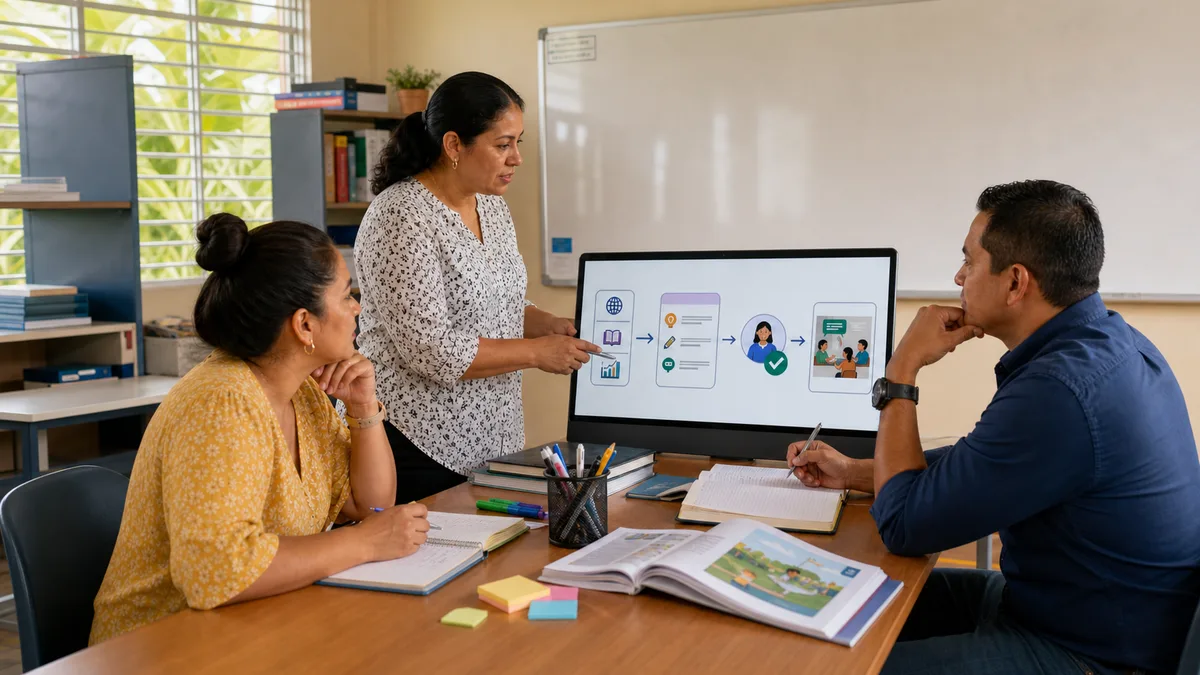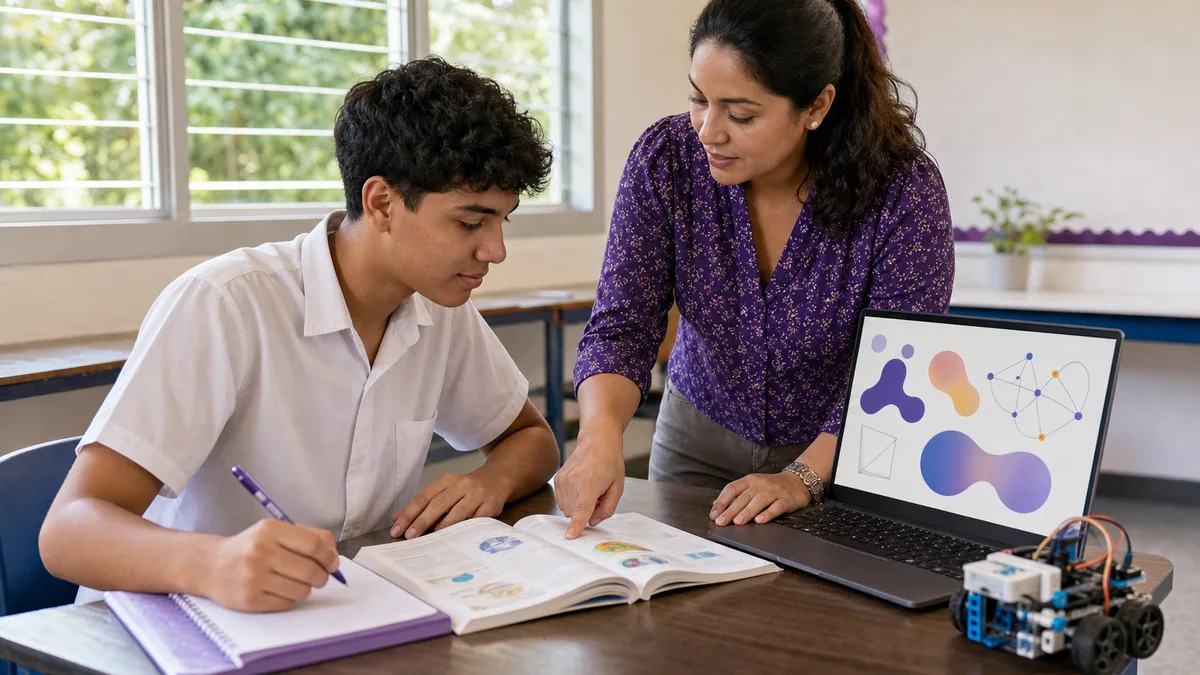
The best artificial intelligence tool for a high school student is not the one that produces a finished assignment in the least time. It is the one that helps the student understand, practice, compare sources, and explain their own reasoning. This guide selects five options by educational task, not by popularity or advertising.
The information was reviewed against official documentation on August 10, 2026. Features, limits, and account requirements change frequently. Before adopting a platform, confirm its current terms, the school’s policy, and the appropriate permission for minors.
Quick Comparison of AI Tools for High School
| Tool | Best suited to | Verified access | Main precaution |
|---|---|---|---|
| ChatGPT Study Mode | Understanding topics, receiving hints, and practicing step by step | Available globally across ChatGPT plans on web, iOS, and Android | It can make mistakes; OpenAI requires age 13 or the applicable minimum and parental or guardian permission for users under 18 |
| Gemini Guided Learning | Exploring a topic with questions, visual resources, and files | The web app is available in Panama; the learning feature requires sign-in and may vary by account | A school account requires institutional enablement; some features have age restrictions or gradual rollout |
| NotebookLM | Studying from selected notes and sources | Panama is listed among supported territories; it works in a browser and supports Spanish among its languages | Answers depend on uploaded sources; personal accounts require the applicable age of consent |
| Microsoft Copilot | Finding explanations with references, comparing ideas, and preparing an outline | Available in more than 170 markets and supports Spanish responses | Regional requirements apply to users aged 13–17 and some features are limited; citations must still be opened and checked |
| Wolfram|Alpha | Checking mathematics, physics, and chemistry calculations | Basic personal noncommercial use is free; some step-by-step solutions are Pro features | It does not replace showing the work; users under 18 need permission from a parent, legal guardian, or teacher |
“Verified access” does not mean unlimited free use. Providers may change quotas, features, models, and availability by account, device, or country.
How We Selected These Five Options
The selection uses six criteria that a student, family, or school can verify:
- Appropriate task: explaining, researching, calculating, writing, or practicing.
- Availability in Panama: confirmed by the provider or by global coverage that does not exclude the country.
- Usable Spanish: interface, queries, or responses available in Spanish.
- Age and supervision: visible requirements for personal and school accounts.
- Verifiability: sources, citations, or computations that can be checked.
- Active learning: the ability to request hints and practice without outsourcing the final work.
We did not measure which tool produces better grades, and no platform guarantees academic performance. Quality depends on the prompt, source, review, and student effort.
1. ChatGPT Study Mode: Step-by-Step Conversational Tutoring
Study Mode is designed to guide reasoning, ask questions, adjust the level, and check understanding. It can work with notes, photos of exercises, or documents when uploads are available to the account.
Algebra example:
I am in tenth grade and do not understand how to factor trinomials. Do not solve my assignment. Explain a different example, ask me one question per step, and wait for my answer.
Use it when: the student needs an adapted explanation, a short practice session, or help locating the step where they get lost.
Do not use it when: the goal is to produce a complete assignment for copying. OpenAI warns that Study Mode can make mistakes and does not replace the teacher, course materials, or school rules.
2. Gemini Guided Learning: Explore With Text, Images, and Files
Gemini provides learning tools with Guided Learning, visual resources, and study materials. The web app supports Panama, although some features roll out gradually or depend on the account. Since June 2026 Google has also been rolling out study notebooks in Gemini, which let students define a learning goal and work with course materials; do not assume that feature is already visible on every account or device.
Science example:
Help me understand photosynthesis for a high school test. Start with a concept diagram, ask what I already understand, and then give me three situations in which to apply the idea.
Use it when: a visual or multimodal explanation makes the topic easier to understand.
Do not use it when: the student would upload faces, class lists, grades, or documents containing personal data. For school accounts, the institution must enable the service and define its rules.
3. NotebookLM: Study From Known Sources
NotebookLM answers from sources the user provides and displays inline citations. It can turn that material into study guides, summaries, questions, or mind maps. This source base reduces—but does not eliminate—the risk of an answer disconnected from the course content. For personal accounts Google requires the applicable age of consent; in Workspace for Education, NotebookLM is available to users of all ages, subject to the school's administration and policies.
Panamanian history example: upload only authorized notes and teacher-provided documents, then ask:
Build a timeline using only these sources. Then ask me five questions and show which document and section supports each answer.
Use it when: there is a clear package of authorized notes, readings, or sources.
Do not use it when: sources are incomplete, unreliable, or not authorized for upload. Open every generated citation and compare it with the original passage.
4. Microsoft Copilot: Research With References You Can Open
Copilot can explain topics, summarize, propose outlines, and include references. Microsoft documents access for young people subject to the minimum age in each country or region. For personal accounts used by people aged 13–17, Microsoft says they do not receive personalized experiences or personalized ads, and their conversations are not used for model training. Those protections do not make AI a substitute for adult judgment or remove the need to verify sources.
Geography example:
Help me prepare an outline about the Panama Canal watershed. Separate claims that need a source, link references, and formulate two questions I should confirm with an official Panamanian source.
Use it when: the task begins with a research question and the student will open every reference.
Do not use it when: the summary will be trusted without reading the source. An existing URL does not guarantee that the page supports the generated sentence.
5. Wolfram|Alpha: Check Mathematics and Science
Wolfram|Alpha is a computational knowledge engine, not a general chatbot. It is useful for checking equations, plotting functions, reviewing units, and exploring physics or chemistry calculations. Basic personal noncommercial access is free, while some step-by-step explanations require Pro.
Physics example: first solve a speed problem by hand; then enter the values and units to compare the result, review the conversion, and locate any discrepancy.
Use it when: there is a verifiable expression, data set, or set of units.
Do not use it when: the student would copy the result without showing the method required by the teacher. Checking an answer is not proof of understanding.
Which Tool Fits Each Need?
| Need | First option to try | Control method |
|---|---|---|
| Understand a difficult concept | ChatGPT Study Mode or Gemini Guided Learning | Request hints, answer each step, and compare with the textbook or notes |
| Research from course documents | NotebookLM | Restrict sources, open each citation, and record which document supports each idea |
| Review algebra, physics, or chemistry | Wolfram|Alpha | Solve first, compare values, and explain the procedure in writing |
| Create a referenced outline | Microsoft Copilot | Open links and confirm author, date, and claim before using them |
| Practice for an exam | Study Mode, Guided Learning, or NotebookLM | Answer unaided, review mistakes, and repeat only weak topics |
| Improve a draft | Any general assistant | Request specific feedback, preserve the student’s voice, and do not replace the full text |
How to Use AI Without Plagiarizing or Avoiding Learning
A responsible workflow can follow seven steps:
- Read the assignment and confirm whether the teacher permits AI.
- Make a first attempt without assistance.
- Ask for a hint, question, or different example—not the final answer.
- Compare claims with the textbook, notes, and reliable sources.
- Write in your own words and retain evidence of your process.
- Disclose AI use when the school, teacher, or activity requires it.
- Explain the work aloud before submission; if you cannot defend it, it is not ready.
Generative AI can produce false information, references that do not support a claim, or a correct answer built on incorrect reasoning. To understand the technology better, read how generative artificial intelligence works.
Privacy and Minimum Age
A student should not paste the following into a public AI tool:
- a full name combined with school, class, or schedule;
- ID or passport numbers, phone number, address, or precise location;
- grades, records, diagnoses, or family information;
- classmates’ faces or voices without permission;
- passwords, private links, class lists, or exam answers;
- another person’s work or protected material without permission to share it.
Minimum age differs by platform. “13+” also does not mean unsupervised use: OpenAI requires parental or guardian permission for users under 18; Microsoft and Google apply regional requirements, family controls, and feature limits. School accounts should be administered by the institution, not improvised with shared credentials.
Official Sources Reviewed
- Study Mode and its limitations, from OpenAI, together with ChatGPT age requirements.
- Gemini learning tools and web-app availability.
- NotebookLM features, availability, and data handling.
- Microsoft Copilot age limits and parental controls.
- Wolfram|Alpha frequently asked questions and its terms for minors.
Advice for Parents, Teachers, and Schools
- Define permitted uses: explanation, practice, and review are not the same as generating a submission.
- Assess the process through drafts, sources, oral questions, and final reflection.
- Use managed accounts when the school provides them.
- Test the tool under the same network and device constraints the student will face.
- Regularly review provider requirements for age, privacy, retention, history, and controls.
- Teach students to compare answers; no “AI text detector” replaces a clear policy and evidence of learning.
For a wider view from the school and teacher perspective, read about artificial intelligence in education in Panama. Students ready to move from consuming answers to building projects can explore no-code tools for creating applications.
Frequently Asked Questions
Which AI Tool Is Best for High School Students?
It depends on the task. Study Mode or Guided Learning suits guided understanding; NotebookLM suits selected sources; Copilot can start a verifiable research process; Wolfram|Alpha can check calculations.
Are There Free AI Tools That Work in Panama?
There are access modes without payment, but not every feature is free or unlimited. ChatGPT Study Mode is available across ChatGPT plans, Wolfram|Alpha provides free basic personal use, and other platforms apply quotas or account-specific features. Confirm current terms before choosing.
Can AI Be Used for Homework Without Plagiarism?
Yes, if course rules allow it and it is used for hints, practice, idea organization, or feedback on a draft. The student must verify information, write the work, demonstrate personal understanding, and disclose use when required.
How Do I Verify an AI Answer?
Separate its claims, open the sources, confirm author and date, compare them with course materials, and repeat computations through another method. If there is no verifiable source, do not present the sentence as fact.
What Data Should a Minor Never Share?
Credentials, identity documents, home address, location, medical or family information, grades, other people’s faces, class lists, and private school material.
Training in Responsible Educational AI
Choosing a platform is only the beginning. Crezendo can discuss practical workshops with schools, foundations, families, or organizations covering verification, privacy, responsible prompting, activity design, and AI use that does not replace learning.