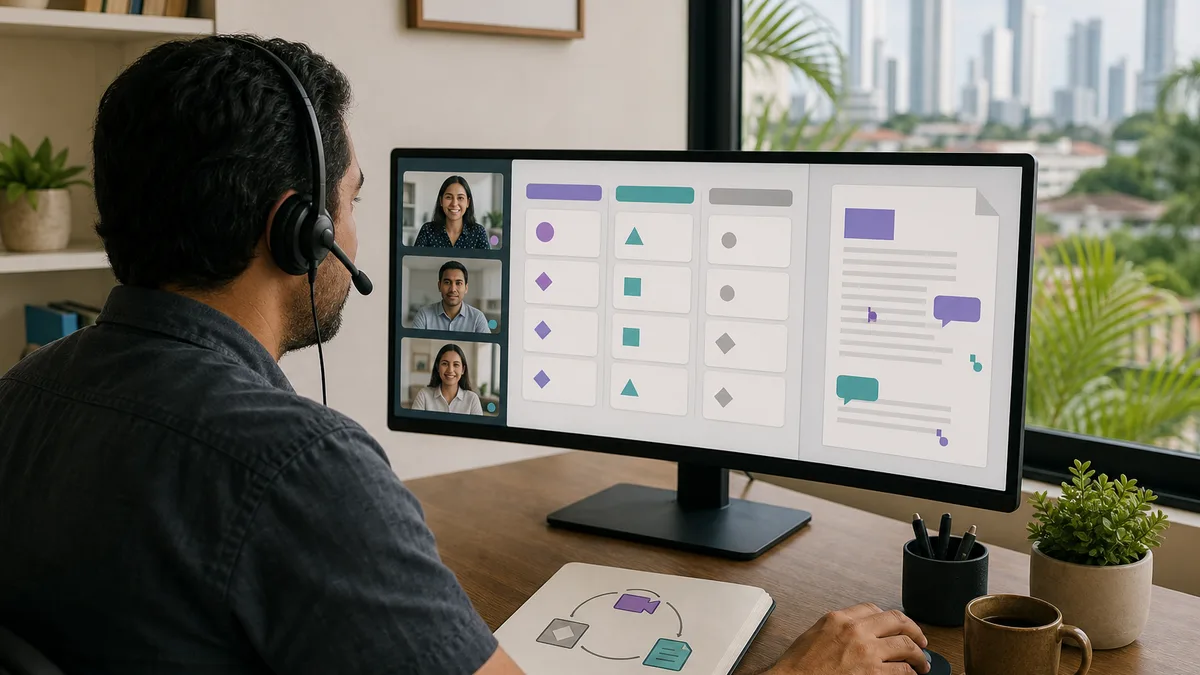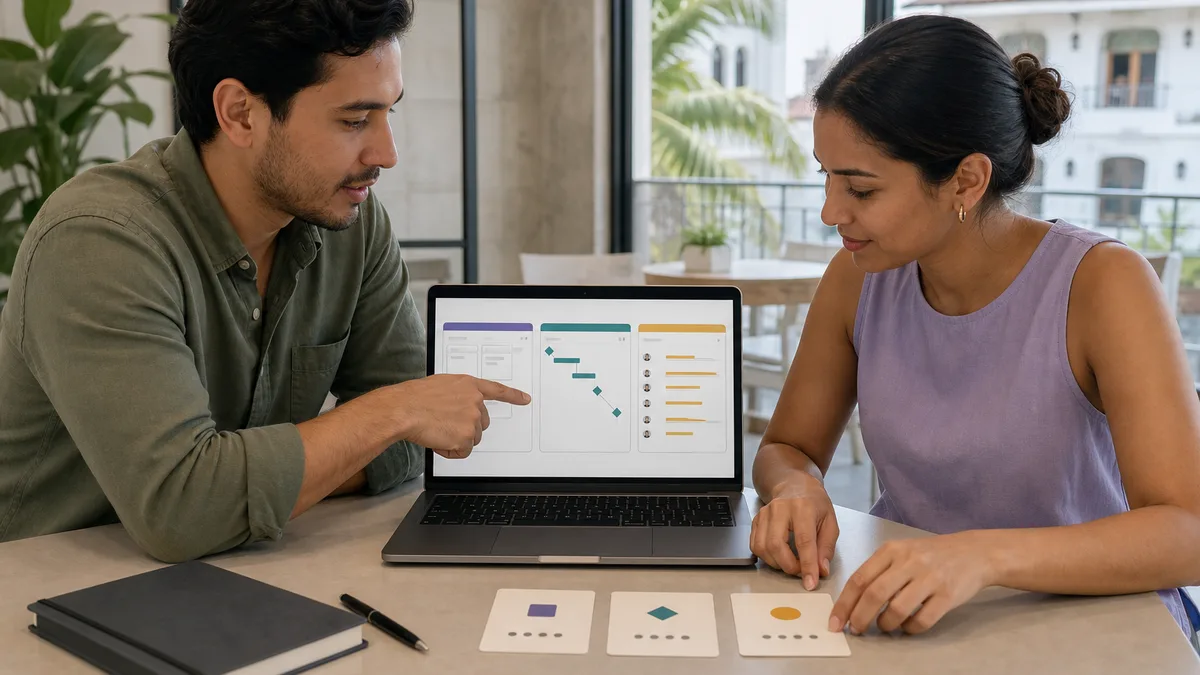
A free project-management tool can organize tasks, owners, and dates, but choosing “the best” without understanding the workflow often creates another system nobody maintains.
This URL received 36 impressions during the reviewed window for queries such as “gestion de proyectos gratis” and “herramientas de gestión de proyectos gratuitas.” Current positions are still weak—often between 30 and 90—so the opportunity is not another list. It is a more useful comparison and a way to test a tool before standardizing it.
First define the problem you need to solve
Before comparing products, identify the operational problem:
- tasks have no clear owner;
- deadlines get lost;
- too much follow-up happens in chat;
- tasks depend on one another;
- requests arrive through several channels;
- workload is difficult to see;
- repeated projects have no template;
- documentation is disconnected from execution.
If all you need is a shared task list, a complex platform may add more administration than value.
What makes a free plan useful?
Do not evaluate only whether the pricing page says “Free.” Check whether the free tier supports your actual workflow.
Review:
- number of people allowed;
- project, board, or workspace limits;
- automations;
- attachments and storage;
- history;
- available views;
- permissions;
- integrations;
- data export;
- support;
- what happens after a limit is reached.
Plans change. Always verify the official pricing page before standardizing a tool.
Trello: useful when a board is enough
Trello is organized around boards, lists, and cards and is often easy to explain to a team that needs to visualize stages.
It may fit:
- editorial work;
- simple requests;
- sales follow-up;
- administrative tasks;
- small projects with a visible flow.
Before adopting it, review the current Trello plans and confirm that board, automation, and integration limits fit your team.
Asana: tasks, owners, and projects
Asana organizes work around tasks, projects, owners, and dates. It can be useful when several projects share people and you need a more explicit structure than a simple board.
Evaluate:
- whether the team understands who owns each task;
- how dependencies are represented;
- which views are actually needed;
- how repeated projects will be managed;
- which functions are included in the plan you intend to use.
Check the official Asana pricing page before assuming that a feature shown in a tutorial is available for free.
Jira: not “the Agile tool” for everyone
Jira can be appropriate for software, support, or other work that benefits from tickets, states, and configurable workflows. That does not automatically make it the best choice for a five-person team that only needs to coordinate weekly tasks.
Atlassian maintains a Jira Cloud free plan, but current capabilities and limits should be verified in the official documentation.
Consider Jira when:
- the issue/ticket model matches the work;
- defined states or workflows matter;
- the team already works with a backlog;
- traceability between requests and execution matters;
- someone is responsible for maintaining the configuration.
Do not choose by feature count
A tool with one hundred features can be worse than one with ten when you use only three and the rest confuses the team.
Score each candidate from 0 to 2 on criteria such as:
| Criterion | 0 | 1 | 2 |
|---|---|---|---|
| Adoption | difficult | needs training | intuitive for the team |
| Main workflow | poor fit | partial fit | strong fit |
| Permissions | insufficient | acceptable | appropriate |
| Integrations | critical gaps | enough | strong fit |
| Export | weak | usable | clear and tested |
| Free plan | insufficient | useful for trial | covers current use |
The tool does not need to win every category. It needs to support the real workflow with a reasonable operating cost.
Run a two-week pilot with a real project
Do not migrate the whole company on day one.
Choose one small project and define:
- who creates tasks;
- who changes states;
- how blockers are handled;
- which information belongs inside a task;
- which information stays in external documents;
- which notifications are necessary;
- what “done” means.
After one or two weeks, ask:
- Did manual follow-up decrease?
- Do people know what they need to do?
- Are tasks updated or abandoned?
- Did the team create duplicate work?
- Are notifications useful or annoying?
- Can information be found quickly?
Kanban, Scrum, and “Agile” are not prerequisites
You do not need Scrum because the product displays sprints, and a board with columns is not automatically Kanban.
Start from the real work. If the team needs to limit work in progress, visualize flow, or work in iterations, some Agile practices may help. Otherwise, a simpler project process can be enough.
The methodology should solve a problem, not decorate the vocabulary.
Define a minimum amount of information per task
A simple template can include:
Title:
Expected outcome:
Owner:
Due date or delivery condition:
Context / links:
Definition of done:
Blockers:
This reduces vague tasks such as “review this” that require another conversation just to understand what completion means.
Automate after the process is stable
Automating a confusing workflow only makes mistakes happen faster.
First validate manually:
- states;
- owners;
- exceptions;
- priorities;
- closing criteria.
Then automate repetitive, low-risk actions such as moving a task after a condition is met or creating a recurring template.
Protect permissions and data
A project-management platform may contain:
- customer data;
- contracts;
- credentials pasted by mistake;
- internal incidents;
- sensitive files;
- employee information.
Before using an external platform, define what information may be stored, who can access it, how an account is removed, and how data can be exported if you change providers.
Never use a project card as a password manager.
What if the free plan stops being enough?
Do not let the paid upgrade become a surprise.
Before adopting a tool, define which event would justify reviewing the plan:
- more users;
- advanced permissions;
- storage;
- automations;
- reporting;
- support;
- compliance or security needs.
A free plan may be a permanent solution for a small team or simply an evaluation stage. Both are valid.
A minimal system for a small team
You can begin with four states:
To do → In progress → Review → Done
And three rules:
- every task has one owner;
- an in-progress task has a clear next step;
- done means an observable criterion has been met.
If this already improves coordination, only then add labels, priorities, automations, or dashboards.
How Crezendo can help
Crezendo maintains training areas related to productivity, management, collaboration, and digital tools, but this page does not promise a permanent Trello, Asana, or Jira course or guaranteed results.
Review the current workshops or ask about a team need. A responsible proposal should begin with the process the team wants to improve rather than selling one specific tool.
The right tool is the one the team maintains
Do not choose from a generic “best apps” table. Define the problem, test a real project, measure adoption and friction, verify plan limits, and preserve an exit path for your data.
A simple board that stays current can be more valuable than a sophisticated platform nobody updates.