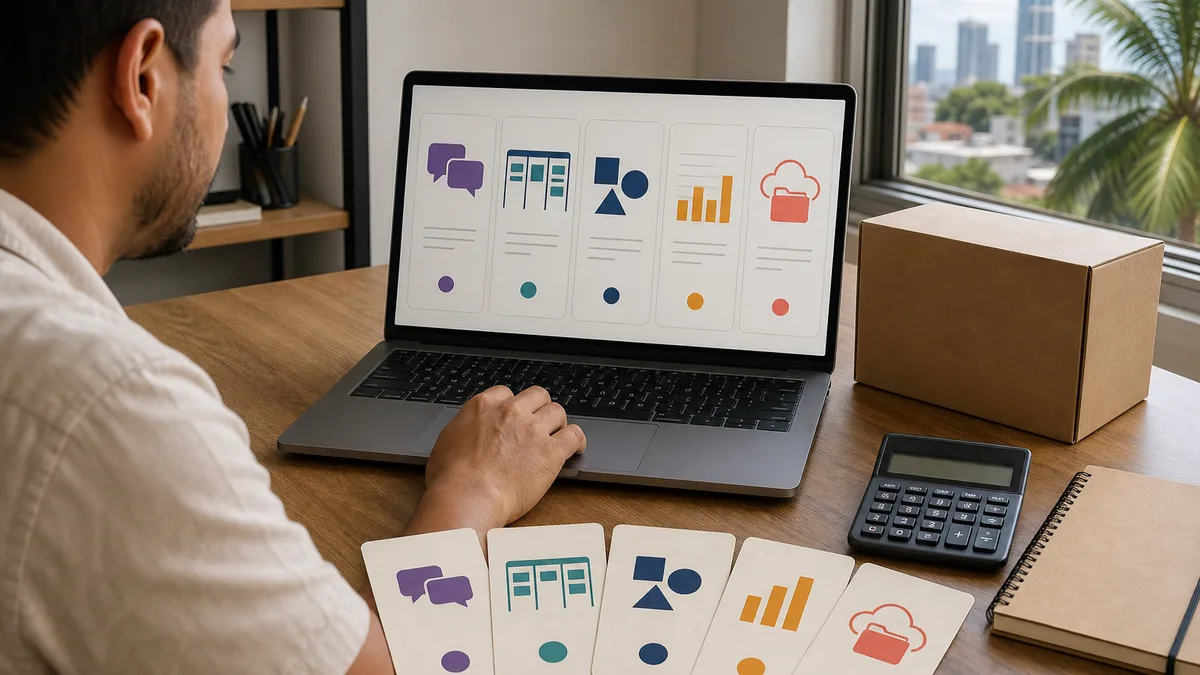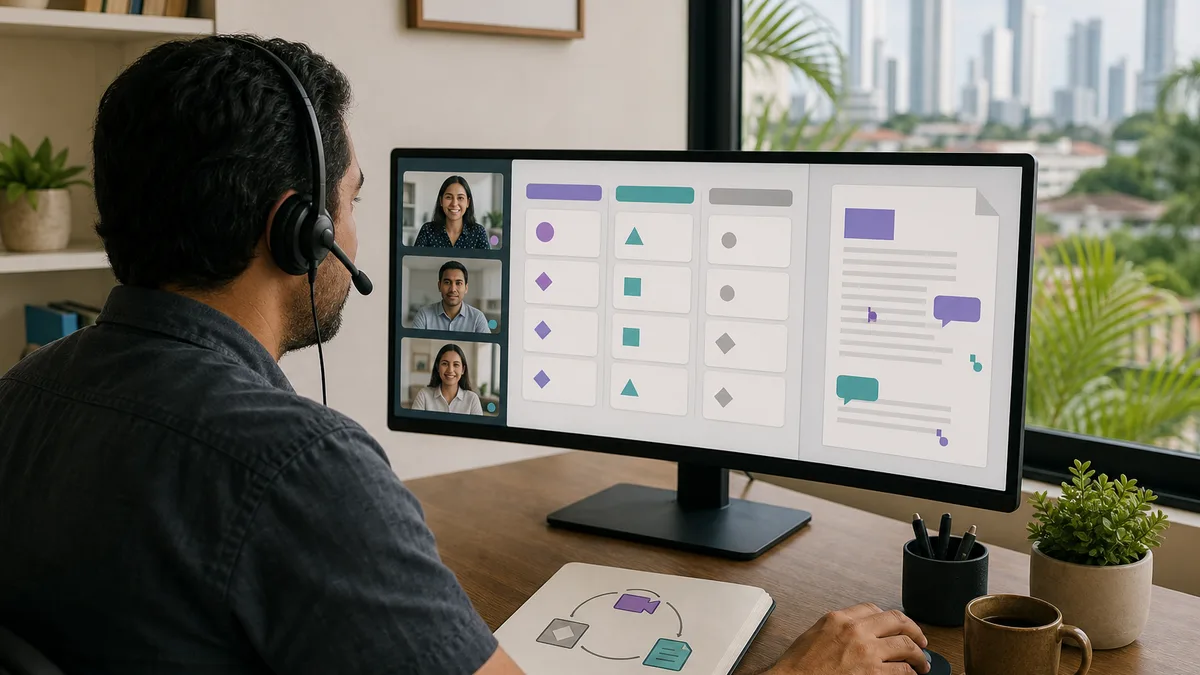
Remote collaboration does not improve by installing more applications. It often gets worse when the team has one chat for internal conversation, another for clients, three clouds for files, tasks scattered across messages and spreadsheets, and important decisions that exist only in a video call nobody documented.
This URL received 6 impressions during the reviewed window for “collaboration solutions.” The signal is modest, but the intent differs from Crezendo's remote-work guide for job seekers: this page addresses how a team designs its communication, tasks, files, decisions, and meetings. It therefore remains a standalone organizational guide.
Map the workflow before choosing tools
Pick a real process, for example:
Client requests a change → someone receives it → requirements are clarified → it is assigned → work happens → it is reviewed → delivered → closed
Now answer:
- Where does the request enter?
- Who decides whether it is accepted?
- Where is the owner recorded?
- How is status visible?
- Where are the files?
- Where is a decision recorded?
- How does the team know the work is finished?
If those questions have no clear answer, buying another platform will probably move the confusion rather than solve it.
Separate functions: chat, tasks, documents, files, and meetings
One platform may cover several functions, but the team needs to know which kind of information belongs where.
Chat
Use chat for quick conversation, coordination, and questions that can be resolved without becoming persistent work.
A decision that will still matter three months from now should not exist only in yesterday's chat history.
Tasks
A task should answer at least:
- what is needed;
- who owns it;
- when it matters;
- what “done” means;
- where related material lives.
If a chat request requires later work, turn it into a task or record in the agreed system.
Documents
Policies, procedures, specifications, meeting notes, and reusable knowledge need a place where they can be found later.
Avoid maintaining five files named final, final2, final-really, and final-management across different channels.
Files
Define where the master file lives, which permissions it needs, and how versions are handled. A personal folder owned by someone who may leave tomorrow should not be the only location of a critical asset.
Meetings
A meeting is useful when simultaneous conversation adds value: resolving ambiguity, negotiating a decision, reviewing a complex problem, or coordinating a sensitive situation.
Do not turn every status update into a video call.
Define one source of truth for each information type
A team can write a simple table:
| Information | Source of truth |
|---|---|
| tasks and owners | task system |
| operating documentation | wiki/documents |
| final files | shared storage |
| quick conversation | chat |
| decisions | decision log or project document |
| schedule | company calendar |
Specific product names matter less than the discipline of not maintaining two contradictory sources for the same information.
Response-time expectations reduce false urgency
Remote collaboration becomes exhausting when every message appears to require an immediate response.
Define categories such as:
- critical: immediate intervention is required because real operations are affected;
- today: needs resolution during the working day;
- normal: can be answered within the agreed working timeframe;
- informational: does not require a response.
You do not need these exact labels. You need a shared understanding of when to use chat, a task comment, a call, or escalation.
The word “URGENT” loses meaning when it appears twenty times a day.
Design for asynchronous work
A useful asynchronous update lets someone continue without asking you what happened.
A practical structure is:
- context: what are we trying to achieve;
- status: what has already happened;
- blocker: what prevents progress;
- decision needed: what another person must decide;
- next step: what happens afterward.
For example:
The supplier sent the revised quote. Price is within budget, but delivery changed from 7 to 14 days. I need approval before 3 pm to keep the project date. If approved, I will send the purchase order today.
That reduces message loops more effectively than “did you see the supplier thing?”
Do not turn notifications into the work system
A notification tells you that something happened. It should not be the only way to know what remains pending.
If someone must preserve 70 unread messages to remember tasks, the inbox is being used as a project manager.
Configure notifications around responsibility:
- direct mentions;
- changes to owned tasks;
- relevant incidents;
- deadline reminders;
- critical channels.
Reducing noise does not mean ignoring work. It means the work has a more reliable home than an endless stream of alerts.
Evaluate permissions before inviting clients or suppliers
A collaboration platform may contain:
- internal documents;
- personal data;
- contracts;
- budgets;
- improperly shared credentials;
- sensitive conversation;
- client information.
Before inviting external users, review:
- what they can see;
- whether they can download;
- whether they can reshare;
- what happens when the relationship ends;
- who revokes access;
- whether separate groups or spaces exist;
- which activity records are available.
A “private channel” is not a substitute for an access policy.
Never use chat as a password manager
Do not send passwords, private keys, tokens, or production secrets through ordinary messages because “only the team can see them.”
Use an appropriate credential-management mechanism and grant access according to need. When someone leaves a project, there should be a process to revoke accounts, sessions, keys, and permissions.
Compare tools without falling into rankings
Instead of asking “which is best?”, build a matrix around your workflow.
Evaluate:
- number and types of users;
- external guests;
- permissions;
- search;
- history;
- comments and mentions;
- tasks or task integration;
- collaborative editing;
- storage;
- data export;
- backup or recovery options;
- authentication and SSO where relevant;
- user administration;
- retention;
- integrations;
- mobile use;
- cost as the team grows;
- ease of leaving the platform.
A free tool may be enough for five people and expensive for fifty. A complete platform may be excessive for a team that only needs shared documents and a simple board.
Pilot before migrating the entire team
Choose one real process and test it for a short period.
For example:
- select one project;
- define where chat, tasks, files, and decisions live;
- include only the people who need access;
- perform real work;
- record friction;
- identify duplicated information;
- correct the rules;
- decide whether to expand.
Do not migrate years of files before proving the structure works.
Meetings need an input and an output
Before a meeting, define:
- objective;
- necessary participants;
- information to review beforehand;
- expected decisions.
Afterward, record:
- decisions;
- tasks;
- owners;
- dates;
- unresolved issues.
If nobody knows the next morning what was decided, the meeting did not produce an operational result even if it lasted two hours.
Replace some status meetings with visible information
An updated board or document can replace part of the meetings whose only purpose is having each person describe what they did.
A visible update can include:
- objective;
- status;
- owner;
- next milestone;
- blocker;
- last-updated date.
Reserve meetings for work that needs conversation rather than reading information aloud that could already be written down.
Document decisions, not every conversation
There is no need to preserve an eternal transcript of everything.
For an important decision, record:
- date;
- context;
- options considered;
- decision;
- main reason;
- owner;
- conditions that would trigger review.
When someone asks months later “why did we do this?”, the answer will be better than “I think we discussed it on a call.”
What to measure
Do not measure success by message count, meeting count, or tasks created.
Useful observations can include:
- time from request to assignment;
- tasks with no owner;
- overdue tasks;
- how often people ask for a file that should already be findable;
- decisions that have to be reconstructed;
- recurring meetings that produce no actions;
- time required to onboard a new person;
- incidents caused by incorrect permissions;
- tools almost nobody uses.
The objective is reducing friction and lost information, not maximizing visible activity.
Remote collaboration and remote work are different topics
Crezendo's guide to remote work from Panama is aimed at people seeking jobs who need to evaluate location, hiring arrangements, and eligibility.
This page addresses a different intent: how an existing team operates when it must collaborate at a distance.
Crezendo also maintains a page about remote work for company teams, but any concrete training or consulting scope must be confirmed against the current need.
A 60-minute team exercise
Take one recent project and draw:
- where the request started;
- which channels it passed through;
- where the decision ended up;
- how many times information was duplicated;
- where the final file lived;
- how ownership was assigned;
- how the work was closed.
Mark every tool switch. Ask which transitions were necessary and which existed only because “we have always done it this way.”
From that map, define one small rule to test during the next week.
Training and Crezendo
Crezendo maintains productivity, communication, and collaborative-work areas, but this guide does not announce a permanent workshop or recommend one platform because of commission or commercial preference.
Review the current workshops or contact Crezendo with team size, current tools, main friction, and the process you want to improve.
Healthy collaboration checklist
- every information type has a source of truth;
- the team knows what stays in chat and what becomes a task;
- critical files do not depend on one personal account;
- important decisions are recorded;
- urgency and response expectations are understood;
- external users receive only necessary access;
- secrets do not circulate through chat;
- meetings produce decisions or actions;
- notifications are not the task list;
- tools are reviewed and can be retired when they no longer add value.
Healthy remote collaboration is not defined by having many applications. It is defined by whether people know where to look, what they need to do, and which decision is current without reconstructing the work from scattered messages.