Yes, a charging port can be repaired in many cases, but you first need evidence that the fault is actually in the port. A broken cable, incompatible charger, debris, moisture, the battery, or the operating system can produce similar symptoms. At home, limit yourself to safe external checks; opening the phone, replacing the connector, or performing microsoldering requires a trained person and suitable tools.
Can a phone charging port be repaired?
The answer depends on the diagnosis and the model's design. Sometimes the problem disappears after replacing a damaged cable or removing loose debris without inserting tools. In other cases, a technician must clean the connector, replace a charging module or flex assembly, or work on the board when contacts, anchors, or traces are damaged.
“Repairing the port” does not always mean replacing it. Not every charging fault starts there, either. A responsible path rules out simple causes first and stops before an intervention that could make the damage worse.
Symptoms of a damaged charging port
These signs justify inspection, but they do not confirm the diagnosis on their own:
- the cable feels loose, falls out, or only charges at a certain angle;
- charging connects and disconnects intermittently;
- the phone does not recognize a wired data connection;
- the connector looks deformed, corroded, burned, or packed with debris;
- a liquid or debris warning repeatedly appears;
- the port, cable, or adapter becomes unusually hot.
If you notice a burning smell, smoke, a spark, visible liquid, corrosion, deformation, or heat that makes the device uncomfortable to touch, disconnect power and stop testing. These signs need technical evaluation; do not move the cable around to “find contact.”
Before repairing: rule out the cable, charger, battery, and software
Run one check at a time so you know what changed the result:
- Inspect the cable and adapter. Do not use accessories that are frayed, bent, melted, or have damaged pins.
- Try a compatible cable and adapter known to work, plus a different electrical outlet.
- Connect the charger directly, without unnecessary adapters, hubs, or USB extensions.
- Restart the phone and check for a specific charging, temperature, or moisture warning.
- If the model supports wireless charging and it works, record that for diagnosis; it is a clue, not proof that the port is the only fault.
Apple's official guide for an iPhone that will not charge likewise begins with cable, adapter, connection, outlet, and restart checks before recommending service. Always follow the instructions for your specific manufacturer and model.
How to inspect the port externally without damaging the phone
Disconnect the charger, turn off the phone if possible, and inspect the port under good light. Do not force the cable or insert needles, clips, pins, toothpicks, paper, cotton swabs, or improvised tools. Do not apply liquids, cleaners, heat, strong suction, or compressed air.
If you only see a loose particle at the opening, hold the port downward and tap it very gently against your hand. Google specifically says not to put anything into a USB‑C port with moisture or debris and to let a wet port dry at room temperature; see its official liquid or debris warning guide. If debris remains inside, stop and leave internal cleaning to a technician.
Home practices that can make the fault worse
- Scraping inside the port can bend contacts or cause a short circuit.
- Compressed air can push debris or moisture farther inside.
- External heat can affect seals, adhesives, plastics, and the battery.
- Forcing the cable to find a charging angle wears the connector and its anchors.
- Repeatedly connecting a wet, corroded, or hot port can expand the damage.
- Opening the phone without documentation, electrostatic control, and proper tools can tear flex cables, seals, or nearby components.
Apple also says not to use external heat, compressed air, or foreign objects in the connector when a liquid warning appears in its official liquid-detection guide.
When the port needs replacement or microsoldering
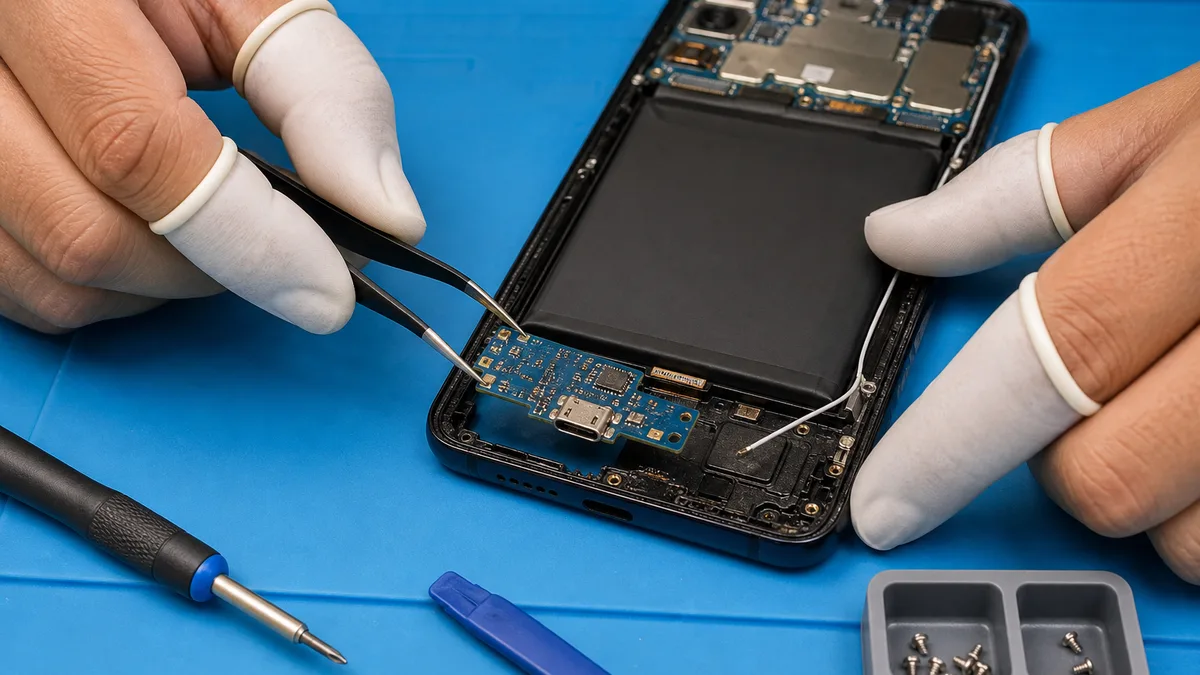
Replacement may be needed when the connector has broken contacts, a deformed shell, corrosion that cannot be safely removed, or damaged mechanical joints. Depending on the phone's design, the port may belong to a replaceable flex or module, or it may require board-level work.
Microsoldering is appropriate only when diagnosis identifies board-level damage and the technician has magnification, temperature control, electrostatic protection, and relevant experience. It is not a home method or the automatic answer to every intermittent charging problem.
How a charging-port fault is professionally diagnosed and repaired
A responsible diagnosis normally documents the symptom, checks known-good accessories, inspects the connector under magnification, and verifies whether the phone receives and negotiates power correctly. The technician then determines whether technical cleaning is enough, whether a module must be replaced, or whether the battery, charging circuit, or board needs examination.
Before handing over the device, create a backup if the phone still works and remove unnecessary information. Ask how your data will be protected and whether the unlock code is truly needed. Physical repair does not authorize unrestricted access to photos, messages, email, or accounts.
What to ask before authorizing a repair in Panama
Request clear answers in writing when possible:
- What is the diagnosis, and which tests support it?
- Which part or procedure is proposed, and why?
- What is the total price before additional work is authorized?
- What is the scope and duration of the repair warranty?
- Is there a risk to data or a need to reset the phone?
- Will opening the device affect seals or manufacturer-rated water resistance?
- What happens if a second fault is discovered during inspection?
There is no universal price or turnaround time; both vary by model, part, damage, and availability. Avoid authorizing work based only on “it looks like the port.”
Should you repair or replace the phone?
Compare the diagnosis and quote with the device's complete condition. Consider the battery, screen, software support, liquid history, parts availability, value to you, and the cost of an alternative. A repairable port may justify keeping an otherwise healthy phone; several simultaneous faults may change the decision.
Do not rely on a rigid percentage rule or decide based only on age. Obtain an evaluation first and separate the confirmed repair cost from possible future work.
How to learn phone repair safely
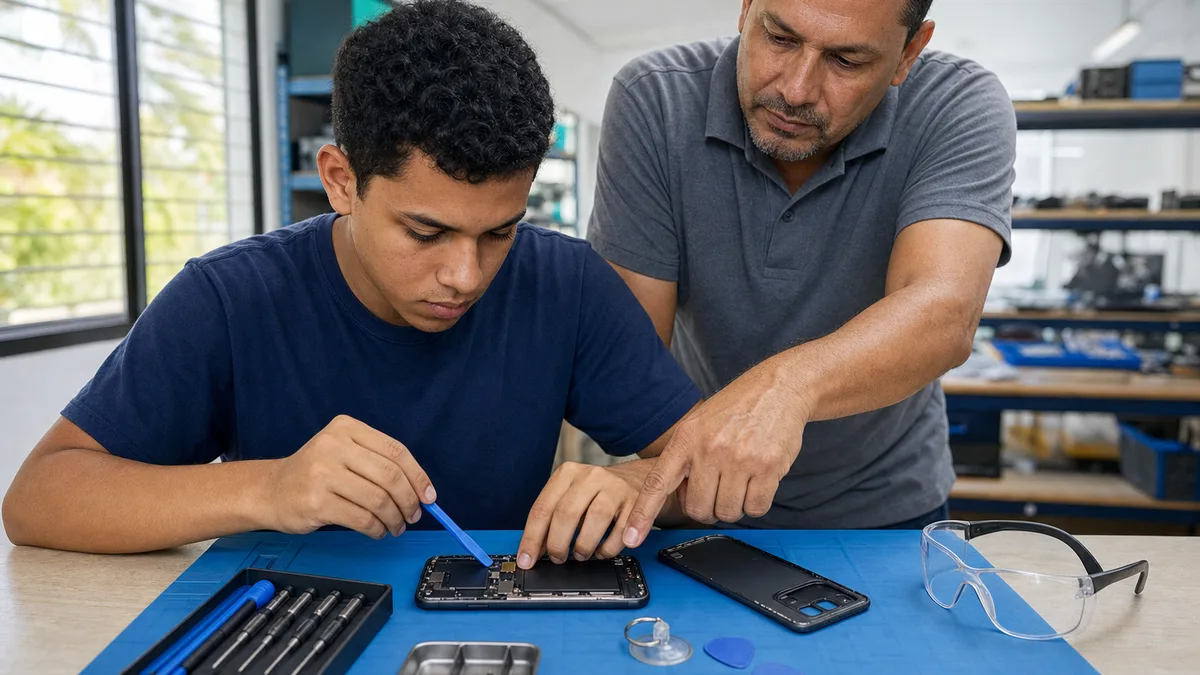
Useful training teaches diagnosis before parts replacement, documentation reading, lithium-battery safety, electrostatic protection, instrument use, privacy, and supervised practice. The skill is not memorizing one video for a specific model; it is learning to measure, form hypotheses, and know when to stop.
If you want to develop that ability, review the phone repair course in Panama and the guide to phone repair as a career in Panama, which also covers how technical practice can become a responsible professional path.
Frequently asked questions
Why does my phone only charge when I move the cable?
Debris, cable wear, or mechanical port damage may be involved, but movement alone does not identify the cause. Stop forcing it and test known-good compatible accessories first.
Is it safe to clean the port at home?
Only perform an external inspection and actions expressly allowed by the manufacturer. Do not insert objects or apply liquids, heat, or compressed air.
Can a loose USB‑C or Lightning port be repaired?
There is often a repair path, but diagnosis must determine whether the connector, module, anchors, or board has failed.
When is microsoldering necessary?
When diagnosis confirms board-level work. It should be performed by a trained person with suitable equipment.
Ask Crezendo about training options
Crezendo does not promise to repair your phone through this article. You can contact us to ask whether current training, guidance, or activities related to safe phone diagnosis and repair are available in Panama.