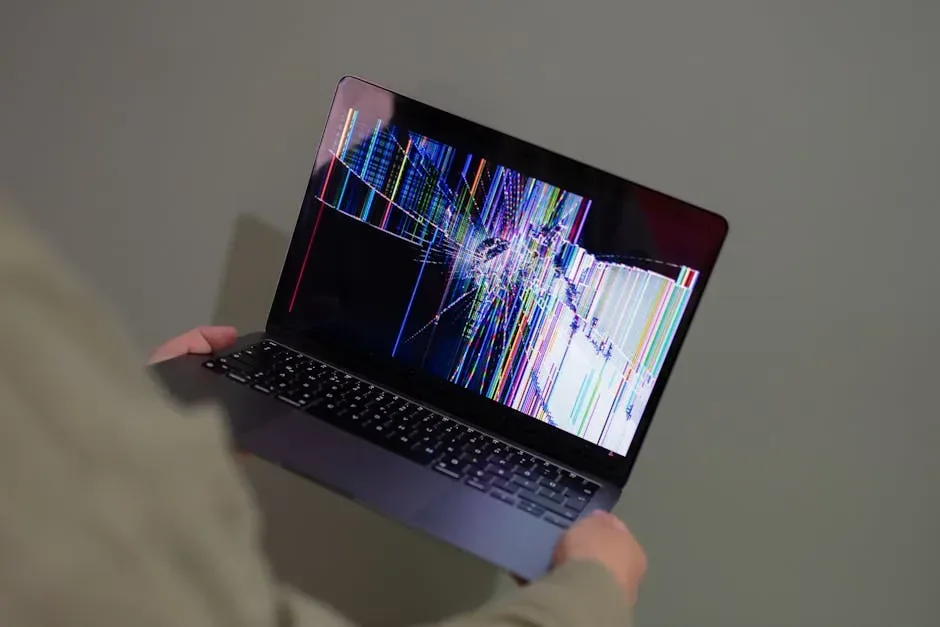
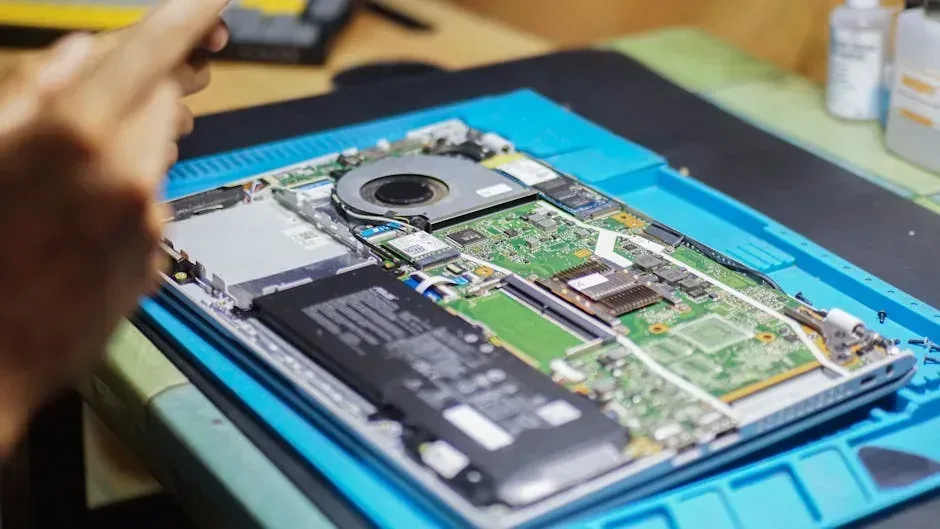
An accidental bump, a forceful closing, or simply the passage of time can leave a laptop screen cracked, lined, stained, or completely dark. The first reaction is usually to think about buying a new laptop, but that is not always the most economical or sustainable decision. Repairing a screen is a viable option in most cases, as long as you properly evaluate the costs and the overall condition of the machine.
Types of laptop screen damage
Not all visual problems are the same. Identifying the type of damage helps estimate the cost and feasibility of repair:
- Visible cracks with broken glass: physical damage to the panel. The only solution is replacement.
- Vertical or horizontal lines: can be the panel or the video flex cable. Sometimes it is the cable, which is cheaper to replace.
- Black spots or color patches: dead pixels or damage to LCD layers. Usually require a new panel.
- Black screen but external display works: the panel works but the backlight fails. It could be the inverter or the background LEDs.
- Intermittent flickering: usually a loose or damaged flex cable from hinge movement.
How much does screen repair cost in Panama?
Prices vary depending on brand, size, and whether the screen is standard or touchscreen. These are approximate ranges in the Panamanian market:
| Screen type | Price range (USD) | Estimated time |
|---|---|---|
| 14" standard HD | 80 - 140 | 1 to 2 hours |
| 15.6" Full HD | 100 - 180 | 1 to 2 hours |
| Touchscreen | 180 - 350 | 2 to 4 hours |
| OLED or high-end | 250 - 500+ | 2 to 4 hours |
These prices include the replacement part and labor. Touchscreens cost more because they integrate the digitizer and require greater precision during installation.
Is it worth repairing or better to buy new?
To make the right decision, answer these questions:
- How much did the laptop cost new? If the repair exceeds 50 % of the original price and the machine is over four years old, buying new is usually smarter.
- Are the processor and RAM still competent? A new screen on a laptop with 2 GB of RAM and a decade-old processor does not solve the underlying problem.
- Are there other damages? If the hinge is broken, the keyboard fails, and the battery does not last, add up all the costs. Sometimes the screen is only the tip of the iceberg.
- Is the data backed up? If you have no backups and the laptop works except for the screen, repairing it may be the only way to recover files.
The screen replacement process
Changing a laptop screen is not magic, but it requires patience and proper tools:
- Identify the exact panel model using the part number printed on the current screen.
- Buy the compatible replacement. Use the part number, not just the brand and size of the laptop.
- Remove the battery and unplug the charger.
- Remove the plastic bezel around the screen with an opening tool.
- Unscrew the screws holding the panel to the frame.
- Carefully disconnect the video cable. It is flat and delicate.
- Install the new panel, reconnect the cable, screw it in, and snap the bezel back into place.
If your laptop has damaged metal hinges, replace them at the same time. A loose hinge will pinch the flex cable and break the new screen within months.
Risks of doing it yourself
- Buying an incompatible panel due to video connector or bracket placement.
- Breaking the plastic bezel by forcing it.
- Leaving hair or dust between the panel and backlight, creating visible spots.
- Damaging the flex cable by disconnecting it with too much force.
If you are not comfortable with the procedure, an experienced technician charges an additional $20 to $40 for labor. It is insurance against costly mistakes.
Alternative: permanently using an external monitor
If the laptop has an HDMI port and you mainly use it at a desk, you can connect an external monitor and close the lid. You will need an external keyboard and mouse. This zero-dollar solution gives you a functional workstation while you decide whether to repair or replace.
Consider donating the laptop with a broken screen
If you conclude that repair does not make economic sense, do not discard the laptop as e-waste. In many cases, the rest of the hardware works perfectly: processor, RAM, hard drive, and motherboard are healthy. At Crezendo we accept laptops, phones, game consoles, tablets, and peripherals in any condition. Laptops with broken screens are ideal candidates for repair: our technical team replaces the panel and prepares the machine for a student to use for their education. If the panel cannot be sourced or the laptop is too old, we salvage its internal components to repair other machines. Donating a device with a broken screen can be the difference between whether a young person has access to a computer for studying or not.