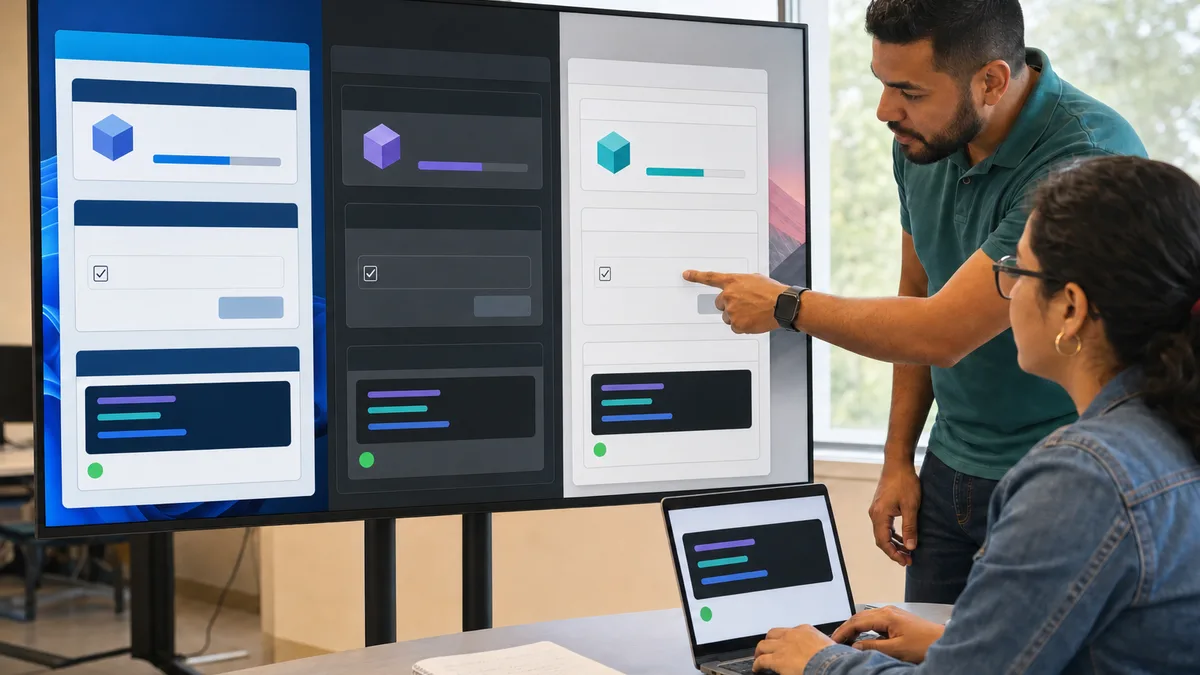
uv is an Astral tool for working with Python through one interface: it can manage Python versions, projects, dependencies, virtual environments, command-line tools, and scripts with declared dependencies.
This URL already has a distinct search intent. During the reviewed 90-day window it received 67 impressions, including “que es uv en python” near position 9 and “uv python que es” around position 9. That supports keeping a dedicated uv page, but not the old claims that it is universally “the fastest,” that developers have already abandoned pip, or that it always replaces four separate tools.
What is uv?
Astral describes uv as a Python package and project manager. Its current scope extends beyond installing packages: it includes commands for creating projects, resolving and synchronizing dependencies, running code in the project environment, installing Python versions, and executing tools.
The official feature overview is available in the uv documentation.
A typical project workflow can look like this:
uv init my-project
cd my-project
uv add requests
uv run python main.py
uv uses pyproject.toml for declared project dependencies and uv.lock to preserve a reproducible resolution.
Project, environment, and lockfile are different things
It helps to separate these concepts.
pyproject.toml
This describes the project and its direct dependencies. If you add requests, for example, the project records that dependency without requiring you to manually pin every transitive package.
.venv
This is the virtual environment where project dependencies are installed for execution. uv can create and maintain it as part of the project workflow, so activation is not required for commands such as uv run.
uv.lock
This records the complete resolution that uv uses to synchronize the project. The lockfile lets developers and automated environments begin from a consistent resolution instead of freely resolving every dependency on every install.
The command:
uv sync
synchronizes the project environment with the declared and locked state.
uv add, uv remove, uv lock, uv sync, and uv run
These commands serve different purposes:
uv add httpx
Adds a dependency to the project.
uv remove httpx
Removes it.
uv lock
Updates the locked resolution without primarily executing the project.
uv sync
Synchronizes the environment with the project and lockfile.
uv run pytest
Runs a command in the project context using the corresponding environment.
For a team, understanding that separation is more useful than memorizing a list of “advantages”: it tells you when you are modifying dependencies, materializing an environment, or simply executing something.
Managing Python versions
uv can also install and select Python versions. For example:
uv python install 3.13
uv python pin 3.13
This may simplify a team that previously depended on a separate version manager, but it does not mean every working infrastructure should replace its existing source of Python. A project using Docker images, managed runners, or corporate policies may already have another canonical mechanism.
How is it different from pip?
pip is primarily a Python package installer. uv supports workflows compatible with pip, but it also provides a project model with locking, synchronization, execution, Python management, and tools.
That is why “uv vs pip” can be misleading when it treats both tools as if they covered exactly the same scope.
If all you need is to install a package into an environment that is already managed elsewhere, pip may still be sufficient. If you want one tool to coordinate project metadata, resolution, environment, and execution, uv covers more stages.
Requirements files and pip-style commands
uv includes a uv pip interface for environments and files compatible with traditional workflows. For example:
uv pip install -r requirements.txt
That makes it possible to introduce uv without immediately converting every repository into a project managed by uv.lock.
Do not confuse the two modes:
uv pip ...resembles the traditional environment-installation workflow;uv add,uv lock,uv sync, anduv runbelong touv's project workflow.
Scripts with declared dependencies
Python supports inline metadata for scripts, and uv can use it when running a file. A minimal example:
# /// script
# dependencies = ["httpx"]
# ///

import httpx

print(httpx.get("https://example.com").status_code)
Then run:
uv run script.py
This is useful for self-contained utilities that need one or more dependencies without turning every script into a full repository.
Tools with uvx
uvx can run Python command-line tools in isolated environments. That allows a tool to be used without permanently installing it inside the current project.
The idea overlaps with other isolated Python application workflows, but an existing environment should be evaluated before migrating merely for uniformity.
Is uv faster than pip?
Astral highlights performance as a feature of uv, and its implementation is designed to resolve, download, and prepare dependencies efficiently. However, one universal figure such as “10x” or “100x” cannot describe every project, cache state, network, platform, or benchmark.
If speed matters in your workflow, benchmark your own case:
- start from a clean environment;
- use the same dependency set;
- separate cold installs from cached installs;
- repeat the test several times;
- compare reproducibility and maintenance as well as elapsed seconds.
How to evaluate a migration from pip
You do not need to transform a stable repository simply because a tool is new or popular.
Keep the current workflow when
- the project is small and already works well;
- another layer manages the environment;
- changing tools would disrupt CI, documentation, or operations without a clear benefit;
- an important dependency or platform still requires a particular workflow.
Consider a uv-managed project when
- you want to declare dependencies in
pyproject.toml; - you need a shared lockfile;
- you want explicit environment synchronization;
- you manage multiple Python versions;
- you want to unify execution, tools, and dependencies through one interface.
Make the migration on a branch and verify tests, builds, scripts, containers, and CI before replacing the previous workflow.
A minimal exploration workflow
To explore uv without touching an important project:
uv init uv-test
cd uv-test
uv add httpx
uv run python -c "import httpx; print(httpx.__version__)"
uv tree
Then inspect pyproject.toml, uv.lock, and .venv. Understanding which file controls each piece of state is more useful than copying commands from memory.
Sources and updates
uv evolves quickly. For current commands and behavior, use the official project guide and the feature reference rather than assuming an older tutorial still describes the installed version exactly.
If you are learning Python
You do not need to learn uv before understanding imports, modules, dependencies, and environments. A reasonable path is to first understand why isolated environments exist and then compare how venv/pip and uv materialize that concept.
Crezendo maintains training areas related to programming; availability and exact content must be confirmed. Review the current workshops or ask about a specific need. This page does not advertise a permanent uv, Python, or Astral-tools course.