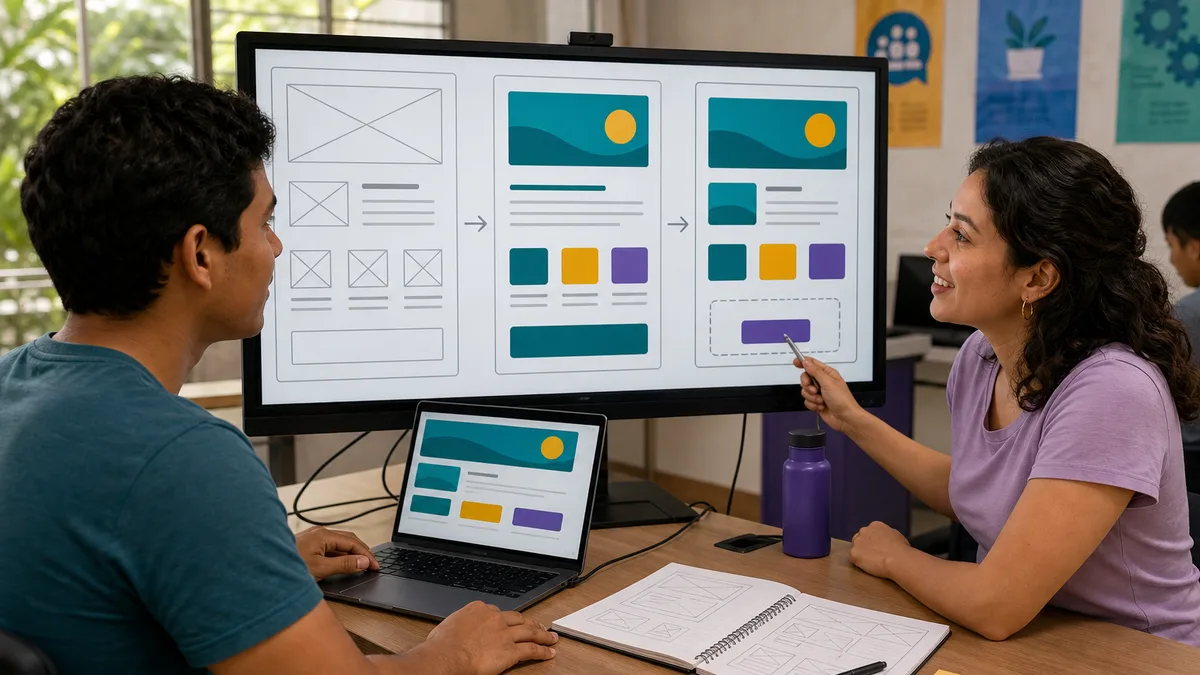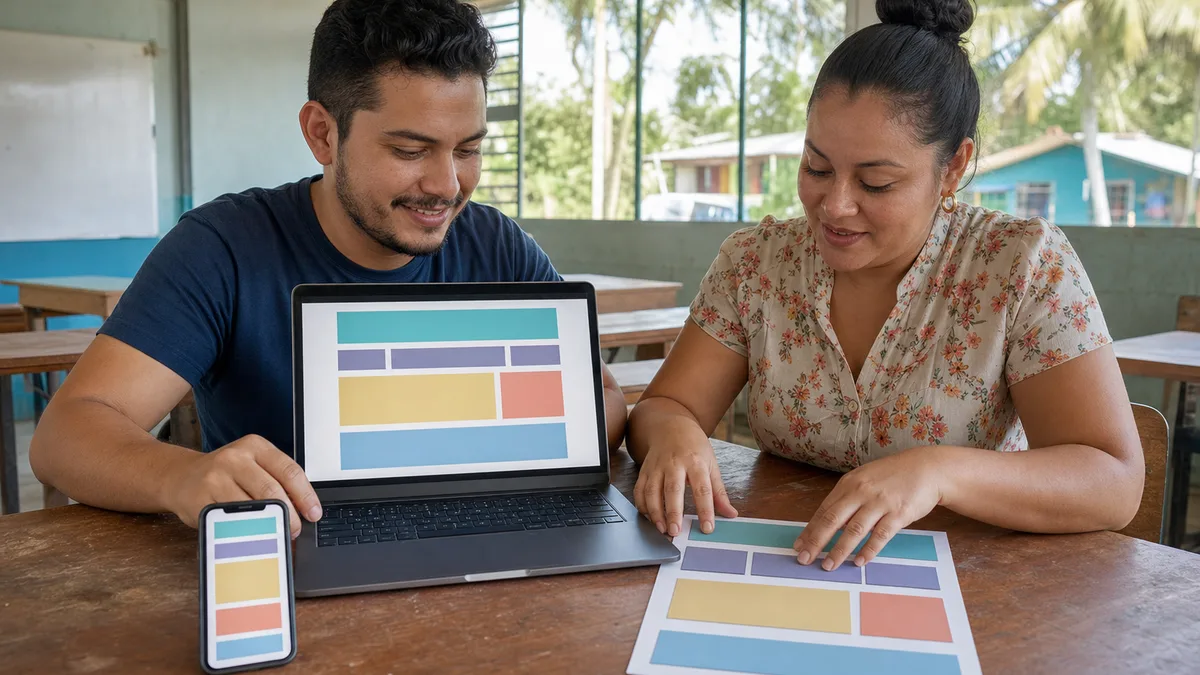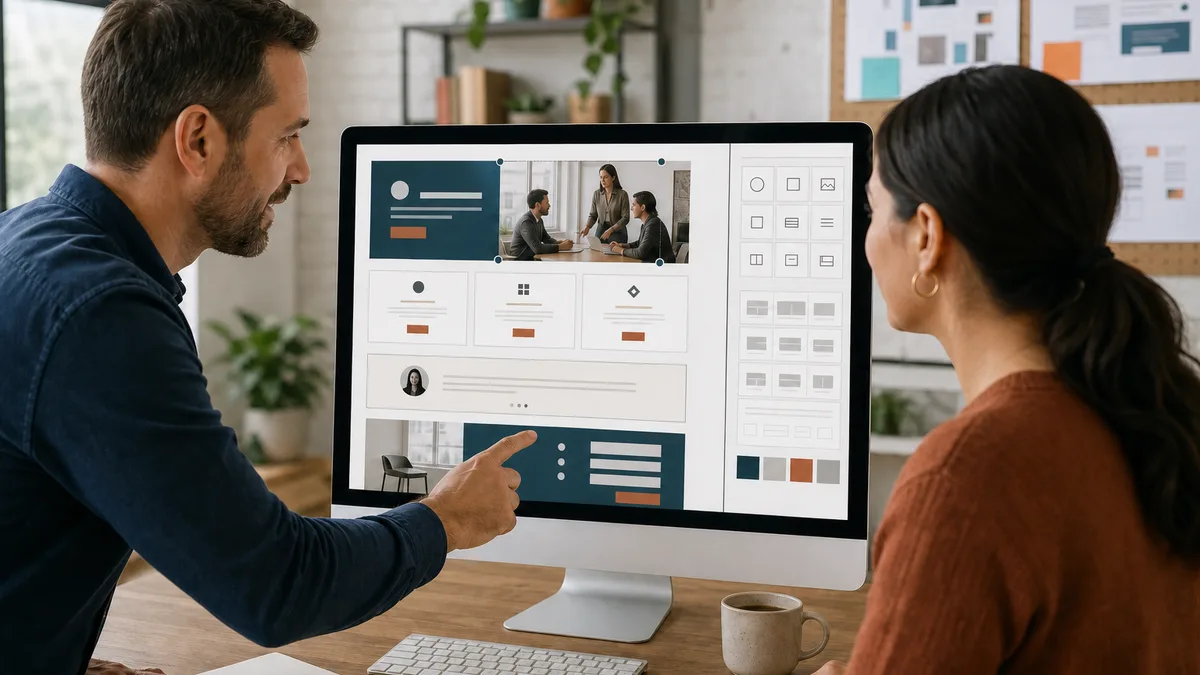
You can begin HTML and CSS with a modest computer, a text editor, and a browser. Your first objective is not to memorize every element or produce a perfect design. It is to build a small page, understand why it works, and improve it in short cycles.
HTML describes content and structure. CSS controls presentation. Learn them together but in that order: create a structure that makes sense without styles, then use CSS for spacing, typography, color, and adaptation to different screens.
What HTML and CSS are
HTML stands for HyperText Markup Language. An HTML document is a tree of elements: headings, paragraphs, links, images, lists, and page regions. The WHATWG HTML standard explains that elements must be nested without overlap and that each element has a defined meaning.
CSS stands for Cascading Style Sheets. It selects document elements and applies visual rules. It does not replace HTML meaning: text made large with CSS does not automatically become a heading. Correct structure still matters for navigation, maintenance, and accessibility.
MDN summarizes the separation: HTML provides structure, CSS presentation, and JavaScript behavior. You only need the first two for this initial page.
What you need to start
Create a folder named my-first-website with two files:
my-first-website/
├── index.html
└── styles.css
Use your existing text editor or one designed for code. The important part is to save plain text with the correct extensions, not a formatted document such as .docx. You also need a modern browser to open index.html and its developer tools to inspect problems.
You do not need a server, database, framework, JavaScript, or paid account. Working locally removes distractions and reveals the direct relationship between the file and the result.
Your first HTML exercise
Save this document as index.html:
<!doctype html>
<html lang="en">
  <head>
    <meta charset="utf-8">
    <meta name="viewport" content="width=device-width, initial-scale=1">
    <title>My first page</title>
    <link rel="stylesheet" href="styles.css">
  </head>
  <body>
    <header>
      <h1>Hello, I am Ana</h1>
      <p>I am learning web development from Panama.</p>
    </header>

    <main>
      <section aria-labelledby="about-me">
        <h2 id="about-me">About me</h2>
        <p>I want to build clear and accessible web pages.</p>
      </section>

      <section aria-labelledby="projects">
        <h2 id="projects">Projects</h2>
        <ul>
          <li>A personal page</li>
          <li>A fictional business menu</li>
        </ul>
      </section>
    </main>

    <footer>
      <p>Created as an HTML and CSS exercise.</p>
    </footer>
  </body>
</html>
Open it in the browser. Before adding styles, verify that:
- the title appears in the browser tab;
- one
h1describes the page; - each section has an
h2; - the list has two items;
- the document language is
en; - the
styles.csslink changes nothing yet because the file is empty.
Headings are more than font sizes. W3C WAI explains that they communicate content organization and support in-page navigation. Using h1, h2, and h3 by hierarchy rather than appearance is a good habit from the first project.
Add CSS and observe each change
Save this in styles.css:
:root {
  color-scheme: light;
  font-family: system-ui, sans-serif;
  line-height: 1.6;
  color: #172033;
  background: #f4f7fb;
}

body {
  max-width: 48rem;
  margin: 0 auto;
  padding: 1.25rem;
}

header,
section,
footer {
  background: #ffffff;
  border-radius: 0.75rem;
  padding: 1.25rem;
  margin-block: 1rem;
}

h1,
h2 {
  line-height: 1.2;
}

h1 {
  color: #5b21b6;
}

@media (min-width: 48rem) {
  body {
    padding: 2rem;
  }
}
Refresh the browser. Then change one rule at a time:
- modify the
h1color; - increase or reduce
max-width; - temporarily remove the
sectionbackground; - change spacing and observe which property controls it;
- open browser developer tools and inspect a section.
This method teaches cause and effect. If you paste twenty blocks without testing, you will struggle to identify which one fixed or introduced a problem.
How to debug when it “does not work”
Most early mistakes are small. Check in this order:
- Did you save the file? The browser cannot see changes that only exist in the editor.
- Does the path match?
styles.cssandStyles.cssmay be treated as different names after publication. - Did you close elements and braces? Look for incorrect nesting and incomplete CSS rules.
- Does the selector target the right element?
.cardselects a class;cardwould look for an element named card. - Is another rule winning the cascade? Developer tools show overridden declarations and their source file.
- Does the HTML make sense without CSS? If the order is already confusing, do not try to fix it only with visual positioning.
Keep a known working version before each large change. If something breaks, return to that point and apply the modification in smaller pieces.
A practical 30-day roadmap
Thirty days do not guarantee mastery; this is a flexible structure for consistent practice. Adjust the pace to your schedule.
Days 1–7: structure
- documents,
head, andbody; - headings, paragraphs, lists, and links;
- images with useful alternative text;
header,nav,main,section, andfooter;- basic forms with associated labels;
- one short exercise each day.
Expected result: a page that is understandable without CSS.
Days 8–14: presentation
- selectors, classes, and cascade;
- color, typography, and units;
- box model: margin, border, and padding;
- maximum width and normal flow;
- link states and visible focus;
- contrast and readability.
Expected result: the same page with a consistent visual system.
Days 15–21: responsive design
- a mobile-first approach;
- Flexbox for one-dimensional layout;
- Grid for rows and columns;
- images that do not overflow;
- content-based media queries;
- keyboard and viewport-width testing.
Expected result: the page works in narrow and wide windows without horizontal scrolling.
Days 22–30: project and review
- choose a small problem;
- sketch the content hierarchy;
- implement HTML before visual detail;
- add CSS by component;
- test links, headings, contrast, and focus;
- ask another person to use the page;
- correct it and document what you learned.
Expected result: one finished project you can explain, not a folder of disconnected examples.
Initial project: a responsive personal page
Build a personal page without publishing sensitive information. It may include an introduction, skills you are practicing, two fictional projects, and a controlled contact method. Avoid a home address, identity number, or personal phone if the page will be public.
Set acceptance criteria:
- the purpose is clear from the
h1; - the page works without CSS and retains a logical order;
- keyboard focus is visible;
- informative images have
alttext; - text remains readable by contrast;
- it adapts to 320 px width without overflow;
- every link has a clear purpose;
- HTML and CSS live in separate files;
- you can explain every rule you kept.
Capture the first and final versions. Write down three decisions and one problem you solved. That explanation demonstrates learning better than simply claiming that you “know HTML and CSS.”
Common beginner mistakes
Memorizing elements without building
Memory improves when an element solves an actual need. Learn what your project needs and consult documentation when another case appears.
Building everything with div
A div is useful when no more meaningful element exists, but it does not automatically replace nav, main, button, ul, or headings. Express meaning first.
Pursuing visual perfection too early
Start with hierarchy, readability, and spacing. Animation, shadows, and effects can wait. A simple, consistent design is a stronger foundation.
Copying without verification
Studying examples is legitimate, but change one part, predict the result, and verify it. If you cannot explain the code, it is not yet part of your working knowledge.
Postponing accessibility
Accessibility is not a decorative layer. Language, structure, labels, alternative text, keyboard behavior, and contrast are early decisions.
Practice and build a portfolio from Panama
You do not need to claim professional experience before you have it. An initial portfolio can contain three clearly labeled fictional projects:
- an information page for a community activity;
- a responsive menu for an imaginary café;
- a service page with a form that has no backend.
For each project, document the objective, audience, sketch, decisions, tests, and improvements. If you later want to explore professional services, see the first steps toward freelance web development in Panama, but do not offer work you cannot yet deliver reliably.
Self-directed learning or training?
Self-directed learning works if you can organize material, practice consistently, and resolve blockers through documentation. Guidance may help when you need a sequence, feedback on your code, deadlines, or a supervised project.
Before choosing an option, ask:
- does the syllabus clearly separate HTML, CSS, and JavaScript?;
- does it include exercises and a reviewed project?;
- does it cover accessibility and responsive design?;
- who reviews the code and by what criteria?;
- what prerequisites does it require?;
- what schedule, format, cost, and policy are currently valid?
The guide on how to choose an HTML and CSS course in Panama develops that comparison. Verify any offering directly; this page does not promise that Crezendo has an active workshop, seat, or schedule.
What to learn next
Once you can build and explain a responsive page:
- learn Git to record changes and work with versions;
- study JavaScript for behavior and interaction;
- practice forms, HTTP requests, and error handling;
- deepen accessibility and performance skills;
- evaluate a framework only when you understand the problem it solves.
TypeScript comes after JavaScript, not before your first HTML page. When you have that foundation, read TypeScript for beginners.
Your next step
Today you can create the folder, write the HTML, connect the CSS, and complete one visible improvement. Save a note about what you understood and your next question. That routine creates real evidence of progress.
If you prefer guidance to structure your roadmap or want to ask whether Crezendo has a suitable training option, contact Crezendo with your current level, objective, and availability. The conversation confirms current alternatives; it does not automatically reserve a seat or guarantee an employment outcome.