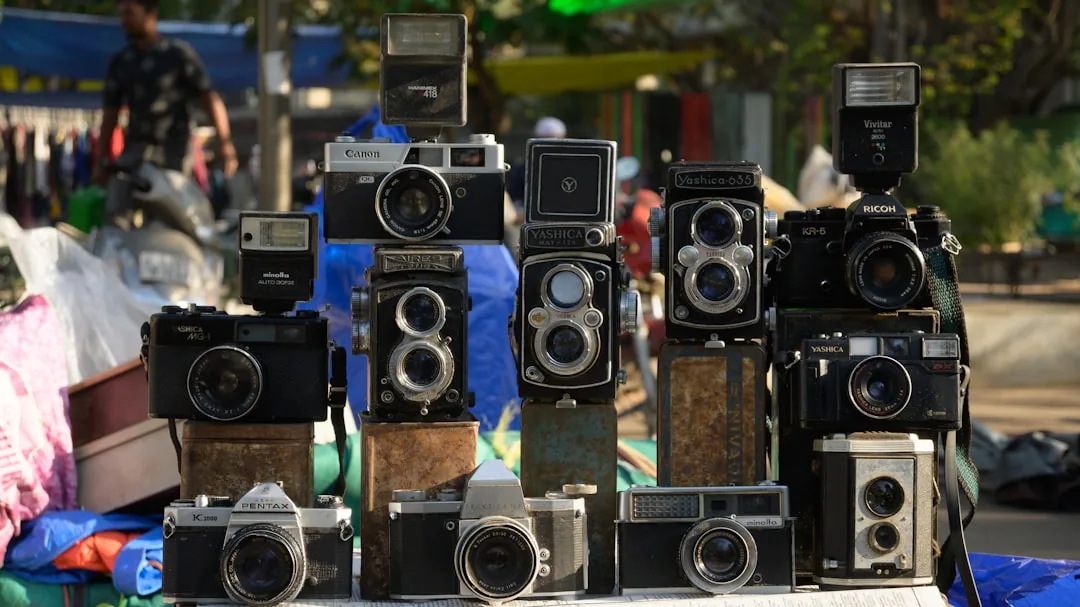
An old camera can support workshops in photography, visual communication, project documentation, and device care, even if it is no longer used professionally.
Why it can have educational value
An old camera can support learning, technical practice, diagnosis, spare parts, or demonstrations if it is still safe to handle. In an educational foundation, value does not always mean the device is perfect; sometimes it means students can learn how technology is inspected, repaired, documented, or reused.
- It can teach framing, exposure, focus, and file transfer.
- It can help document educational or community activities.
- If it has issues, it supports diagnosis of lenses, battery, or memory.
What to check before donating it
Before handing it over, make a simple review:
- Remove personal photos from internal memory or card.
- Include battery, charger, cable, lens, or card if available.
- Note whether it powers on, focuses, and saves images.
- Protect lens and screen during transport.
The item does not need to look new. It does need an honest condition note so Crezendo can decide whether to use it in workshops, recover parts, or send it to responsible recycling.
How Crezendo could use it
- Digital photography and documentation workshops.
- Maintenance and device-care practice.
- Visual support for the foundation's educational projects.
When the device contains personal data, protecting that information comes first. When there is no data involved, the focus is electrical safety, physical condition, and learning potential.
When it should not be donated
- If it has a swollen battery, burnt smell, severe corrosion, or exposed parts that could cause harm.
- If it is internally wet and cannot be handled safely.
- If it contains personal data that cannot be erased or isolated.
In those cases, the responsible path is to separate batteries, cables, or unsafe parts and look for proper recycling. If the device can still be evaluated or used for practice, offer it to Crezendo first so its educational value can be confirmed.
Quick checklist
- Clean the item externally and group related cables or accessories.
- Note the brand, model, known issue, and whether it powers on.
- Erase personal data when applicable.
- Do not promise that it works if you have not tested it.
- Prepare clear photos to make the first evaluation easier.