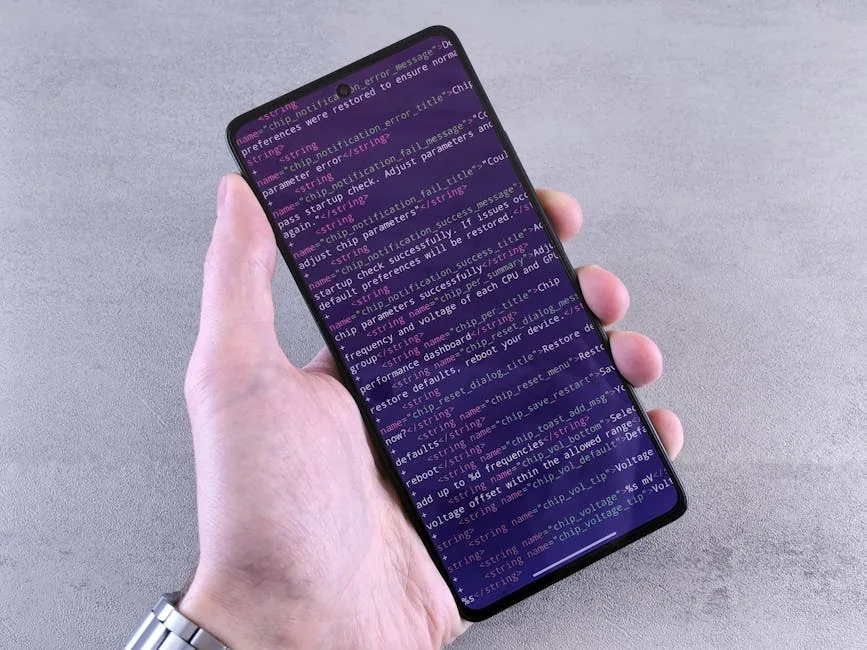
Not having your own computer is no longer an excuse for not learning to program. If you have access to a phone with internet, you already have everything you need to start.
This guide is for people in Latin America who want to learn programming but do not yet have the resources to buy a computer. The goal is not to replace structured training, but to show accessible ways to start while you work toward stable computer access.
Option 1: Program from your phone
Accessible apps to learn programming
SoloLearn (Android/iOS): Complete courses in Python, JavaScript, HTML, CSS, and more. Works offline after downloading content.
Mimo (Android/iOS): Teaches you to program in small daily lessons, like Duolingo but for code.
Programming Hub (Android/iOS): Has a built-in compiler, which means you can write and run code directly on your phone.
Code editors for mobile
Acode (Android): Complete code editor with support for multiple languages.
Textastic (iOS): Similar, with syntax highlighting and FTP support.
Termux (Android): Terminal emulator that lets you install Python, Git, and other tools directly on your phone.
Option 2: Use public or shared computers
Libraries and community centers
Many public libraries in Latin America offer computer access. Take advantage of that time to practice what you learned on your phone. Bring a USB drive to save your files (or use cloud storage).
Internet cafés
Although not free, many internet cafés charge accessible hourly rates. One hour a day is enough to practice if you already study the theory on your phone.
Schools and universities
If you're a student, ask if your institution has computer labs available for practice outside of class.
Option 3: Cloud programming environments
These platforms let you write, run, and save code from your phone's browser:
Replit (replit.com): Create complete projects in dozens of languages from the browser. Use it as a bridge to practice basic concepts without depending on a local installation.
Google Colab (colab.research.google.com): Specialized in Python and data science. Works like an interactive notebook.
GitHub Codespaces: If you have a GitHub account, you can program in a professional environment from the browser when resources are available in your account.
CodePen (codepen.io): Ideal for practicing HTML, CSS, and JavaScript.
Option 4: Educational foundations with equipment access
Organizations like Crezendo in Panama provide computers to students who don't have access to them. Our model is simple: we accept donations of used equipment, restore it, and put it in the hands of people who need it to learn.
If you're in Panama and need a computer to study programming, contact us. We have an equipment loan program for committed students who demonstrate real interest in learning.
If you represent a company or organization, we can also design a training path for young people or teams that are starting with limited resources.
Recommended learning paths
If you program from phone or shared computers, choose languages and tools that don't require installing anything:
- HTML and CSS: You only need a text editor and a browser. Everything runs locally.
- JavaScript: You can practice in the browser console (F12 > Console).
- Python: Use Replit or Google Colab. You don't need to install anything.
Practical tips
- Learn offline: Download tutorials in PDF or videos to watch without internet.
- Write code on paper: Veteran programmers used to do this. It helps you think logically without depending on the compiler.
- Join communities: There are WhatsApp, Discord, and Telegram groups of Latin American programmers where you can ask questions and find mentors.
- Contribute to open source: From your phone you can read code, report bugs, and propose changes on GitHub.
The reality we face
In Latin America, 60% of young people don't have access to a computer at home. That doesn't mean 60% can't learn to program. It means we need to be more creative with the resources we do have.
At Crezendo we train people who started programming from a borrowed phone, in internet cafés, or on shared computers. Today some of them work as web developers and earn more than their families ever imagined.
If you have a phone with internet, you already have the most powerful tool: access to knowledge. The rest is consistency.
If you need help getting a computer or want information about our programming training paths in Panama, write to us. Our mission is to eliminate the barrier of access to technology.


